
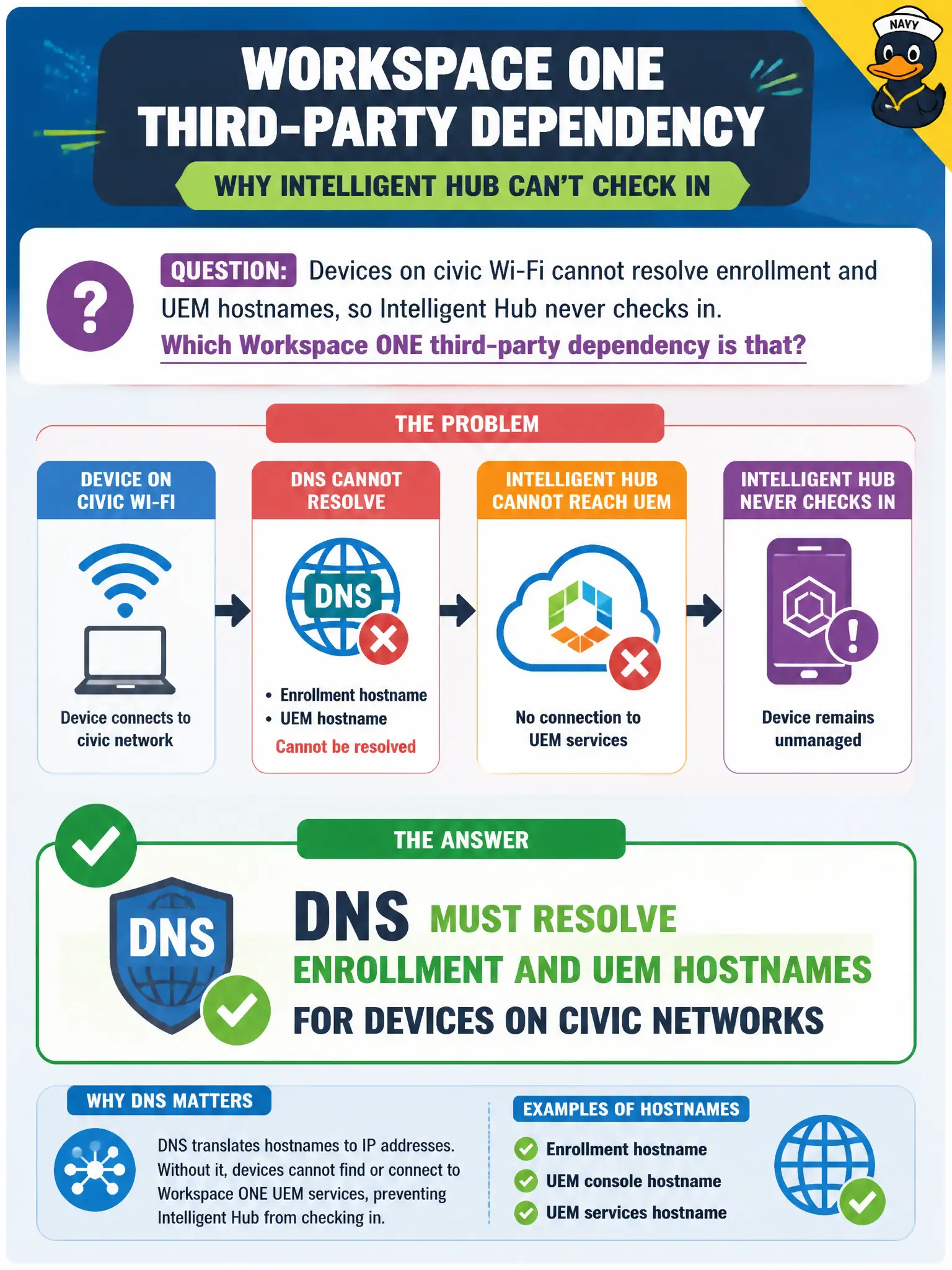
Devices on civic Wi-Fi cannot resolve enrollment and UEM hostnames, so Intelligent Hub never checks in. Which Workspace ONE third-party dependency is that?
Select an answer to reveal the explanation.
Short Explanation
Hub cannot check in if it cannot find the door. Enrollment and UEM hostnames have to resolve on civic Wi-Fi — DNS is the Workspace ONE dependency. SQL events, PCoIP firmware, and NSX T0 are the wrong stack.
Full Explanation
Devices on civic Wi-Fi that cannot resolve enrollment and UEM hostnames fail Intelligent Hub check-in because DNS must resolve those names—DNS is the Workspace ONE dependency. In municipal EUC terms, treat the endpoint as a window into city systems when the architecture says so, not as the system of record for the files or apps in the stem. Distractor concept: SQL Server events database is not what resolves UEM hostnames on Wi-Fi. Distractor concept: PCoIP zero-client firmware is unrelated to Hub DNS resolution. Distractor concept: NSX Tier-0 gateway is the wrong dependency for this name-resolution symptom. Exam caveat: Hub check-in needs DNS for enrollment/UEM hostnames on civic networks. Operational check: From a Wi-Fi test device, resolve enrollment/UEM FQDNs, fix DNS, and confirm Hub checks in. Record the chosen control and the rejected failure modes in the civic change ticket or runbook so on-call staff and auditors share the same rationale after the next maintenance window. Re-validate after personnel or image changes that the same control still meets the city's continuity, security, and support expectations for this service. Helpdesk coaching tip aligned to the conversational brief: Hub cannot check in if it cannot find the door. Enrollment and UEM hostnames have to resolve on civic Wi-Fi — DNS is the Workspace ONE dependency. SQL events, PCoIP firmware, and NSX T0 are the wrong stack.