
Instant-clone clerk desktops still sit on datastores presented to ESXi. What should the associate recognize?
Select an answer to reveal the explanation.
Short Explanation
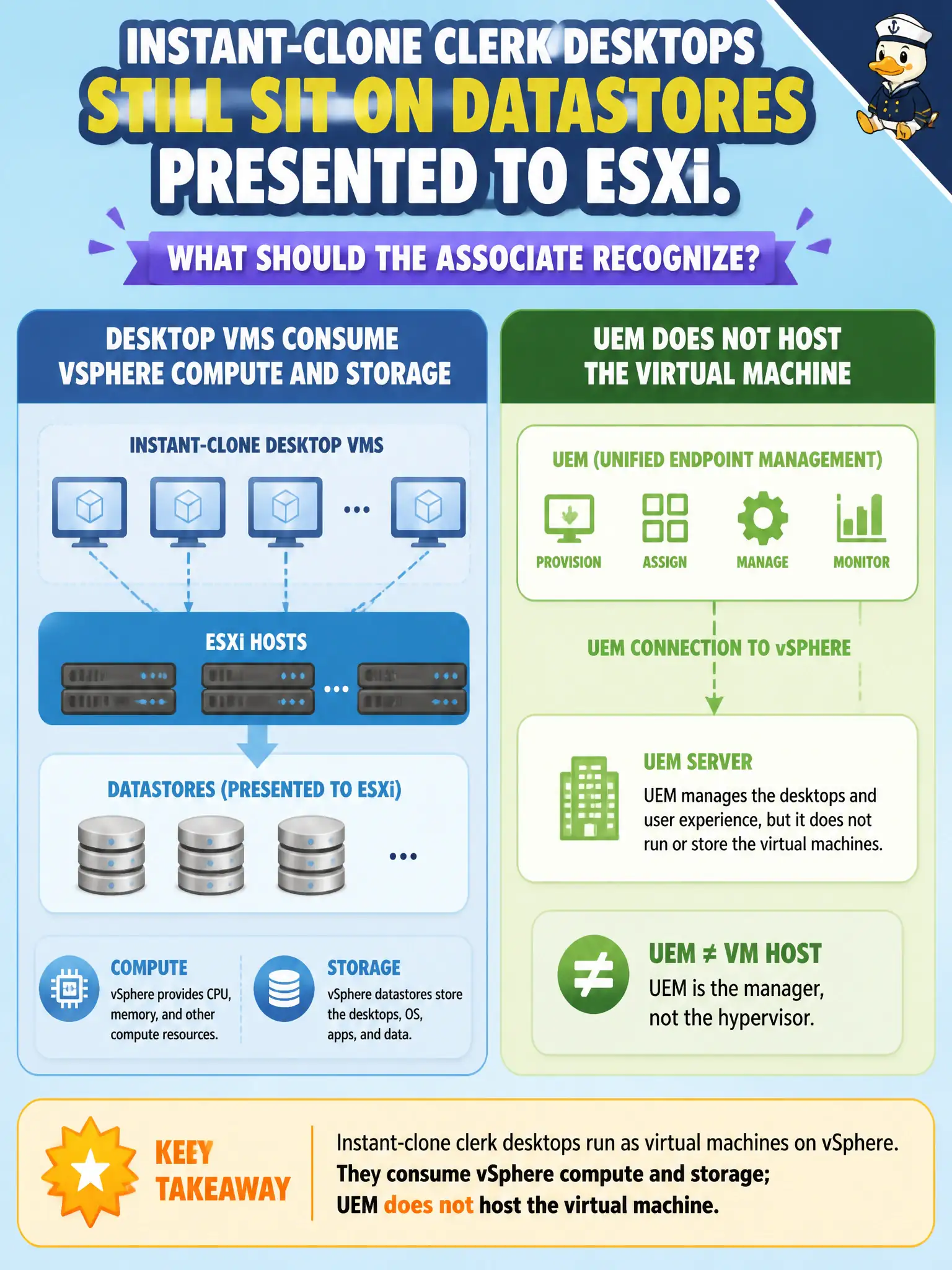
The clerk desktop is still a VM sitting on a vSphere datastore, like a file in the civic SAN cabinet. UEM profiles and content lockers do not become that disk. Instant clone does not move the guest off ESXi storage.
Full Explanation
Instant-clone clerk desktops still consume vSphere compute and storage on datastores presented to ESXi; UEM does not host those VMs. In municipal EUC terms, treat the endpoint as a window into city systems when the architecture says so, not as the system of record for the files or apps in the stem. Distractor concept: UEM content locker is not the datastore holding desktop VMDKs. Distractor concept: DEM profiles do not replace vSphere storage for the guest OS disk. Distractor concept: App Volumes Manager is not the hypervisor datastore for instant clones. Exam caveat: Clones are still VMs on vSphere storage—UEM/DEM/App Volumes are not the VM datastore. Operational check: Locate clone VMDKs on the civic datastore inventory and confirm capacity accounting remains a vSphere concern. Record the chosen control and the rejected failure modes in the civic change ticket or runbook so on-call staff and auditors share the same rationale after the next maintenance window. Re-validate after personnel or image changes that the same control still meets the city's continuity, security, and support expectations for this service. Helpdesk coaching tip aligned to the conversational brief: The clerk desktop is still a VM sitting on a vSphere datastore, like a file in the civic SAN cabinet. UEM profiles and content lockers do not become that disk. Instant clone does not move the guest off ESXi storage.