
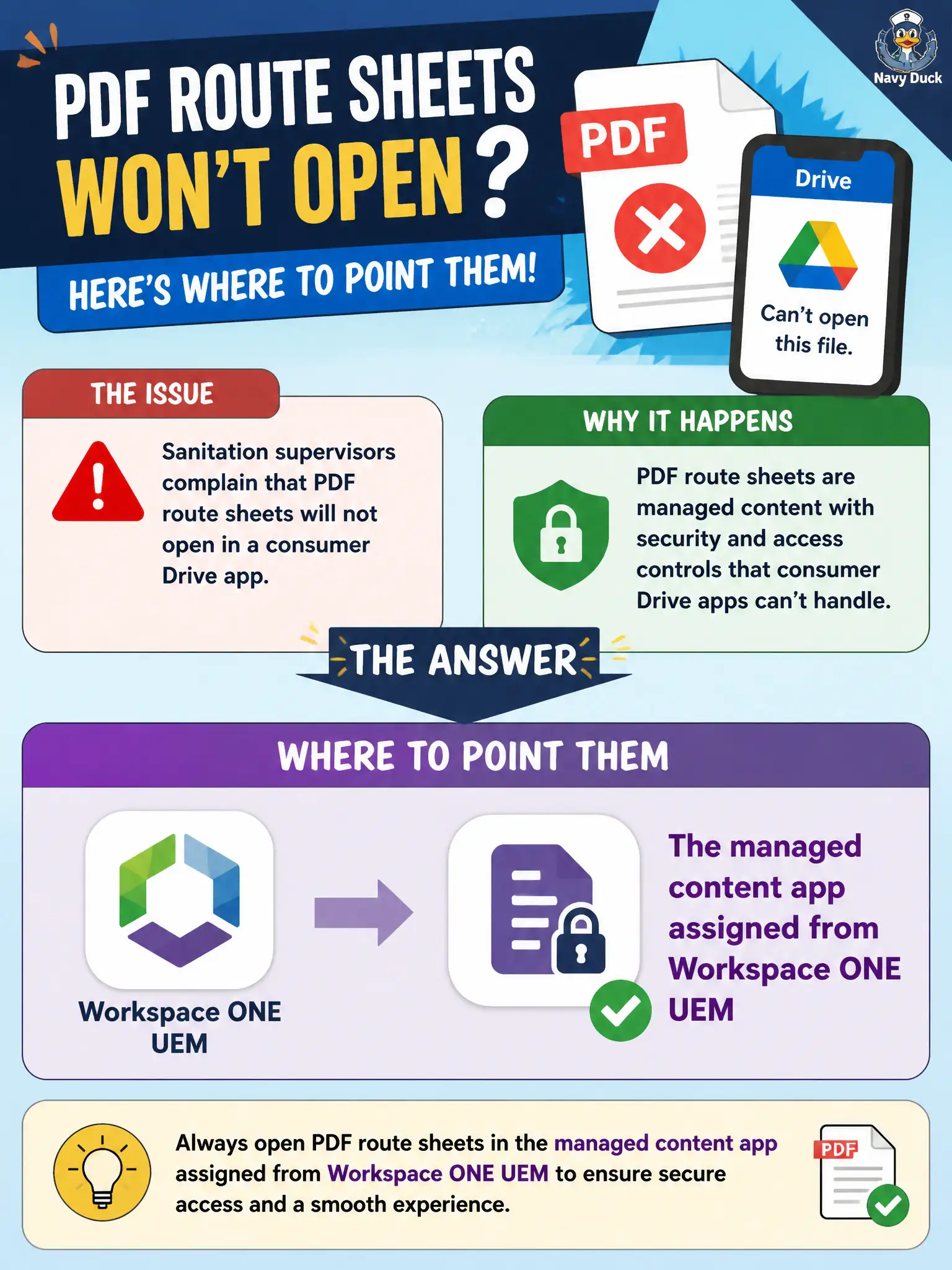
Sanitation supervisors complain that PDF route sheets will not open in a consumer Drive app. Where should the EUC technician point them?
Select an answer to reveal the explanation.
Short Explanation
Those route sheets live in the city's content app, not in a consumer Drive folder and not inside a virtual desktop. Open the managed locker UEM already assigned.
Full Explanation
Sanitation supervisors should open PDF route sheets in the managed content app assigned from Workspace ONE UEM, not in a consumer Drive app. In municipal EUC terms, treat the endpoint as a window into city systems when the architecture says so, not as the system of record for the files or apps in the stem. Distractor concept: Horizon Client opens a VDI session and is the wrong tool for this PDF complaint. Distractor concept: An NSX load balancer virtual server does not render route-sheet PDFs. Distractor concept: App Volumes writable-volume assignment is Horizon desktop persistence, not mobile content viewing. Exam caveat: "PDF won't open in consumer app" after UEM content assignment → point users to the managed content app. Operational check: Confirm the sanitation group has the content app and assignment, open a sheet there, and coach staff off consumer Drive for civic PDFs. Record the chosen control and the rejected failure modes in the civic change ticket or runbook so on-call staff and auditors share the same rationale after the next maintenance window. Re-validate after personnel or image changes that the same control still meets the city's continuity, security, and support expectations for this service.