
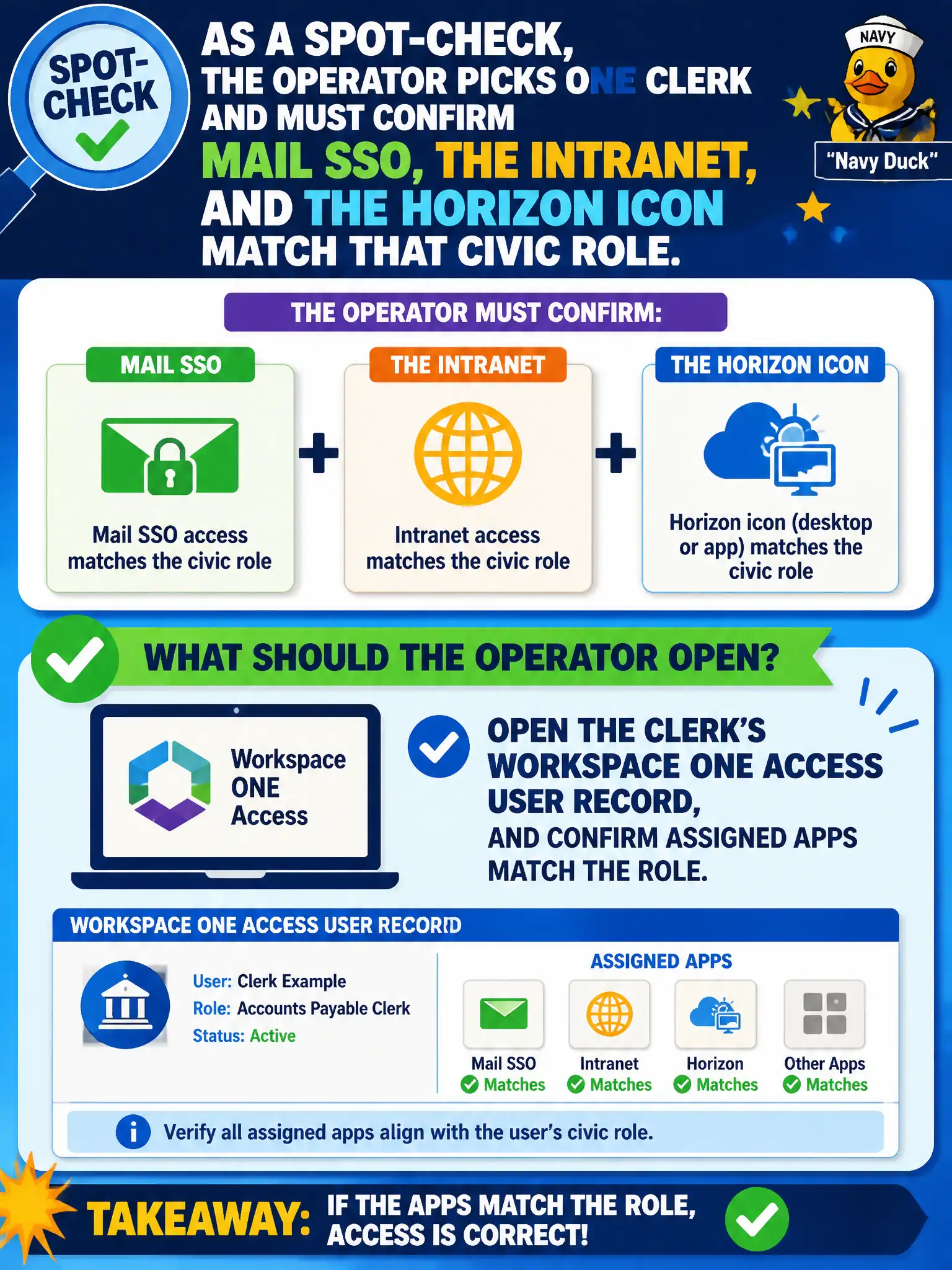
As a spot-check, the operator picks one clerk and must confirm mail SSO, the intranet, and the Horizon icon match that civic role. What should the operator open?
Select an answer to reveal the explanation.
Short Explanation
Spot-check one clerk the way you spot-check one locker. Open the Access user record and see whether the assigned apps match the job.
Full Explanation
As a spot-check, confirming mail SSO, the intranet, and the Horizon icon match a clerk's civic role means opening the clerk's Workspace ONE Access user record and confirming assigned apps match the role. Access is the system of record for those catalog assignments. Horizon Help Desk for the clerk's current session shows live VDI state, not the catalog assignment record. The UEM Content Dashboard lists content, not SaaS/Horizon Hub entitlements as the assignment source of truth. An Intelligence widget can summarize but is not the system of record for Access assignments. Exam caveat: spot-checks should compare role baselines to Access assignments before blaming Hub cache. Operational check: open the clerk's Access user record, list assigned apps for mail SSO, intranet, and Horizon, compare to the role baseline matrix, correct any drift, and have the clerk refresh Intelligent Hub to confirm icons match. In municipal EUC operations, record the console path and the rejected alternatives in the change ticket so the next on-call technician repeats the same evidence-first workflow for city staff. Re-validate after the next maintenance window that the same control still holds for the civic tenant.