
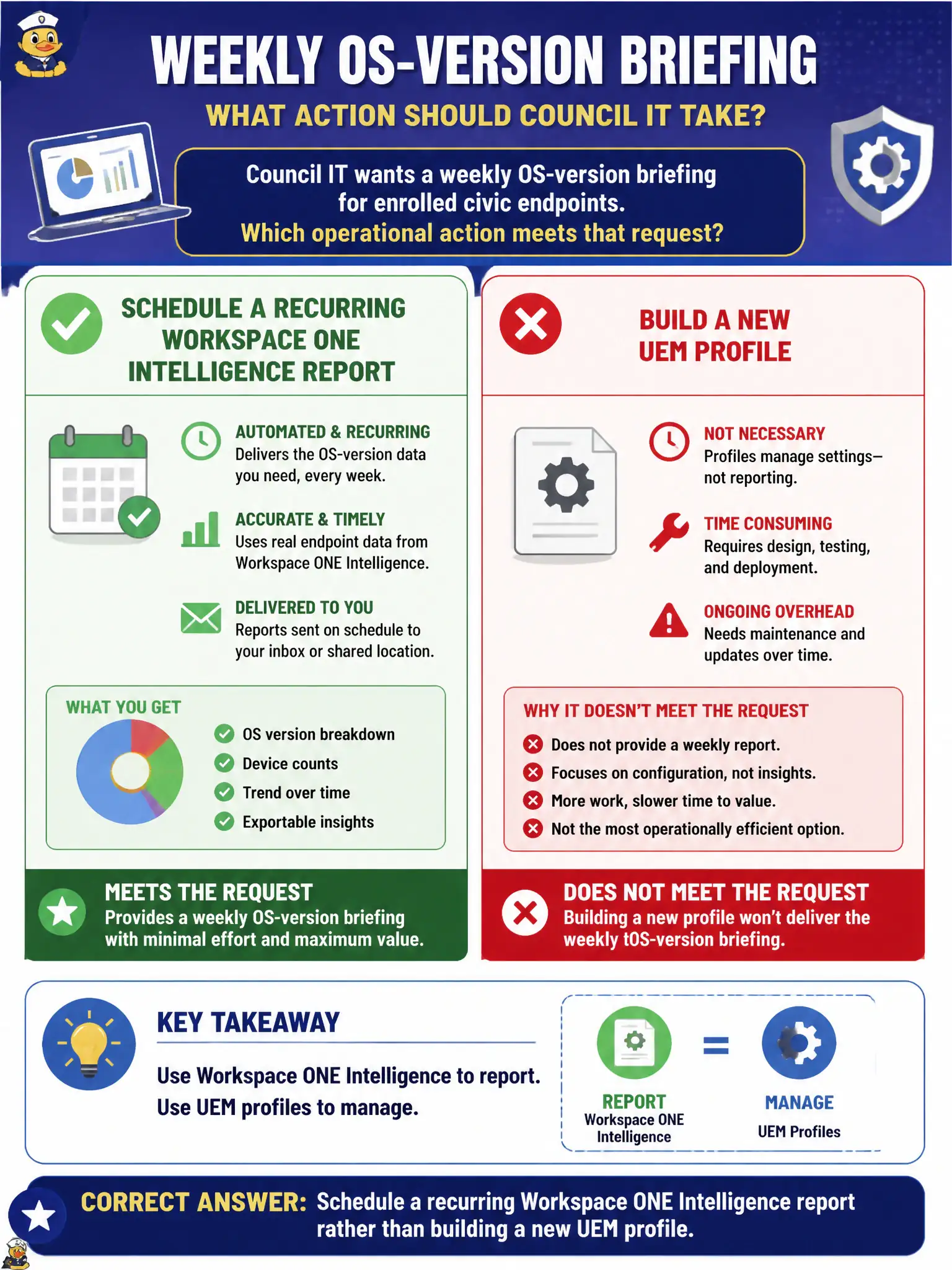
Council IT wants a weekly OS-version briefing for enrolled civic endpoints. Which operational action meets that request?
Select an answer to reveal the explanation.
Short Explanation
A weekly OS briefing is the trash pickup, not a new recycling bin. Schedule the Intelligence report; do not build a UEM profile just to print a list.
Full Explanation
Council IT's weekly OS-version briefing for enrolled civic endpoints is an analytics deliverable, so the operator should schedule a recurring Workspace ONE Intelligence report rather than inventing a new configuration object. Intelligence is built to query enrolled-device attributes such as OS version on a cadence suitable for Monday council packets. Authoring a new passcode profile named Weekly-OS-Version fails by concept: profiles enforce settings; they do not produce recurring OS-version briefings. Exporting Horizon dashboard session counts measures VDI connectivity, not the OS mix of enrolled UEM endpoints. Starting Workspace ONE Assist on one tablet and reading Settings is a single-device support action, not a fleet briefing. Exam caveat: recurring report schedules and filters must target the correct smart groups so contractor or lab devices do not skew council numbers. Operational check: create or open an Intelligence OS-version report, set weekly recurrence and civic enrolled-device scope, run once, export the PDF or CSV for Council IT, and confirm the next scheduled run appears on the calendar. In municipal EUC operations, record the console path and the rejected alternatives in the change ticket so the next on-call technician repeats the same evidence-first workflow for city staff.