
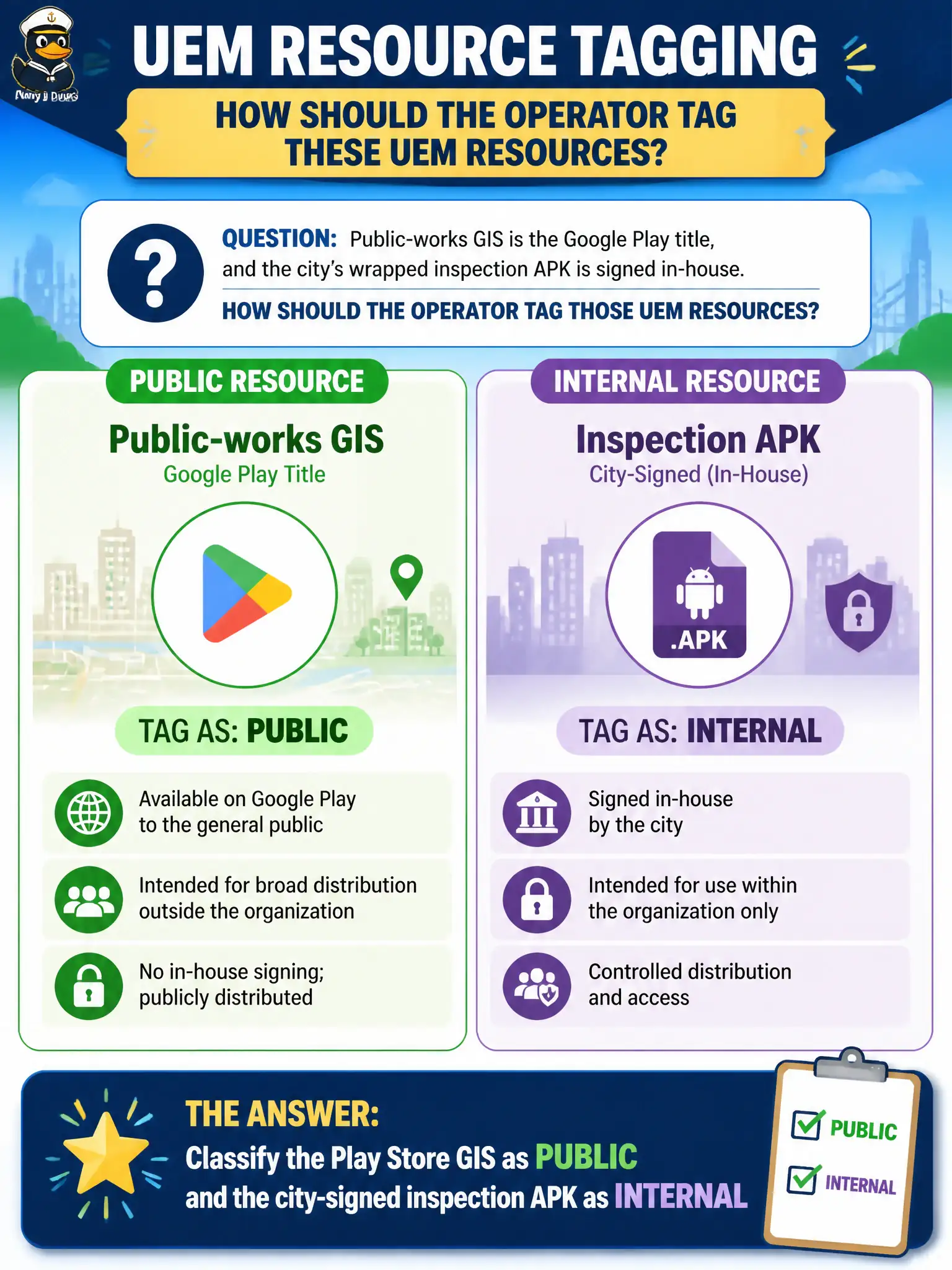
Public-works GIS is the Google Play title, and the city's wrapped inspection APK is signed in-house. How should the operator tag those UEM resources?
Select an answer to reveal the explanation.
Short Explanation
Play Store is the public shelf; the city-stamped APK is the in-house print shop. Mis-tagging those two is how distribution breaks.
Full Explanation
Public-works GIS from Google Play and a city-signed inspection APK are different UEM application resource types. The operator must classify the Play Store GIS title as Public and the in-house signed inspection APK as Internal so licensing, update channels, and assignment behavior stay correct for field devices. Tagging both as Purchased VPP fails by concept because Apple volume purchasing does not redefine every Android civic app as a VPP book or license. Tagging Play Store GIS as Internal and the city APK as Public reverses store semantics and sends UEM down the wrong distribution path. Placing both in App Volumes Manager fails because App Volumes packages Windows Horizon applications; it is not the catalog for Android APK resource typing. Exam caveat: Public versus Internal is about origin and signing model, not about which department owns the workflow. Operational check: open each title in UEM Applications, set GIS to Public and the inspection APK to Internal, assign both to the Public-Works smart group, install on a sample rugged phone, and confirm Play updates versus internal version bumps behave as expected. In municipal EUC operations, record the console path and the rejected alternatives in the change ticket so the next on-call technician repeats the same evidence-first workflow for city staff.