
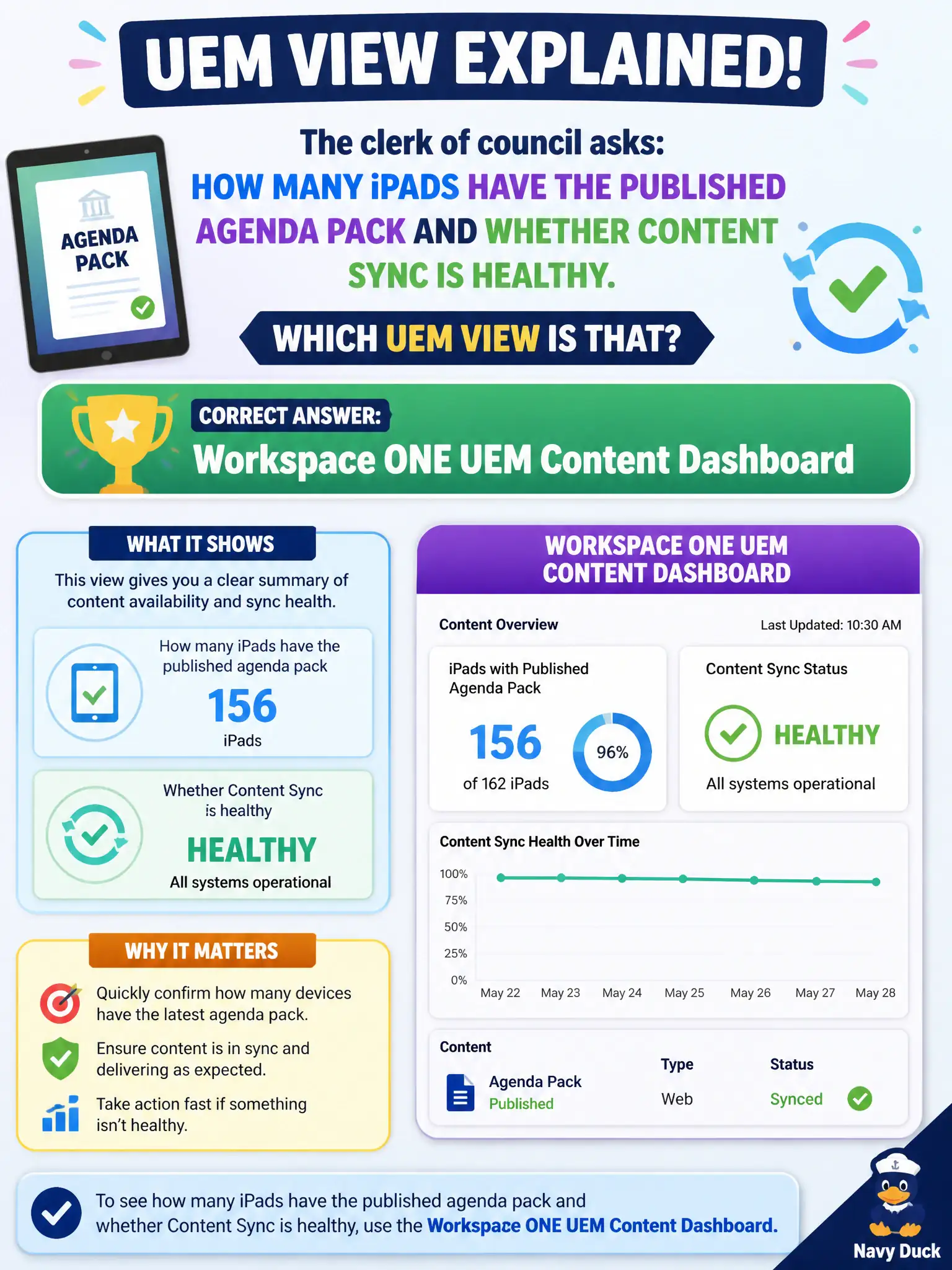
The clerk of council asks how many iPads have the published agenda pack and whether Content sync is healthy. Which UEM view is that?
Select an answer to reveal the explanation.
Short Explanation
Agenda PDFs live in the content locker, not the mailroom. Content Dashboard is the operations view for published civic documents and Content-app health. Mail blocks and Assist sessions are other desks.
Full Explanation
When the clerk of council asks how many iPads have the published agenda pack and whether Content sync is healthy, the operator should open the Workspace ONE UEM Content Dashboard. That view is the operational home for mobile content repositories, assignments, and install health for council materials. Mail Dashboard blocked-EAS lists address mail access blocks, not agenda PDF delivery counts. Horizon Help Desk protocol statistics measure VDI protocol health for sessions, not iPad content installs. Workspace ONE Assist remote-control session lists show support sessions rather than content install denominators. Exam caveat: Content Dashboard install counts can lag devices that have not checked in—pair numbers with last-seen when council asks why a tablet is missing this week's pack. Operational check: open UEM Content Dashboard, locate the agenda pack, review assignment and install counts, sample a missing iPad's content status, and re-push or wait for check-in per library policy before reporting final numbers to the clerk. In municipal EUC operations, record the console path and the rejected alternatives in the change ticket so the next on-call technician repeats the same evidence-first workflow for city staff.