
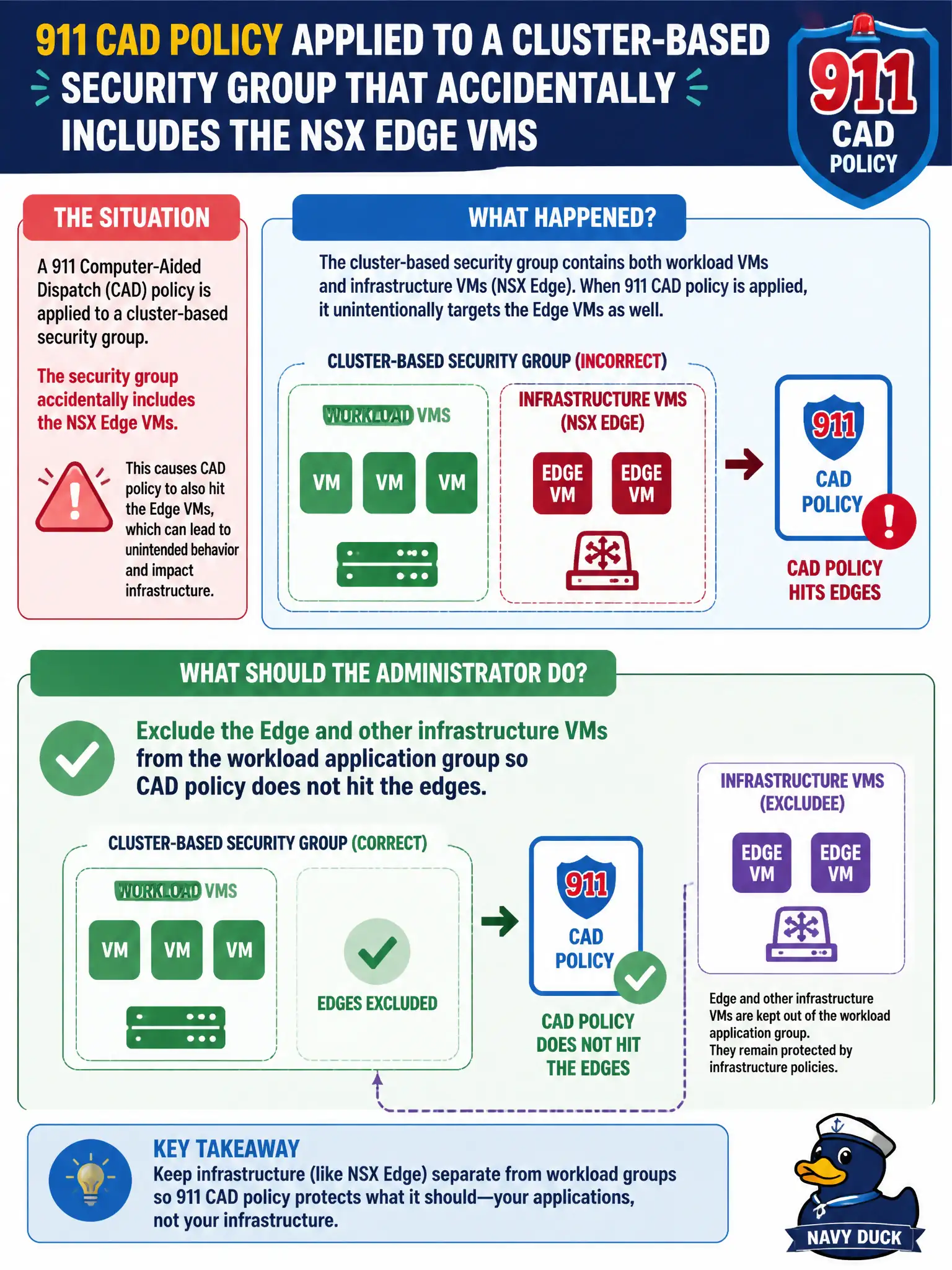
A 911 computer-aided dispatch policy is applied to a cluster-based security group that accidentally includes the NSX Edge VMs. What should the administrator do?
Select an answer to reveal the explanation.
Short Explanation
Edges are the city’s on-ramps, not CAD desktops. If they sit in the app group, workload policy can strangle north-south traffic. Pull infrastructure VMs out.
Full Explanation
A 911 computer-aided dispatch policy applied to a cluster-based security group that accidentally includes NSX Edge VMs can strangle north-south paths. Exclude the Edge and other infrastructure VMs from the workload application group so CAD policy hits dispatch workloads only, not the civic on-ramps.
Leaving Edges in the app group so gateway firewall and DFW share one Applied To invites infrastructure lockouts. Tagging Edge VMs with the CAD application tag to keep membership “consistent” worsens the mistake. Moving Edges into a Carbon Black policy group while keeping them in the NSX app group does not remove them from NSX Applied To.
Exam caveat: never Applied-To workload DFW onto Edges/Managers—exclude infrastructure from app groups.
Operational check: remove Edges from the CAD group, verify Edge management and north-south recover, confirm CAD VMs still match policy, and add an infrastructure exclusion check to the 911 group review.
Excluding Edges from CAD groups protects 911 on-ramps from workload policy. Add automated checks that fail CI/policy review if Manager or Edge VMs appear in application groups, and re-validate after every cluster expansion. Keep an application-group membership export that shows Edges absent with the CAD change record so the next on-call engineer can catch infrastructure Applied-To mistakes without rediscovering exclusion discipline under pressure.