
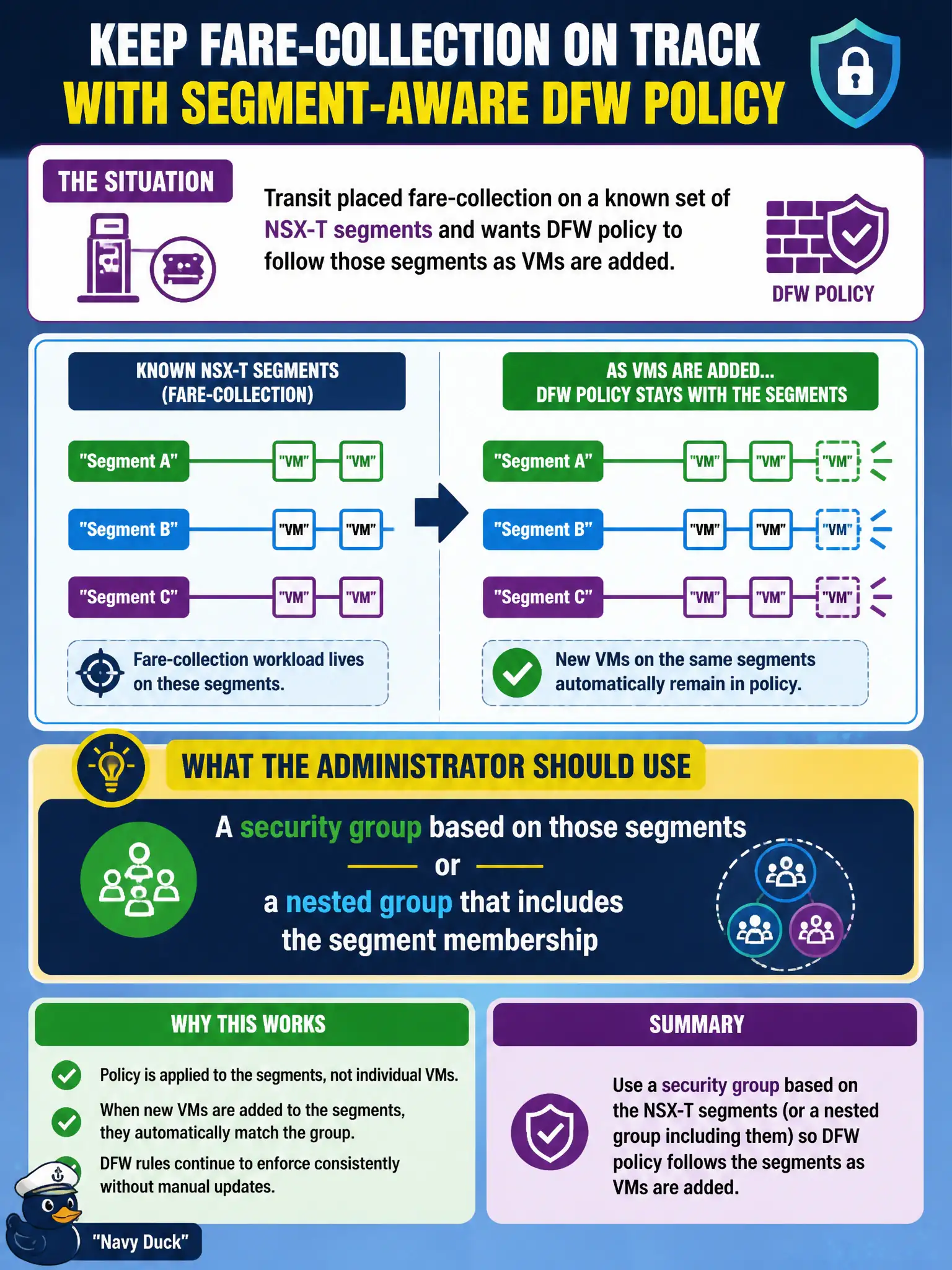
Transit placed fare-collection on a known set of NSX-T segments and wants DFW policy to follow those segments as VMs are added. What should the administrator use?
Select an answer to reveal the explanation.
Short Explanation
If the fare app lives on those segments, put the segments in the group. New VMs that land there inherit the fence without someone typing two hundred IPs.
Full Explanation
Transit fare-collection on a known set of NSX-T segments should use a security group based on those segments, or a nested group that includes segment membership, so DFW policy follows as VMs are added to the segments. Segment-based membership tracks placement better than frozen IP lists.
A static list of two hundred current fare-system IP addresses decays as VMs move. A Workspace ONE UEM smart group of fare-handheld IMEIs is mobile device membership, not NSX segment grouping. An NSX load-balancer pool of fare VIPs used as an Identity Firewall source confuses LB pools with security group membership and IDFW sources.
Exam caveat: prefer segment or nested segment groups for “policy follows the segment” requirements.
Operational check: build the segment-based group, add a new fare VM to the segment, confirm group membership updates, verify DFW hits, and retire static IP spreadsheets for fare collection.
Segment-based fare groups track placement automatically as transit adds VMs. When segments change, update nested group membership in the same change ticket, and verify no fare VM remains only in a legacy static IP set after migration. Keep segment-group membership proof after adding a fare VM with the transit change record so the next on-call engineer can validate placement-based policy without rediscovering static IP debt under pressure.