
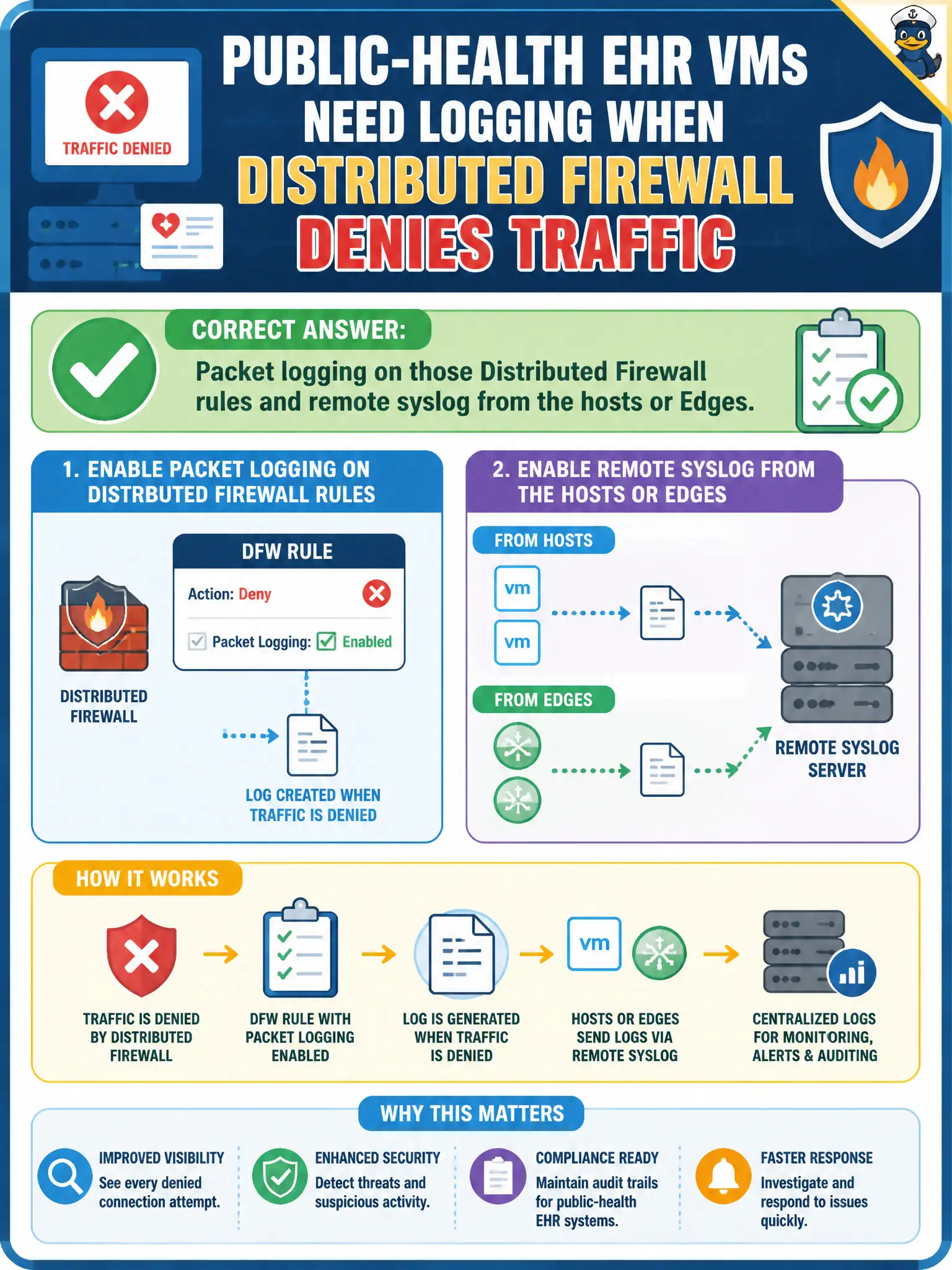
Public-health EHR VMs need logging whenever Distributed Firewall denies traffic. What should the administrator enable?
Select an answer to reveal the explanation.
Short Explanation
If the firewall drops an EHR packet and nobody logs it, the drop never happened for the auditor. Turn logging on those deny rules and ship syslog from the hosts or Edges. vCenter events and Carbon Black alerts are not that packet log.
Full Explanation
Public-health EHR VMs need evidence when Distributed Firewall denies traffic: enable packet logging on those deny rules and configure remote syslog from the hosts or Edges so drops are retained for investigation and compliance review. Rule-level packet logging plus syslog is the NSX path for deny visibility.
vCenter tasks and events do not capture NSX packet drops as a substitute packet log. Carbon Black Cloud alert forwarding is endpoint alerting, not DFW packet logs. Workspace ONE UEM compliance samples do not replace firewall deny logs for EHR east-west denies.
Exam caveat: DFW packet logging + syslog is distinct from vCenter events and CBC alerts.
Operational check: enable logging on EHR deny rules, generate a test deny, verify syslog receipt and retention, and record logging settings in the public-health EHR security monitoring runbook.
EHR deny logging plus syslog is how public health proves micro-segmentation during audits. Validate log fields include rule id and 5-tuple, set retention to policy, and periodically pull a deny sample into an incident ticket template so analysts are not discovering logging gaps mid-breach. Retain Manager screenshots, deny hit counters, and syslog samples with the EHR change record so the next on-call analyst can replay the same visibility checks without rediscovering which plane owns packet drops during an incident.