
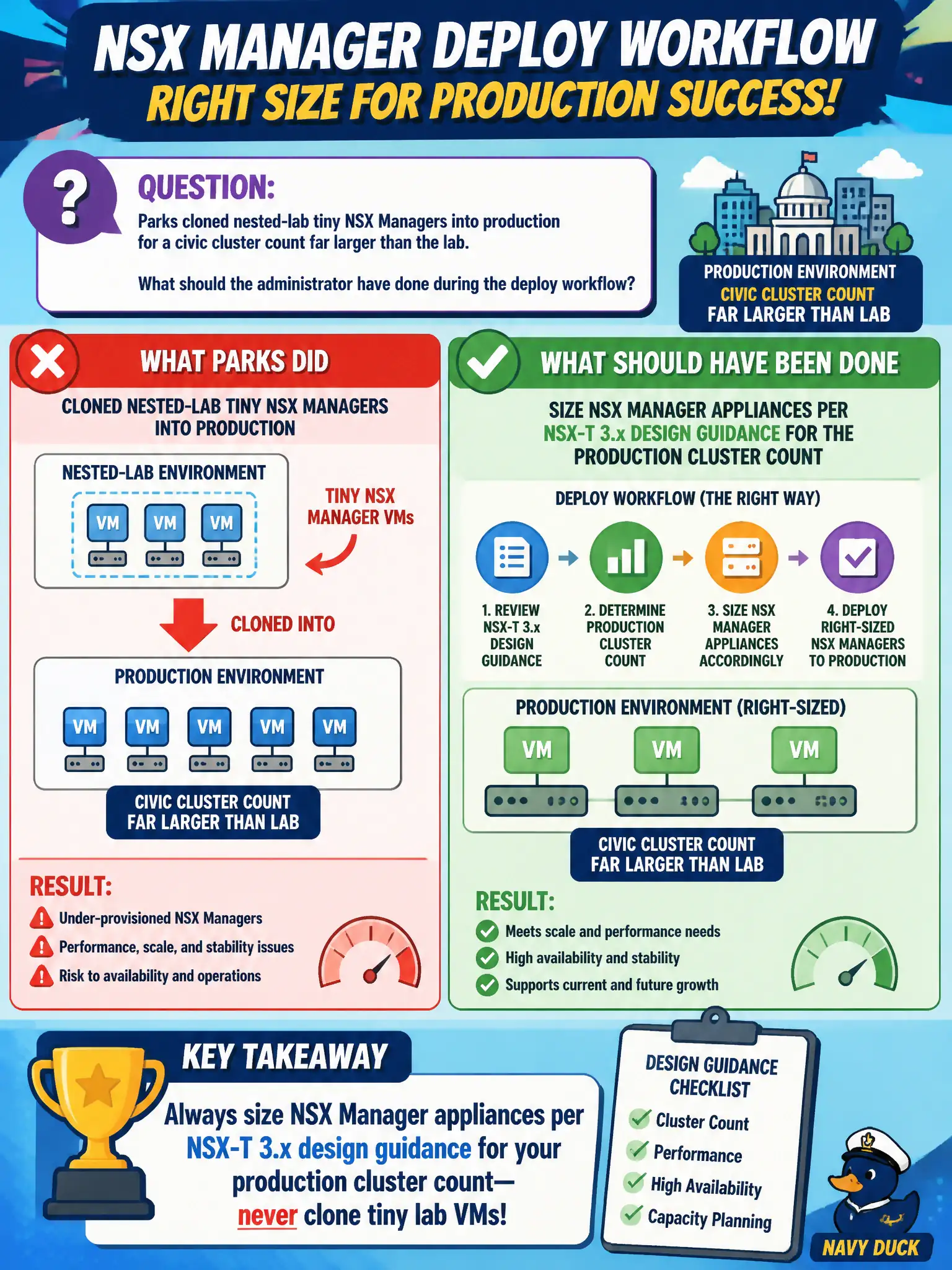
Parks cloned nested-lab tiny NSX Managers into production for a civic cluster count far larger than the lab. What should the administrator have done during the deploy workflow?
Select an answer to reveal the explanation.
Short Explanation
Lab-tiny Managers are like towing a parade float with a golf cart—fine on a closed lot, not on production streets. Size the appliances for the real civic cluster count during deploy. Carbon Black sensor size is a different product knob.
Full Explanation
Parks production NSX Manager appliances must be sized per NSX-T 3.x design guidance for the real civic cluster count. Cloning nested-lab tiny Managers into production under-sizes CPU, memory, and disk for inventory and policy scale and invites control-plane instability.
Leaving tiny Managers in place and increasing Carbon Black Cloud sensor size does not fix NSX Manager capacity. Converting tiny Managers into Workspace ONE Access connectors abandons the NSX control plane. Skipping Manager sizing because “appliance size is only a CBC console setting” confuses unrelated products.
Exam caveat: lab form factors are not production form factors—size Managers to supported design tables for cluster scale.
Operational check: redeploy or resize Managers to the correct appliance size, verify cluster health and inventory sync under load, and record the chosen size against the parks cluster count in the design doc.
Right-sized Managers are civic capacity planning, not vanity CPU. After resizing to design guidance, watch inventory sync times and search latency under peak parks season load, set alerts on Manager disk and memory, and forbid cloning nested-lab appliances into any production bill of materials.