
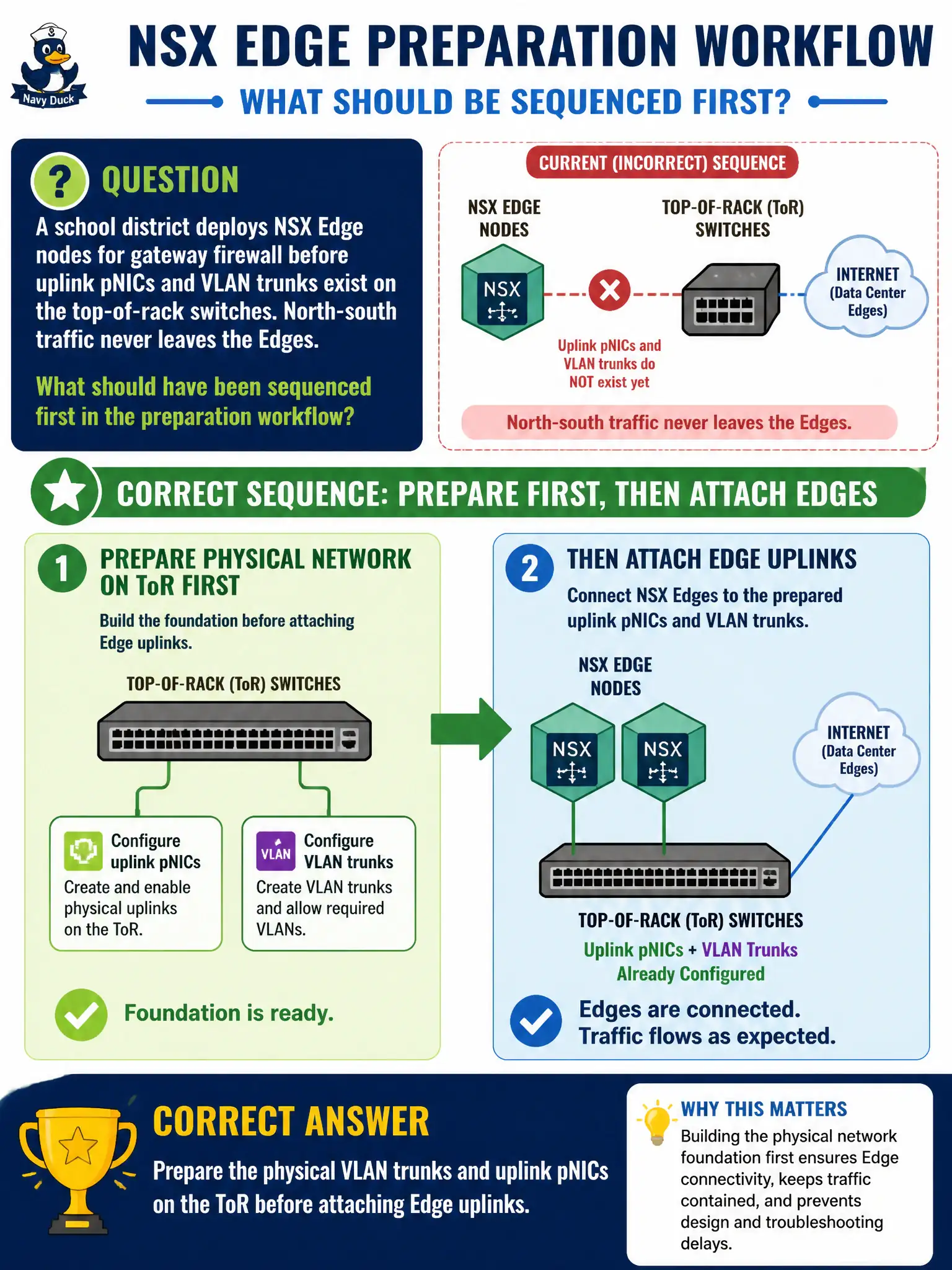
A school district deploys NSX Edge nodes for gateway firewall before uplink pNICs and VLAN trunks exist on the top-of-rack switches. North-south traffic never leaves the Edges. What should have been sequenced first in the preparation workflow?
Select an answer to reveal the explanation.
Short Explanation
Edges cannot shout north-south through a wall that has no doors. Trunk the uplink VLANs and pNICs on the ToR first, then attach Edge uplinks. DFW default-deny and Carbon Black groups will not create those physical paths.
Full Explanation
School-district Edge nodes for gateway firewall cannot pass north-south traffic if uplink pNICs and VLAN trunks on the top-of-rack switches were never prepared. Sequence physical VLAN trunks and uplink pNICs on the ToR before attaching Edge uplinks so the Edges have a real path to the civic core and ISP handoff.
Enabling Distributed Firewall default-deny on student VDI does not create Edge uplink Layer-2 connectivity. Enrolling Edge VMs in Workspace ONE UEM for compliance does not trunk VLANs on the ToR. Creating Carbon Black Cloud sensor groups named after missing VLANs invents labels without fixing switching.
Exam caveat: physical uplink readiness precedes Edge north-south success—publish gateway policy only after trunks exist.
Operational check: verify ToR trunks and Edge pNIC mappings, attach uplinks, ping/traceroute north-south, then publish gateway firewall and confirm hits for a pilot student service.
Physical trunks before Edge uplinks is the school-district version of pouring the driveway before parking the bus. Photograph or export ToR VLAN allow lists into the NSX design pack, bring Edges online, confirm north-south ARP and routing, and only then schedule gateway firewall cutover for student services.