
A library workload VLAN must become an NSX object so security groups and tags can consume it. What should the administrator create?
Select an answer to reveal the explanation.
Short Explanation
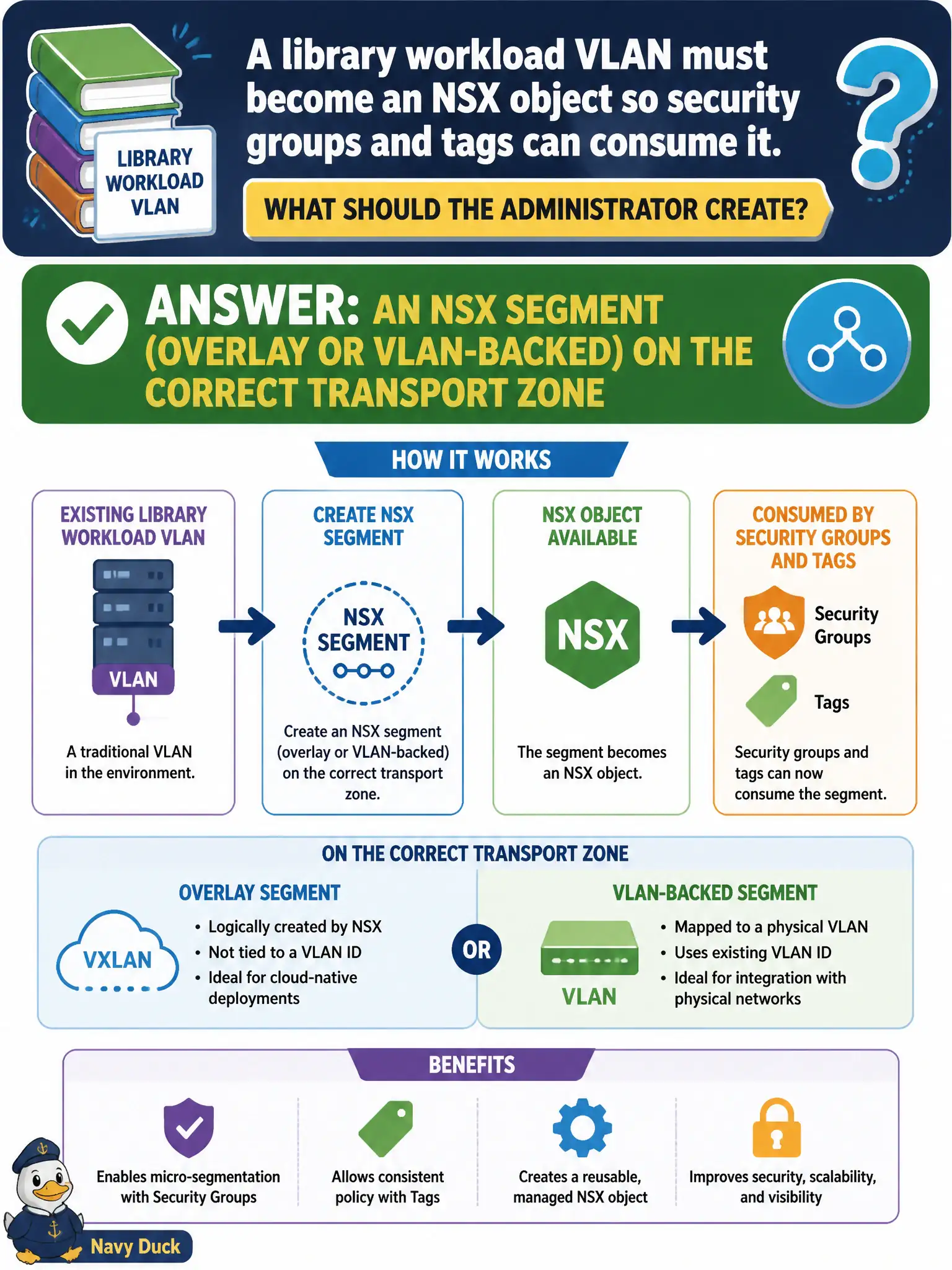
DFW groups eat NSX segments, not leftover vSphere port groups from the old closet. Build the library VLAN as an NSX segment on the right transport zone so tags and security groups can actually see it.
Full Explanation
Library workload VLANs become first-class NSX security objects when created as NSX segments—overlay or VLAN-backed—on the correct transport zone. Security groups, tags, and Distributed Firewall Applied To consume those NSX segments; leftover vSphere constructs that never enter NSX inventory cannot drive NSX grouping cleanly.
A vSphere standard-switch port group with no NSX backing is not an NSX segment and will not populate NSX security objects as expected. A Carbon Black sensor group named after the VLAN is endpoint inventory, not an NSX network object. A Workspace ONE UEM smart group that lists the VLAN ID is device posture membership, not an NSX segment on a transport zone.
Exam caveat: DFW and NSX groups eat NSX segments and tags—rename tricks in other products do not invent segment objects.
Operational check: create the library segment on the intended transport zone, attach workloads, confirm the segment appears for grouping, build a pilot security group, and verify a DFW rule using that group realizes on library VMs.
An NSX segment is the library shelf label security groups can actually read. After creating the segment on the right transport zone, attach a pilot catalog VM, build a group that includes the segment or its tags, publish a simple allow, and prove with Traceflow that membership resolves—then decommission any leftover standard-switch port groups from the security design docs.