
County compute clusters must enforce NSX distributed firewall. What prepares the ESXi hosts for that?
Select an answer to reveal the explanation.
Short Explanation
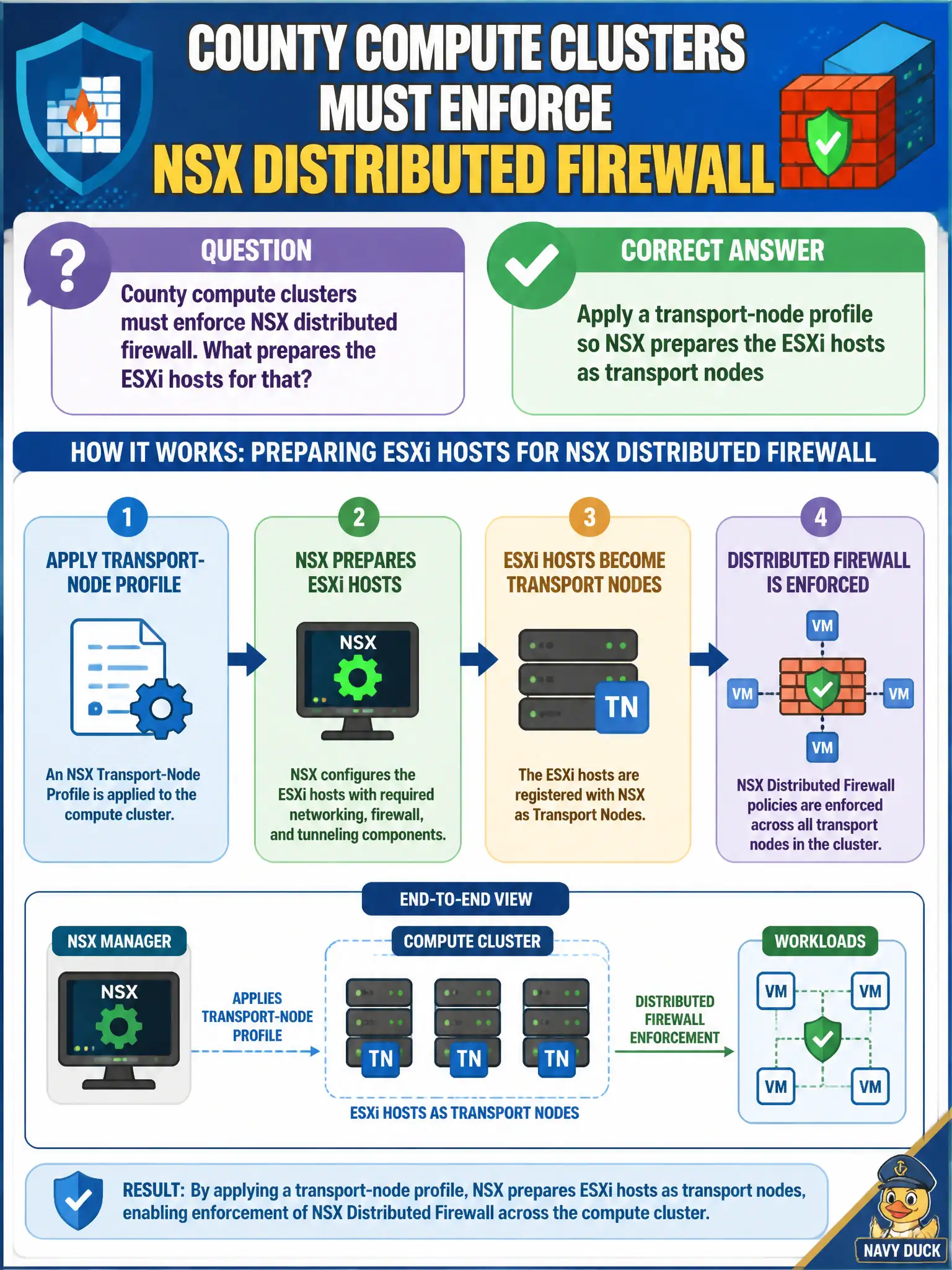
DFW lives in the NSX bits on the host, not in a vCenter checkbox. Slap a transport-node profile on the cluster so ESXi becomes a transport node—Carbon Black sensors and a plain port group will not grow that filter.
Full Explanation
Distributed Firewall enforcement on county compute requires ESXi hosts prepared as NSX transport nodes. Applying a transport-node profile installs the NSX vibs and configures the host switch so DFW can attach at the vNIC path for civic workloads. Without that preparation, there is no NSX data-plane filter on the host regardless of how many rules exist in Manager.
A “distributed firewall” checkbox in vCenter without installing NSX does not create transport nodes or host filters. Adding Carbon Black sensors to the hosts skips NSX vibs and provides endpoint prevention, not NSX DFW realization. Creating only a vSphere standard-switch port group leaves traffic on a non-NSX switch path where DFW cannot attach as designed.
Exam caveat: DFW lives in the NSX-prepared host data path—inventory objects and pretty names do not substitute for transport-node preparation.
Operational check: apply the transport-node profile to the county clusters, confirm nodes show Up in NSX Manager, validate a pilot DFW rule realizes on a test VM, and record preparation status in the cluster commissioning checklist.
Think of transport-node preparation as issuing NSX badges to the county hosts—until the profile finishes, those hosts are still ordinary ESXi servers with no distributed filter. After preparation, sample a few host vib lists and TEP addresses, then run a deny rule against a lab VM on each cluster to prove realization before protecting production applications.