
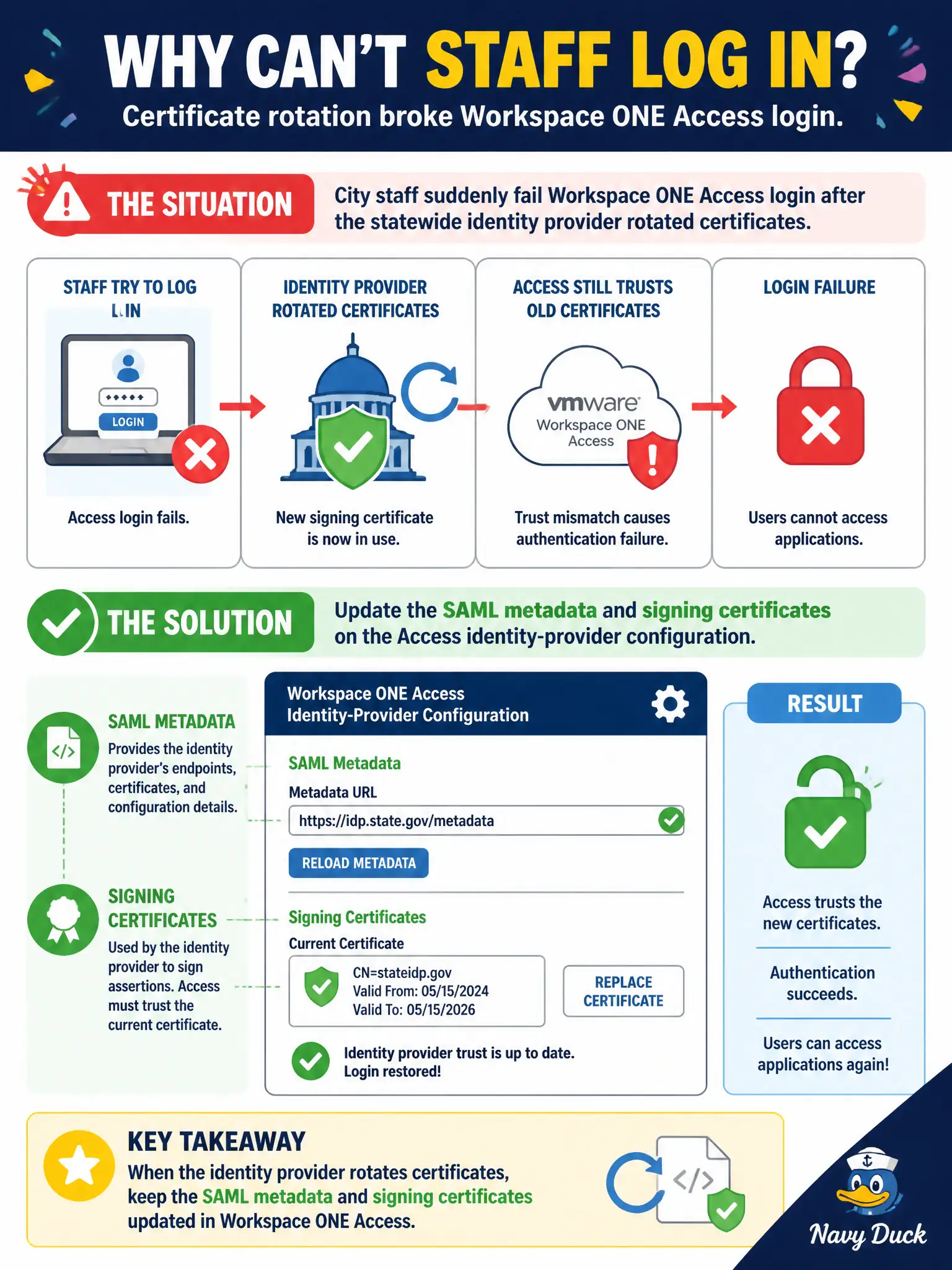
City staff suddenly fail Workspace ONE Access login after the statewide identity provider rotated certificates. What should the administrator update?
Select an answer to reveal the explanation.
Short Explanation
When the state’s signing cert expires, Access is still holding the old handshake paper. Refresh SAML metadata and certs on the Access IdP. Sensor API keys, NSX TEP certs, and vCenter SSO are other lockboxes.
Full Explanation
City staff suddenly fail Workspace ONE Access login after the statewide identity provider rotated certificates. Update SAML metadata and signing certificates on the Access identity-provider configuration—Access is still holding the old handshake paper. Updating the Carbon Black Cloud API key used for sensor registration fails by concept because sensor API keys do not sign Access SAML assertions from the statewide IdP. Updating the NSX-T Manager cluster certificate used for overlay tunnel endpoints fails because TEP/cluster certificates are unrelated to Access SAML login. Updating the vCenter SSO password because Access inherits it automatically fails because Access does not automatically inherit vCenter SSO passwords for third-party IdP trust. Exam caveat: IdP certificate rotation fixes are SAML metadata and signing certs on the Access IdP object—not CBC API keys, NSX TEP certs, or vCenter SSO password myths. Operational check: import refreshed statewide SAML metadata/certs into Access, test staff login, confirm failure clears, and calendar the next statewide cert expiry with identity operations. Keep a pre-change metadata backup so a bad import can be rolled back quickly during civic business hours.