
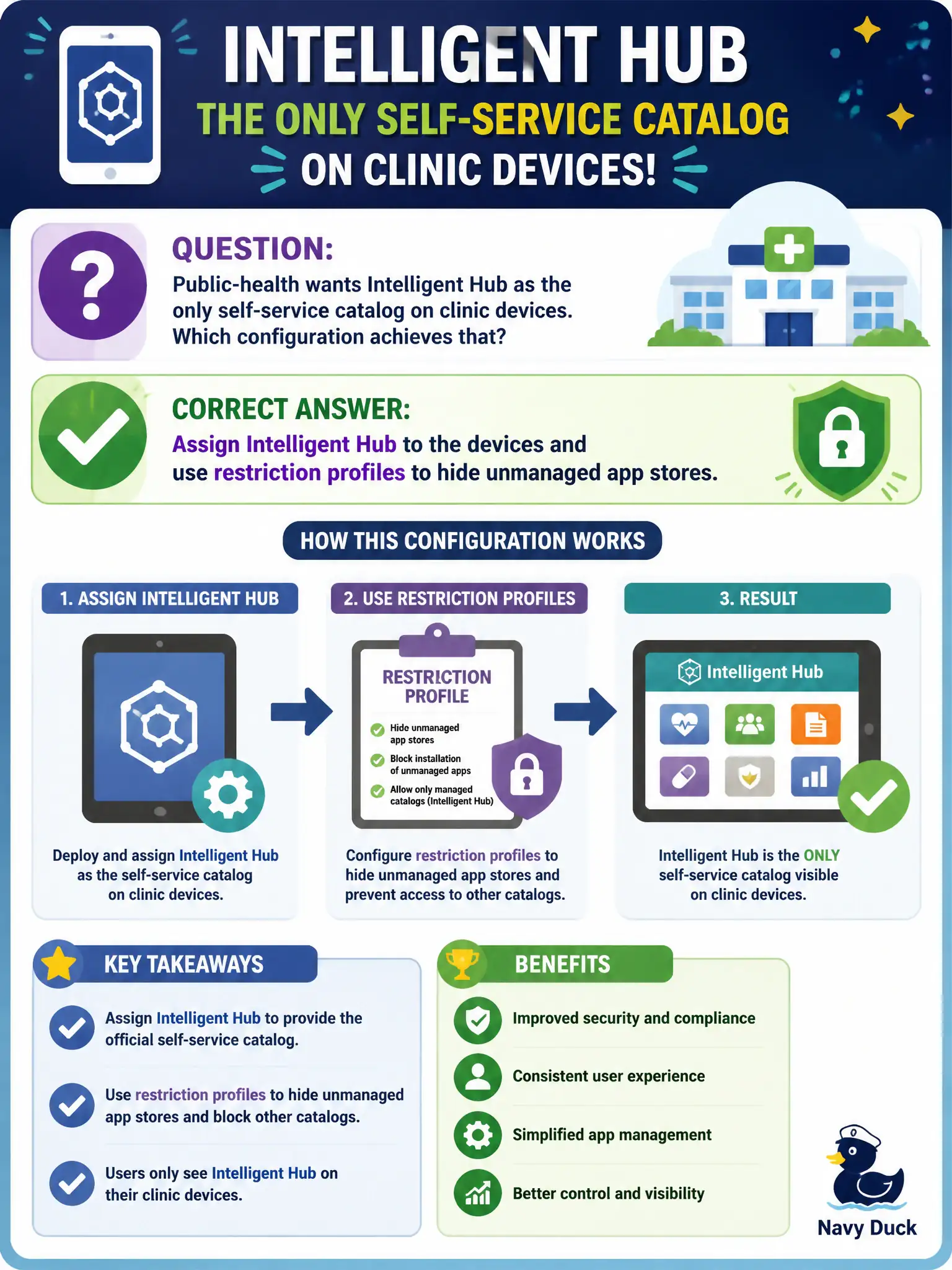
Public-health wants Intelligent Hub as the only self-service catalog on clinic devices. Which configuration achieves that?
Select an answer to reveal the explanation.
Short Explanation
Hub is the city app storefront; unmanaged stores are the flea market next door. Assign Intelligent Hub and restrict the public stores so staff only shop in Hub. Leaving Play Store wide open means Hub is optional, not the catalog.
Full Explanation
Public-health wants Intelligent Hub as the only self-service catalog on clinic devices. Assign Intelligent Hub to the devices and use restriction profiles to hide unmanaged app stores—Hub is the city app storefront; unmanaged stores are the flea market next door. Leaving the public App Store and Play Store fully available and adding Hub as an optional web clip fails by concept because unmanaged stores remain primary and Hub is optional, not the catalog. Blocking Intelligent Hub in a restriction profile so staff use unmanaged stores only fails because that inverts the requirement and removes the managed catalog. Publishing the catalog through NSX-T load balancing and skipping Hub assignment fails because NSX load balancing is not application catalog assignment for clinic devices. Exam caveat: Hub-as-only-catalog means assign Hub and restrict public stores—not optional Hub beside open stores, not block Hub, not NSX LB as catalog. Operational check: assign Hub, apply store restrictions, confirm staff launch apps from Hub, confirm public stores are hidden or blocked per platform capability, and verify NSX was not used as the catalog control. Align clinic communication so staff know Hub is the supported install path before store icons disappear.