
Public-health non-persistent VDI desktops need Carbon Black Cloud protection and must still launch the published EHR client. What is the right setup?
Select an answer to reveal the explanation.
Short Explanation
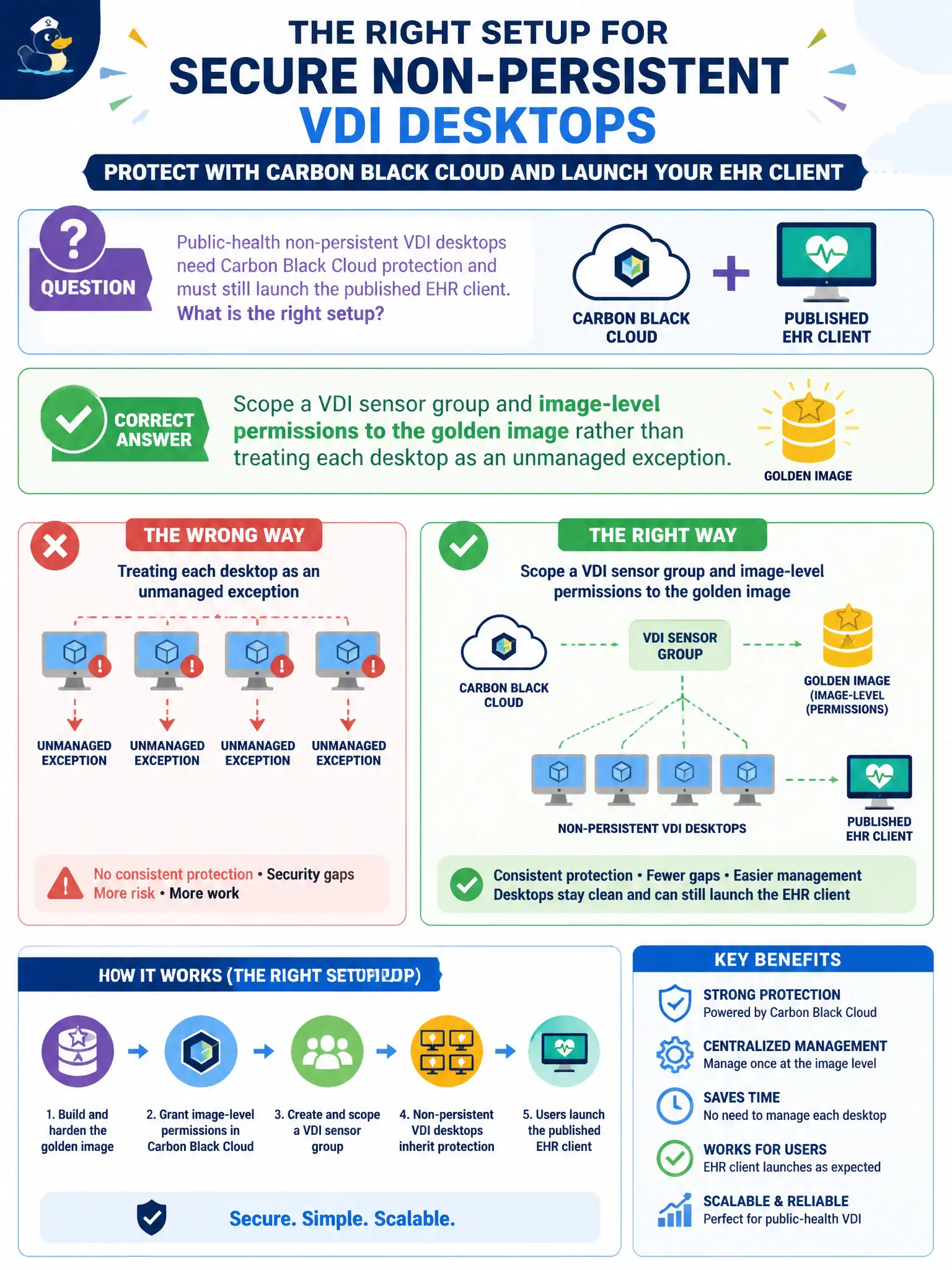
Non-persistent desktops are copies of one mold. Put the sensor and EHR permission on the golden image, then let a VDI sensor group hand every clone the same policy.
Full Explanation
Public-health non-persistent VDI desktops need Carbon Black Cloud protection and must still launch the published EHR client. Scope a VDI sensor group and image-level permissions to the golden image rather than treating each desktop as an unmanaged exception—non-persistent desktops are copies of one mold. Skipping sensors on non-persistent desktops and relying on a weekly golden-image scan fails by concept because clones need runtime sensor policy, not a periodic image scan alone. Disabling prevention on every cloned desktop and re-enabling after clinic hours fails because toggling clones is operationally fragile and leaves sessions unprotected. Replacing the sensor with NSX Guest Introspection as the only EHR allow list fails because GI is not CBC Endpoint Standard and is not the application permission model for EHR. Exam caveat: non-persistent VDI still uses CBC via golden-image sensor prep and a VDI sensor group with needed permissions baked in. Operational check: update the golden image with sensor and EHR permission, refresh a pool, confirm clones check in under the VDI group, and launch the EHR client successfully under prevention. Version the golden-image CBC build in the clinic VDI runbook so overnight refreshes do not resurrect an old sensor ID pattern.