
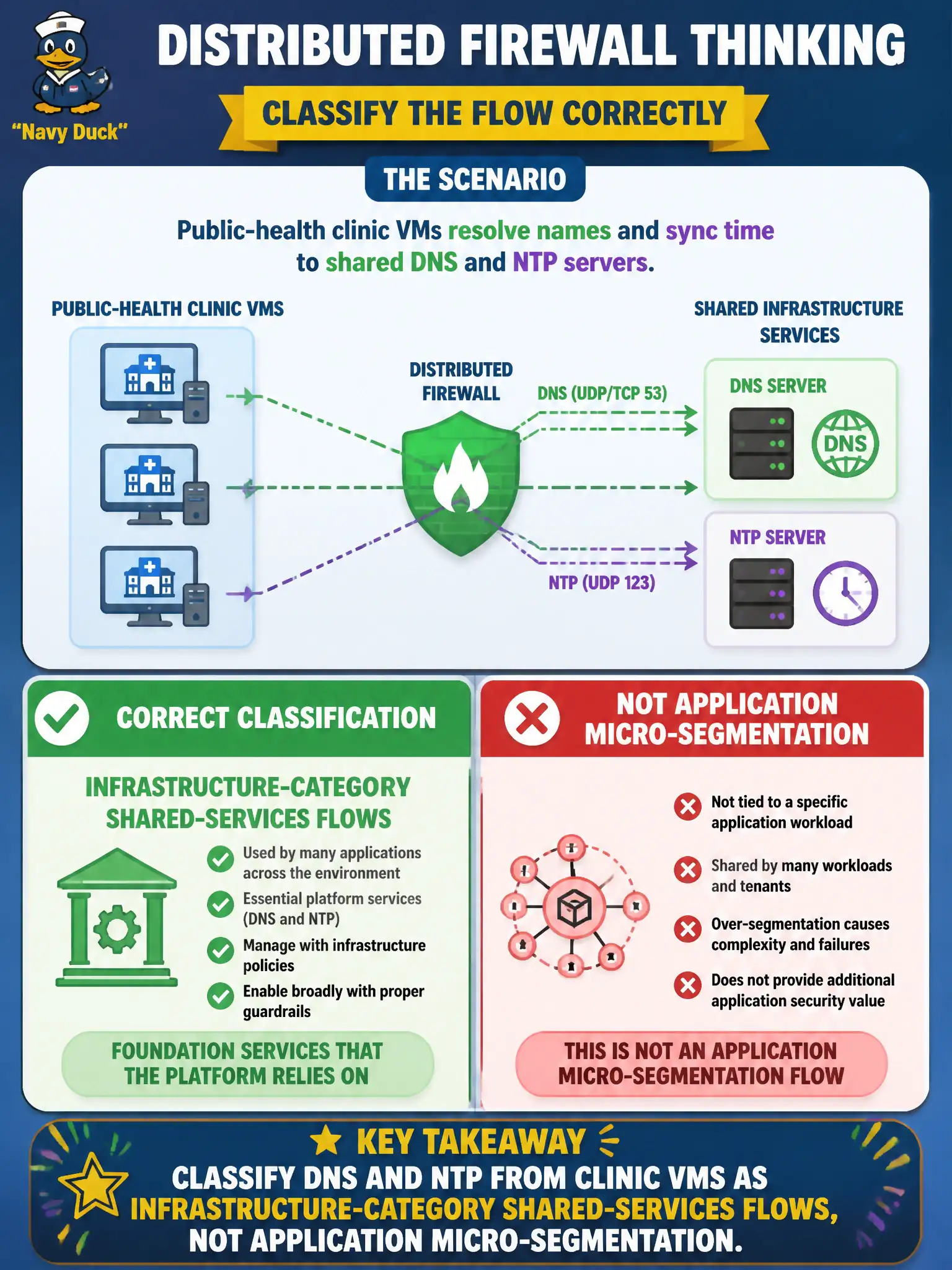
Public-health clinic VMs resolve names and sync time to shared DNS and NTP servers. In which Distributed Firewall thinking should those flows be classified?
Select an answer to reveal the explanation.
Short Explanation
DNS and NTP are the building’s lights and clocks, not the clinic’s billing app. Put those shared-service flows in Infrastructure thinking so Application default-deny does not break name lookup.
Full Explanation
Public-health clinic VMs resolving names and syncing time to shared DNS and NTP servers should be classified as infrastructure-category shared-services flows, not as application micro-segmentation unique to one clinic app. DNS and NTP are the building’s lights and clocks: they belong in Infrastructure thinking so Application default-deny does not break fundamental shared services. Putting those flows only in Application-category rules unique to clinic billing fails by concept because every workload needs name and time services; burying DNS/NTP inside one app’s rules creates brittle duplication and invites Application default-deny to black-hole the whole clinic. Using Ethernet-category rules that match only MAC addresses of kiosk printers fails because DNS/NTP are IP services to shared servers, not printer MAC exceptions, and Ethernet-category thinking does not correctly express infrastructure shared services. Using an Emergency any-any so DNS never needs a dedicated rule fails because Emergency is for time-bounded incident response, not a permanent substitute for proper Infrastructure allows. Exam caveat: shared DNS/NTP belong in Infrastructure-category policy above Application default-deny; do not hide them in one app section, MAC Ethernet hacks, or Emergency any-any. Operational check: place DNS and NTP allows in Infrastructure, enable Application default-deny on clinic VMs, verify name resolution and time sync still work, confirm Emergency is unused for routine DNS, and document shared-services ownership in the public-health NSX standards.