
Virtual classroom software cannot display the public-works CAD vendor's proprietary file type. What should the instructor do?
Select an answer to reveal the explanation.
Short Explanation
If the virtual room cannot open the CAD file, it is not a teaching aid—it is a brick. Convert it to a graphic the tool can show. Learners cannot learn a drawing they cannot see.
Full Explanation
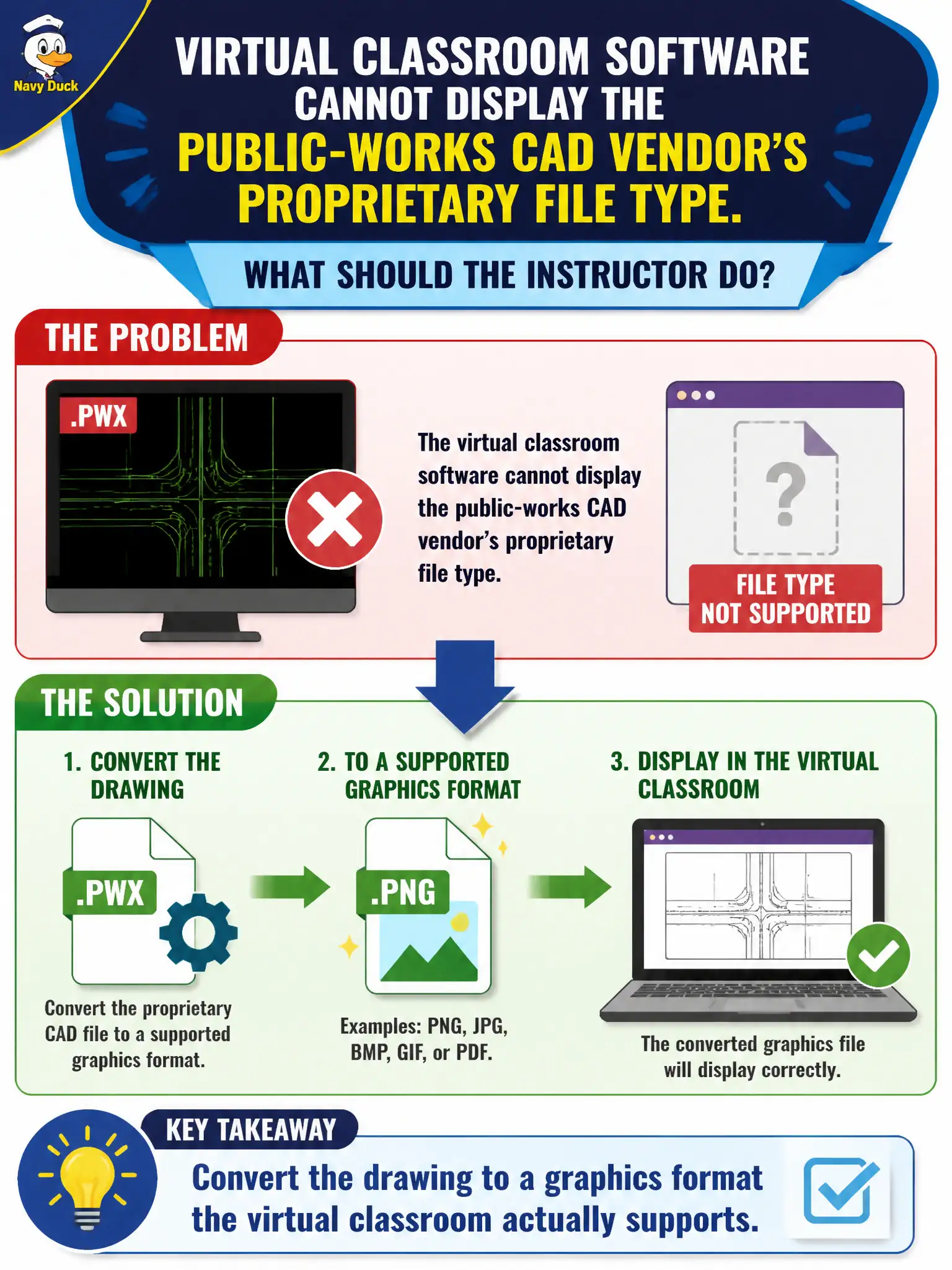
Virtual classrooms constrain file types; convert to a supported graphic. When virtual classroom software cannot display a public-works CAD vendor’s proprietary file, the instructor should convert the drawing to a graphics format the platform supports. Sharing the proprietary file anyway and telling learners to install the CAD suite during class is unrealistic mid-session. Describing the drawing from memory with no graphic removes visual learning. Skipping the drawing objective because the vendor file is the “only” valid medium confuses file format with learning outcome. Exam caveat: CTT+ media troubleshooting includes format conversion to preserve the objective inside platform limits. Operational check: export a PNG or PDF of the drawing before class, test it in the virtual room, and use that graphic for the objective. Virtual classroom codecs reject many CAD natives; conversion preserves the drawing objective inside platform limits. CTT+ troubleshooting includes format changes. Convert before class, verify fonts/lineweights remain legible at share resolution, and keep the native file only as instructor reference. Maintain that civic standard in the session file so auditors and future instructors can see how design integrity was preserved under real municipal constraints.