
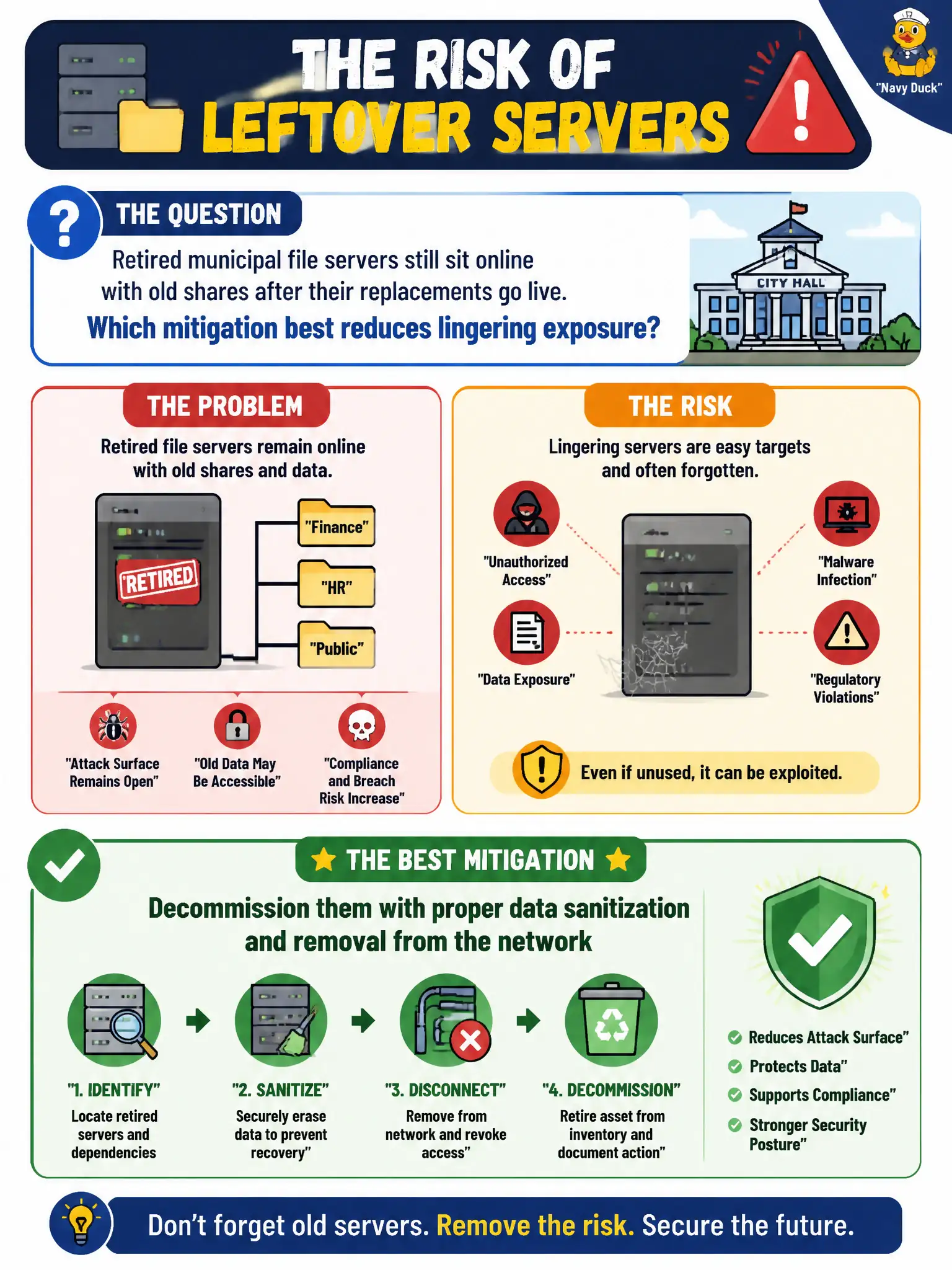
Retired municipal file servers still sit online with old shares after their replacements go live. Which mitigation best reduces lingering exposure?
Select an answer to reveal the explanation.
Short Explanation
Old servers that nobody owns are abandoned houses with the lights on. Decommission properly—sanitize data, pull them off the network—so yesterday's file share does not become tomorrow's breach.
Full Explanation
Secure decommissioning removes retired systems from service, sanitizes or destroys sensitive data as required, and eliminates unowned shares that linger after replacements go live. Retired municipal file servers left online become orphan attack surfaces—unpatched, weakly monitored, and still holding records—so deliberate decommissioning is the mitigation that reduces lingering exposure. Asset inventory must track removal, not only installation of the new servers.
Leaving them online indefinitely as unofficial “archives” without owners preserves data sprawl and unpatched vulnerabilities under nobody’s change calendar. Publishing the old shares anonymously on the internet for transparency could unlawfully expose non-public records and massively expands reachability. Reusing the same default admin password on every retired host eases attacker lateral movement across forgotten systems.
Exam caveat: decommissioning includes network removal plus media sanitization aligned to data-retention rules—not merely powering a box off in a closet while shares still answer. “Keep it up just in case” is a recurring wrong operational habit on exams.
Operational check: cut network access, revoke DNS/SPN records, sanitize disks per policy (wipe/destroy), update the CMDB to retired status, confirm backups remain restorable from approved repositories, and have records officers approve disposition so historical data is not illegally destroyed or illegally retained online.