
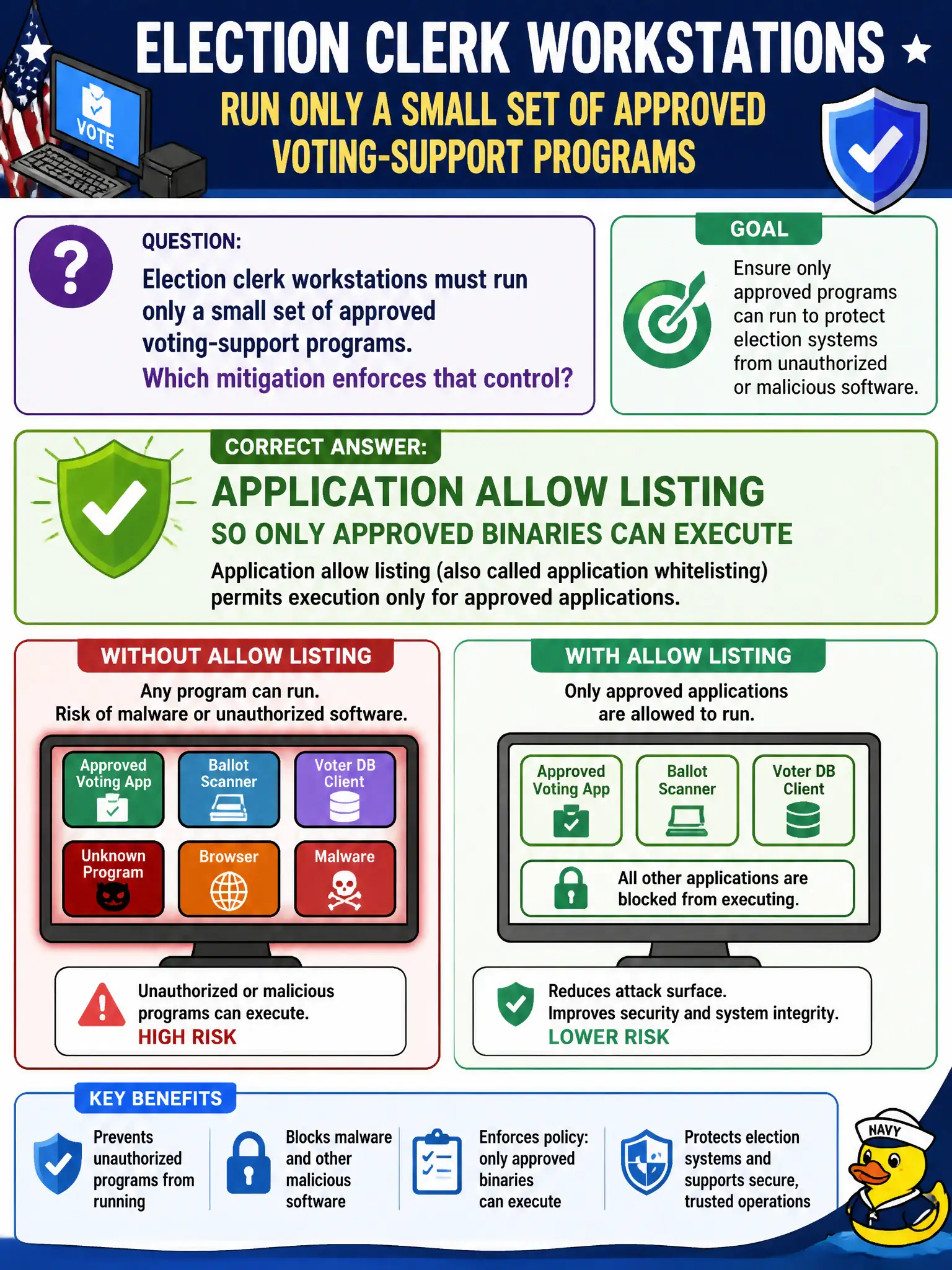
Election clerk workstations must run only a small set of approved voting-support programs. Which mitigation enforces that control?
Select an answer to reveal the explanation.
Short Explanation
Allow listing is the velvet rope: if the app is not on the guest list, it does not get in. Election clerks get the approved tools only—far tighter than hoping a blocklist already knows every bad binary.
Full Explanation
Application allow listing permits only known-good executables to run, which strongly constrains malware and unapproved software on locked-down election clerk workstations. When machines must run only a small set of approved voting-support programs, allow listing enforces that positive control model better than waiting to recognize each new threat. Election integrity workflows favor golden images plus allow lists because surprise executables are unacceptable during voting periods.
Blocklists that wait until each new malware family is named first are reactive and miss novel or customized binaries—poor fit when the policy is “only approved programs.” Open execution of any unsigned installer to speed help-desk fixes invites Trojanized tools onto election hosts. Disabling endpoint protection during early-voting hours removes defenses at the moment availability and integrity pressure peak.
Exam caveat: allow listing versus denylisting is a standard CompTIA contrast; high-security, few-application endpoints (election, kiosk, OT engineering seats) are classic allow-list scenarios. Allow listing is not antivirus replacement messaging on the exam so much as execution control.
Operational check: build a minimal approved binary inventory for voting-support software, deploy allow-listing policy via management tools, test clerk workflows before election day, provide a break-glass process with logging, and monitor block events for both attacks and overlooked legitimate updates.