
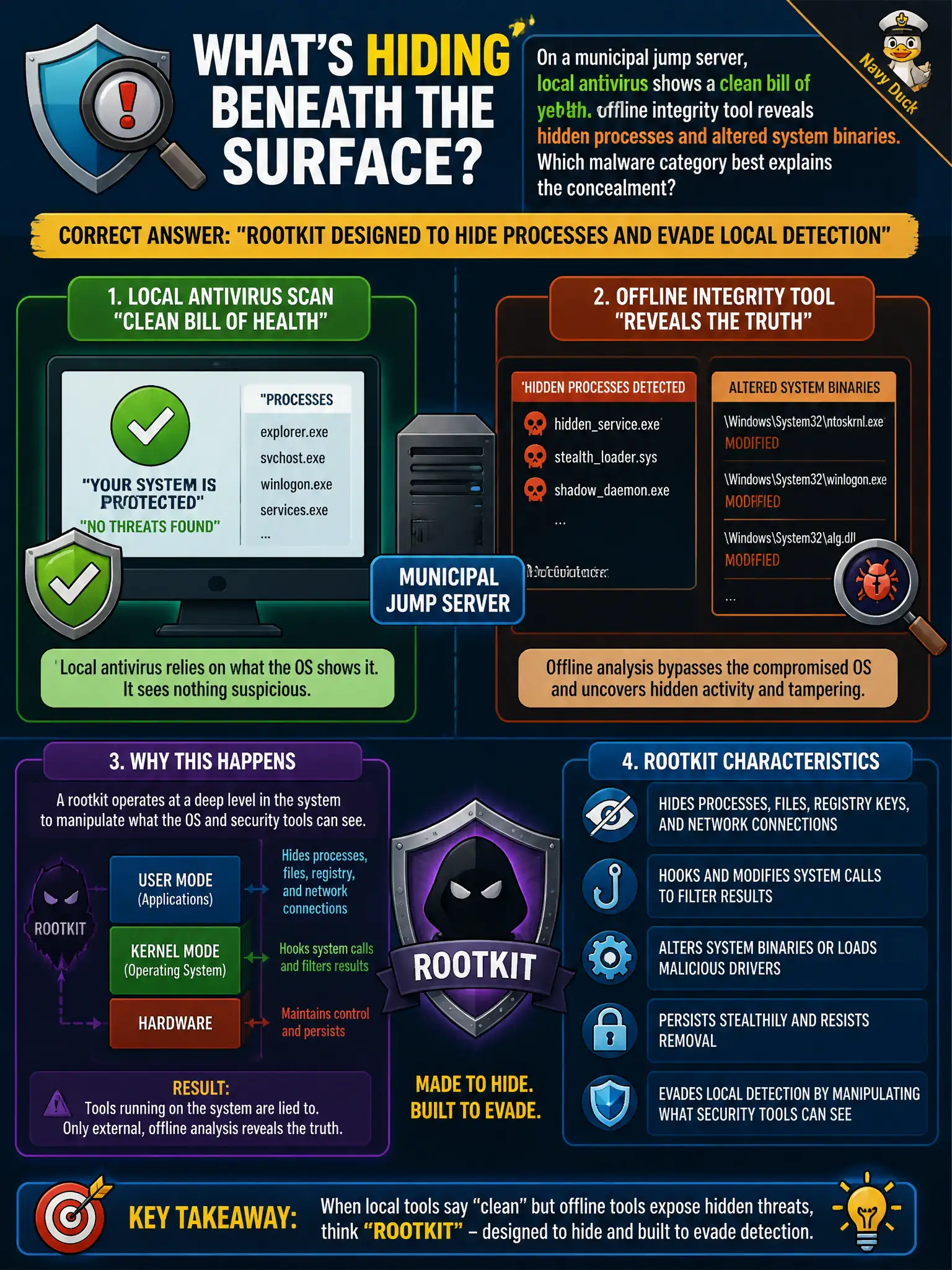
On a municipal jump server, local antivirus shows a clean bill of health, yet an offline integrity tool reveals hidden processes and altered system binaries. Which malware category best explains the concealment?
Select an answer to reveal the explanation.
Short Explanation
When the AV dashboard smiles but integrity tools catch ghosts, think rootkit. It burrows in to hide malware from the usual on-box eyes—offline or deeper checks are how you catch the cover-up.
Full Explanation
Rootkits are built to conceal malicious processes and files by subverting local system reporting. When a municipal jump server’s antivirus reports clean while an offline integrity tool finds hidden processes and altered system binaries, the concealment category fits: on-box sensors are being lied to, so trust shifts to offline, bootable, or external integrity checks. Jump servers amplify risk because compromise there can reach many downstream administrative targets.
Adware that only injects browser pop-ups on clerk PCs is noisy commodity annoyance malware, not stealthy process hiding against AV on a jump host. A macro virus limited to infecting spreadsheet templates lives in document macros, not in kernel/userland concealment of system binaries. A smishing kit that only sends fraudulent MFA reset texts is a mobile messaging social-engineering toolchain, not host-level process cloaking.
Exam caveat: a clean local AV dashboard is not proof of safety when rootkit-class concealment is suspected. Exam questions often contrast “local tools look fine” with deeper or offline discovery—choose rootkit for that mismatch. Do not confuse rootkits with ordinary Trojans that do not specifically hide from the OS view.
Operational check: take the jump server offline for trusted forensic imaging, rebuild from known-good media rather than “cleaning in place,” rotate all credentials and keys used from that host, review privileged session logs for abuse, and require measured boot or file-integrity monitoring before returning a replacement jump host to service.