
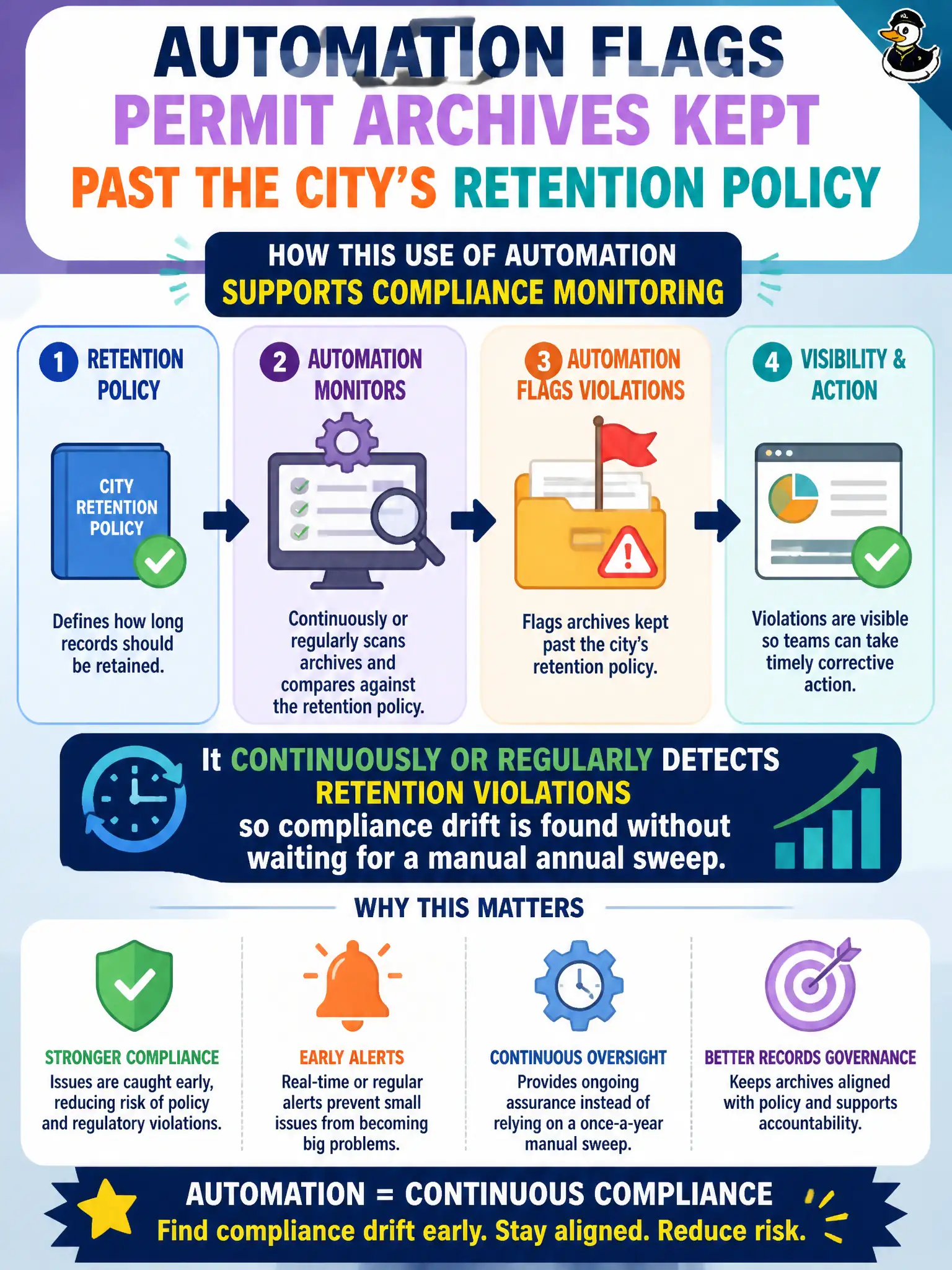
Automation flags permit archives kept past the city’s retention policy. How does this use of automation support compliance monitoring?
Select an answer to reveal the explanation.
Short Explanation
Picture a smoke alarm for old files—automation yells when data overstays its welcome instead of waiting for spring cleaning. That’s compliance monitoring with a pulse.
Full Explanation
Automation that flags permit archives kept past retention policy supports compliance monitoring by continuously or regularly detecting retention violations. Instead of waiting for a manual annual sweep, the city learns when data overstays authorized periods and can dispose, archive, or exception-handle according to policy. That shortens the window of unnecessary exposure and demonstrates ongoing control operation.
Automation does not replace the need for a retention policy; tools enforce or detect against rules humans approve—they should not invent legal schedules on the fly. Claiming automation can never be used for compliance because only humans may review dates is false; Security+ explicitly recognizes automated monitoring as part of continuous compliance. Connecting a scanner does not authorize indefinite retention; detection of over-retention is a signal to remediate, not a license to keep forever.
Exam caveat: Expect questions that praise automation for finding drift early while rejecting the idea that tools erase policy ownership or justify indefinite keeping.
Operational check: bind scanners to authoritative retention metadata, ticket each violation to a records owner, track mean time to disposition, and report recurring hotspots (legacy shares, unmanaged email archives) to the compliance forum. Periodically validate that automation rules still match the approved schedule after policy updates.