
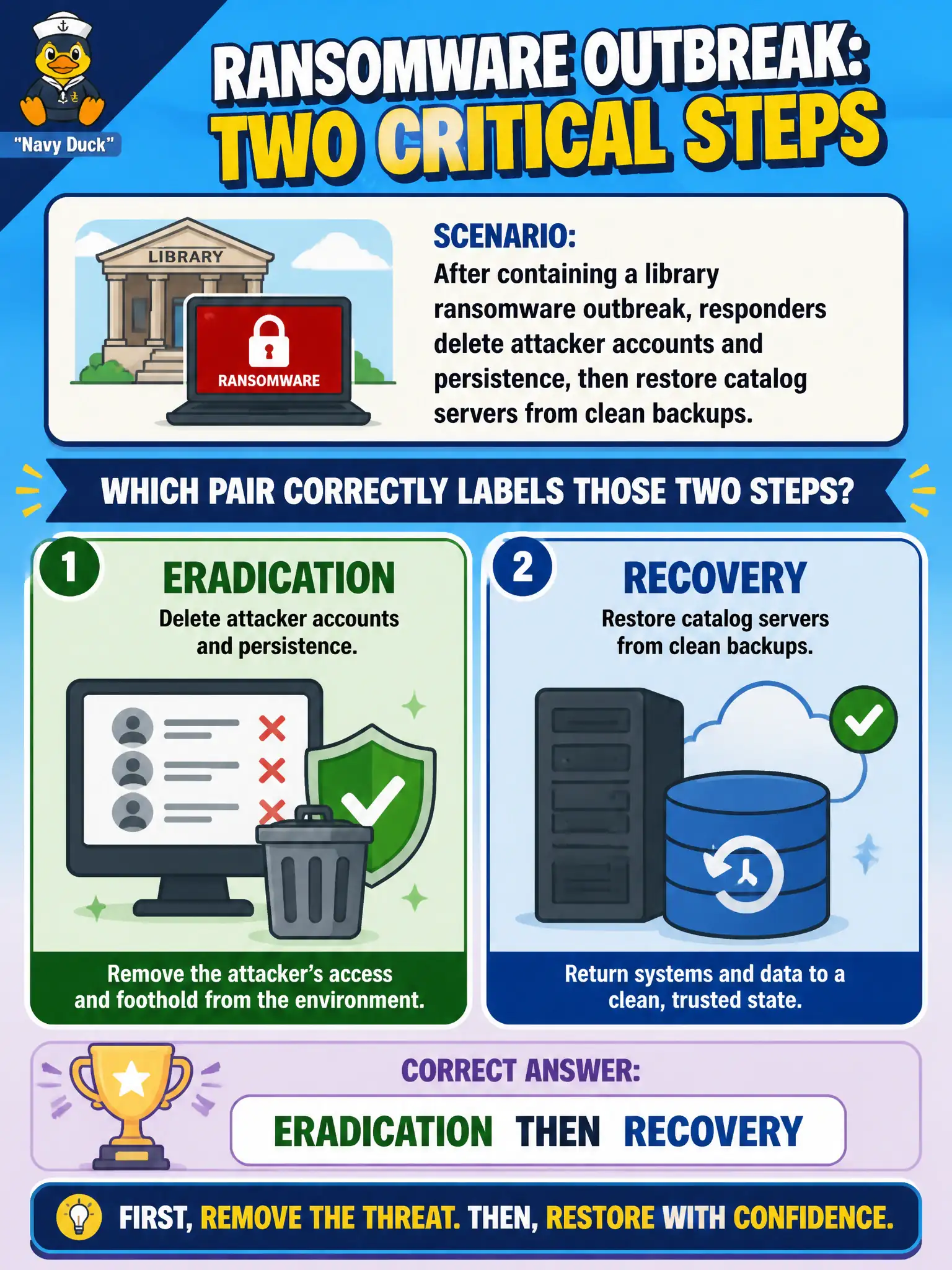
After containing a library ransomware outbreak, responders delete attacker accounts and persistence, then restore catalog servers from clean backups. Which pair correctly labels those two steps?
Select an answer to reveal the explanation.
Short Explanation
Eradication is scrubbing the infection out; recovery is putting the library catalog back on the shelf from a clean backup. Removing persistence kills the cause, and restoring services gets patrons searching books again. Mixing those labels usually means someone restored too early or cleaned too late.
Full Explanation
After containment, eradication and recovery are consecutive but distinct phases. Eradication removes the attacker’s ability to remain: deleting unauthorized accounts, wiping or rebuilding infected library catalog hosts, eliminating scheduled tasks, webshells, and other persistence, and closing the exploited weakness when known. Recovery then restores business functionality from trusted backups or clean rebuilds, validates data integrity, reintroduces systems to the network with monitoring, and returns patron-facing catalog and checkout services to operation. Labeling the scrub-then-restore pair as eradication then recovery matches CompTIA’s lifecycle and keeps municipal responders from treating “back online” as synonymous with “threat removed.”
Detection then analysis occur earlier, when the team discovers and scopes the ransomware event; they do not describe deleting persistence and restoring servers. Preparation then lessons learned bookend the lifecycle—readiness before the incident and improvement afterward—not the midstream cleanup and restore steps. Containment then legal hold mixes a tactical spread-limiting action with an evidence-preservation obligation; neither label correctly names removing malware followed by restoring services. Exam tip: if the stem says remove persistence then restore from clean backups, map to eradication then recovery, even when both happen in one shift. Operationally, require a written eradication checklist (accounts, malware, footholds, patch/config fixes) and a separate recovery checklist (backup integrity, restore tests, monitoring, user communication) so the library does not reopen catalog search while a backdoor still survives.