
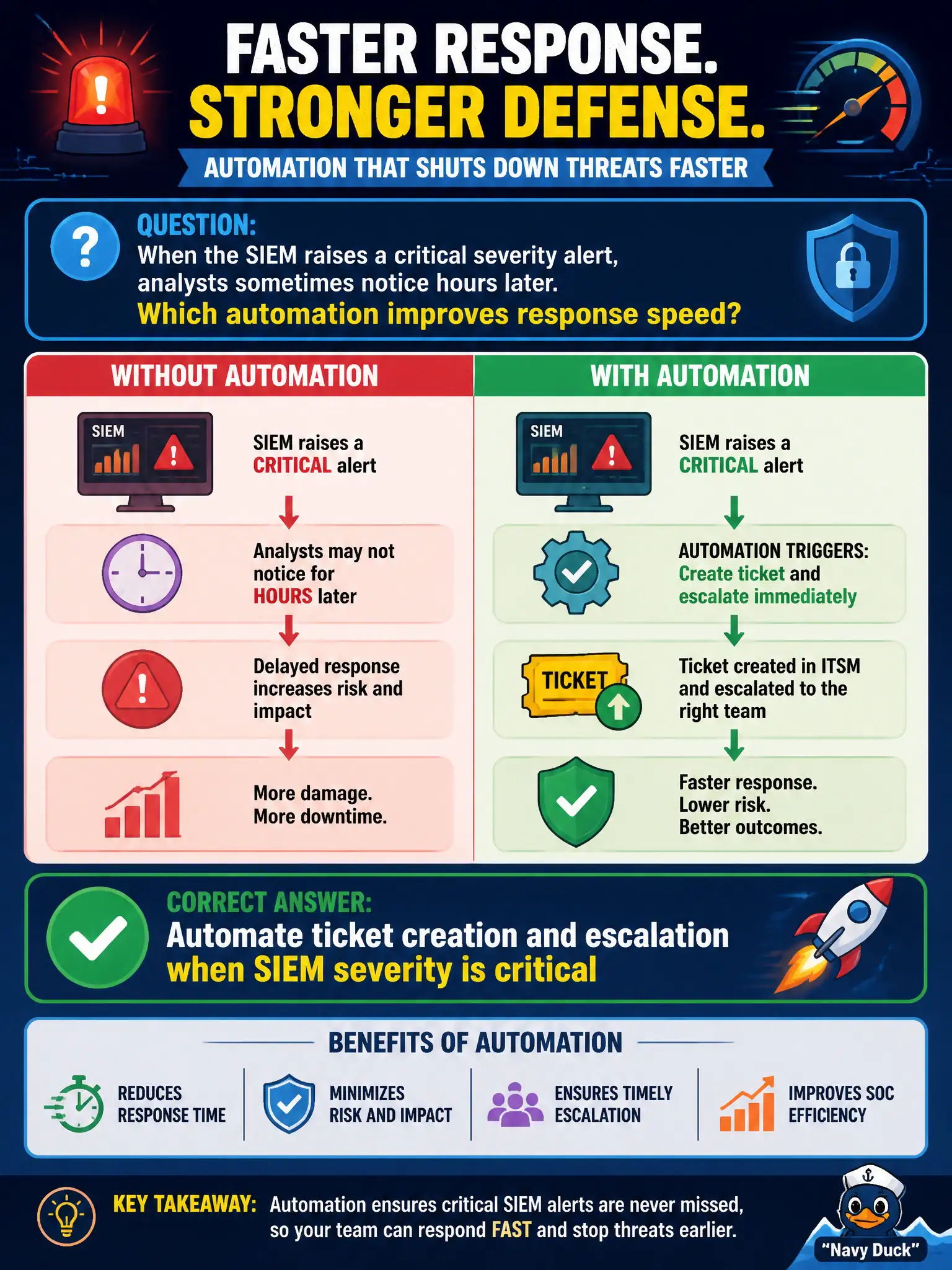
When the SIEM raises a critical severity alert, analysts sometimes notice hours later. Which automation improves response speed?
Select an answer to reveal the explanation.
Short Explanation
Critical SIEM hits should open and escalate tickets by themselves—like a fire panel that already called the crew—so nobody waits for someone to notice a red banner hours later.
Full Explanation
Critical SIEM alerts that sit unnoticed for hours lengthen attacker dwell time on municipal networks. Automating ticket creation and escalation when severity is critical ensures the incident process starts immediately—opening a tracked case, paging the on-call path, and applying escalation timers—without waiting for an analyst to casually notice a red banner. That automation converts detection into accountable response workflow for city SOC operations.
Silencing all critical alerts to protect focus time hides the highest-priority events. Requiring three wet-signature forms before any ticket may be opened adds dangerous latency to incident response. Storing critical alerts only in an analyst's personal email draft folder creates a single-person, non-auditable bottleneck and loses institutional tracking.
Exam caveat: automation should enrich tickets with alert context and avoid flooding on noisy rules—tune severity and deduplicate, rather than auto-ticketing everything at critical. Escalation paths need tested on-call rotations.
Operational check: configure SIEM-to-ITSM integration for critical severity, verify a test alert opens a ticket and pages the municipal on-call within minutes, review abandoned-alert metrics, and ensure personal inboxes are not the system of record.