
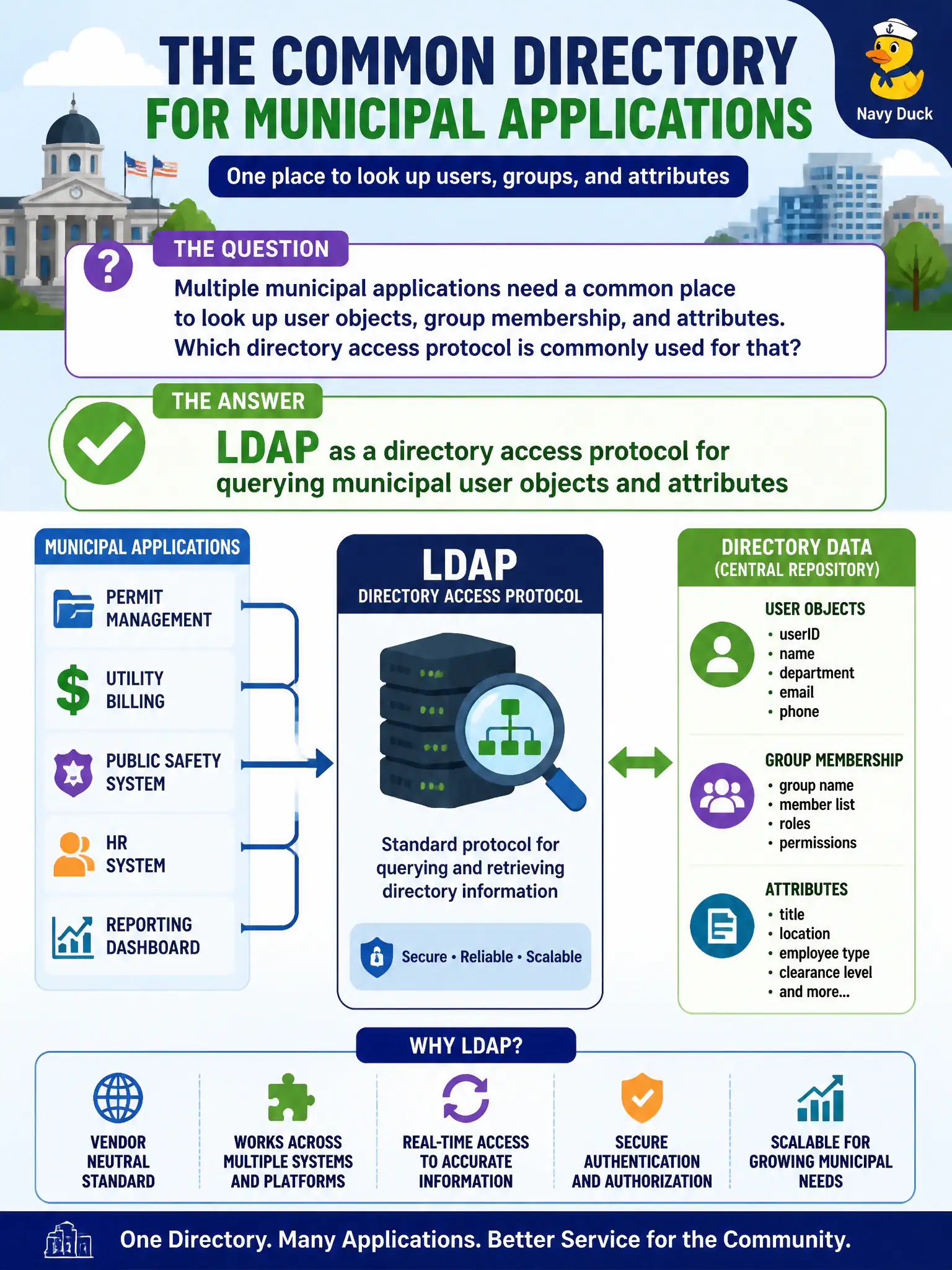
Multiple municipal applications need a common place to look up user objects, group membership, and attributes. Which directory access protocol is commonly used for that?
Select an answer to reveal the explanation.
Short Explanation
LDAP is the shared phone book apps call when they need who works where and which groups they sit in—not email, file-transfer toys, or network-monitoring strings.
Full Explanation
Municipal applications commonly need a shared directory to look up user objects, group membership, and attributes for authentication integrations and authorization decisions. LDAP (Lightweight Directory Access Protocol) is the standard directory access protocol used to query and, where permitted, modify those directory entries against systems such as Active Directory or other LDAP directories. For city apps that must answer 'who is this user and which groups do they belong to,' LDAP is the common access method—not a mail, file-transfer, or network-management protocol.
SMTP moves email; it is not the primary store or query protocol for account attributes and group membership. TFTP downloading password hashes nightly to workstations is both the wrong protocol family and an extreme credential-exposure anti-pattern. SNMP write community strings manage network devices and must never serve as an identity source of truth for municipal user objects.
Exam caveat: LDAP itself can be cleartext (ldap://) or protected (LDAPS/StartTLS)—prefer encrypted directory binds in production. LDAP access to attributes is not the same as modern app federation (SAML/OIDC); many environments use LDAP for directory queries alongside federation for SSO.
Operational check: inventory which municipal apps bind to LDAP/LDAPS, enforce least-privilege service accounts for queries, disable anonymous binds where not required, and verify apps are not falling back to insecure cleartext LDAP on the county network.