
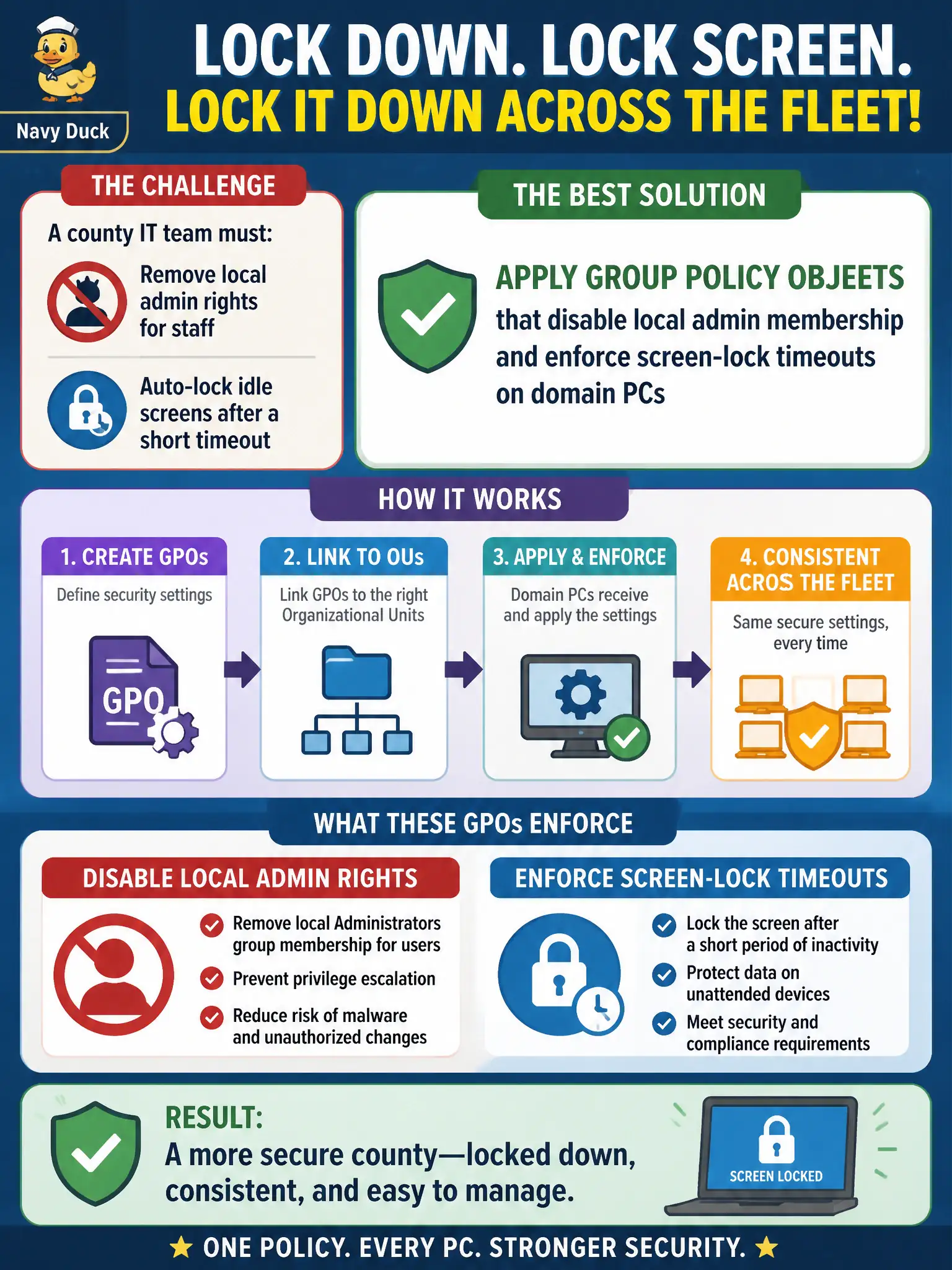
A county IT team must lock down domain-joined workstations so local admin rights are removed for staff and idle screens auto-lock after a short timeout. Which OS security mechanism best enforces those settings consistently across the fleet?
Select an answer to reveal the explanation.
Short Explanation
Picture every county PC as a row of city hall desks that need the same lock and key rules. Group Policy is the central memo that pulls admin rights and forces the screen lock everywhere at once, instead of hoping each person tweaks their own machine.
Full Explanation
Domain-joined municipal workstations need the same hardened baseline everywhere: staff should not hold local administrator rights, and idle sessions must lock after a short timeout so a clerk who walks away from a counter PC does not leave an unlocked session. Group Policy Objects (GPOs) pushed from Active Directory are the purpose-built operating-system mechanism for that consistency. A GPO can remove domain users from the local Administrators group, enforce interactive logon screen-lock and screensaver policies, and reapply those settings on refresh so drift is corrected without visiting each desk. That central, enforceable control is what county fleets rely on when hundreds of city-hall, library, and satellite-office PCs must meet the same OS security posture.
Consumer antivirus that merely suggests defaults does not remove local admin membership or enforce lock timeouts; endpoint AV addresses malware, not OS configuration governance. Emailing a PDF checklist and hoping employees change screensaver settings is advisory hygiene, not enforceable configuration management—compliance will be uneven and unverifiable. Replacing every workstation with a non-domain kiosk image abandons the domain management model the county already uses and breaks the centralized identity, software, and policy pipeline that municipal IT depends on.
Exam caveat: GPOs are powerful for domain members; they do not magically control unmanaged or workgroup machines, and overly broad local-admin exceptions for 'power users' can quietly undo the control. Also distinguish hardening baselines from MDM for mobile devices—this scenario is classic AD Group Policy on PCs.
Operational check: after linking the GPO, verify with gpresult/Resultant Set of Policy on sample county PCs that local Administrators no longer includes standard staff, that lock timeout matches policy, and that denied-local-admin help-desk workflows still allow approved elevation through a controlled channel rather than informal local-admin creep.