
On a fire-station notable, the Adaptive Response icon never shows success. What should the analyst check first?
Select an answer to reveal the explanation.
Short Explanation
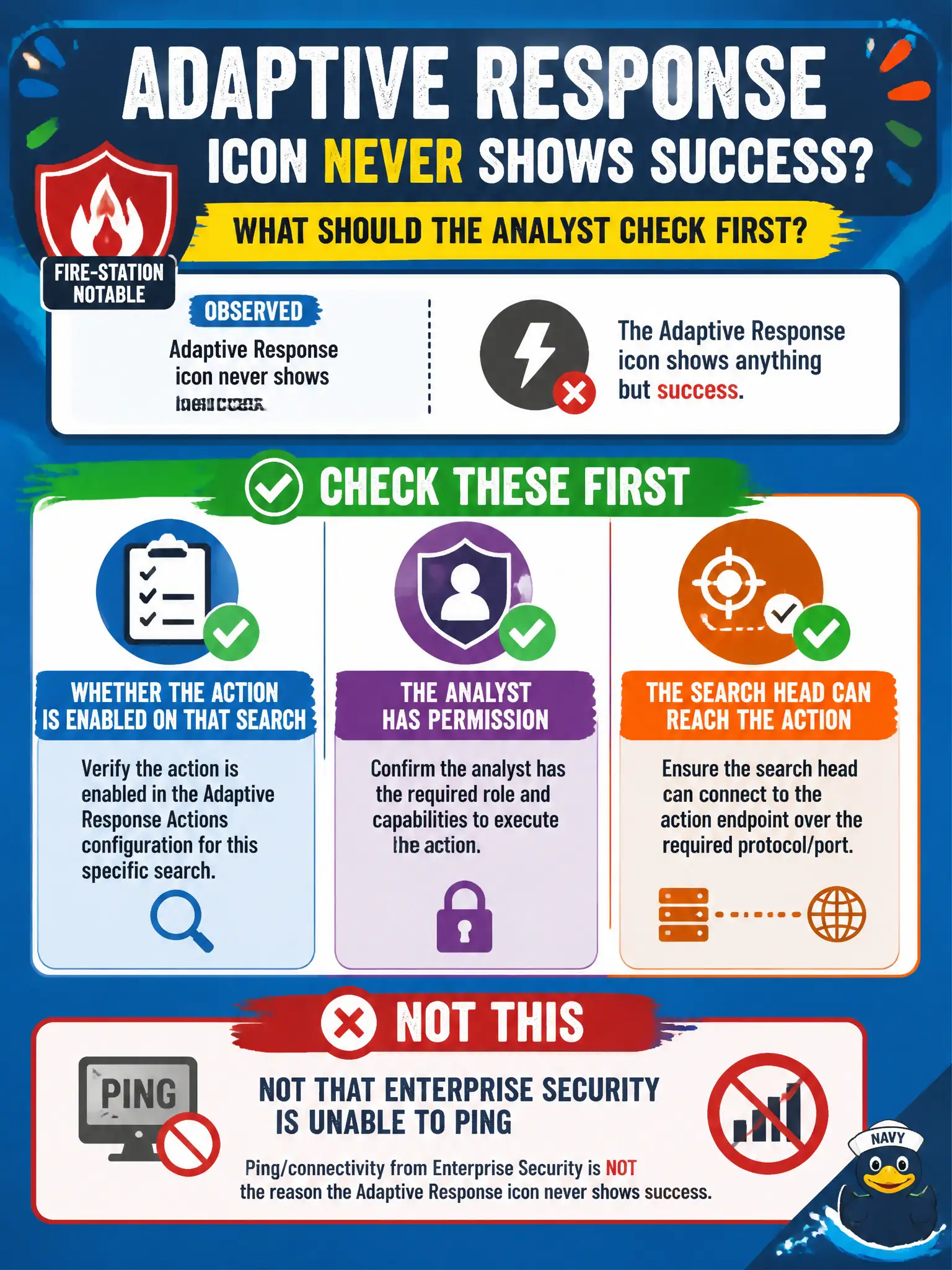
A silent Adaptive Response icon is usually a locked door, a dead network path, or an action left off the search—not ES forgetting how to ping. Check enablement, permissions, and connectivity. Do not start by rewriting SPL.
Full Explanation
Failed Adaptive Response that never shows success on a fire-station notable is diagnosed first as configuration, permission, or search-head connectivity to the action—including whether the action is enabled on that correlation search—not as a missing SPL cosmetic. Analysts should verify the action is enabled on the search, that they have permission to run it, and that the search head can reach the Adaptive Response target or modular action before assuming deeper product failure. Whether the CIM Authentication data model is missing tstats is unrelated to AR icon success on an arbitrary fire-station notable and sends troubleshooting down the wrong path. Whether the notable slug contains a watermark is cosmetic naming and does not control AR execution. Whether SPL lacks a makeresults command on the notable is irrelevant; notables do not require makeresults for Adaptive Response to function. Exam caveat: silent or failed AR icons point to enablement, RBAC, and connectivity first—not CIM tstats gaps, slug text, or makeresults. Operational check: confirm AR is enabled on the fire-station correlation search, test the analyst role's capability to run the action, verify search-head network path to the action endpoint, rerun the action, and only then escalate to deeper platform issues if those checks pass.