
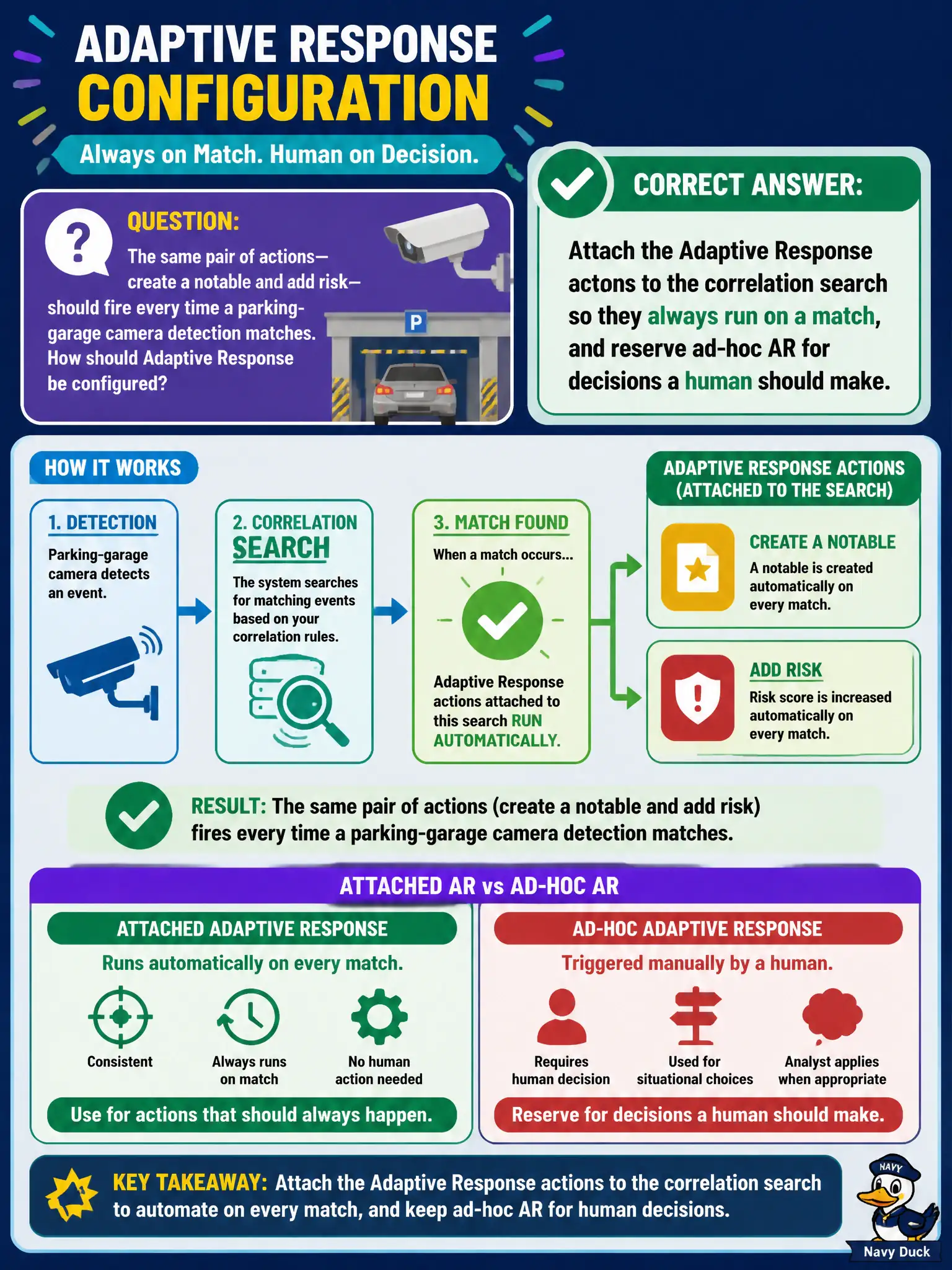
The same pair of actions—create a notable and add risk—should fire every time a parking-garage camera detection matches. How should Adaptive Response be configured?
Select an answer to reveal the explanation.
Short Explanation
If the same two chores always happen when the camera detection fires, put them on the correlation search like a standing work order. Ad-hoc Adaptive Response is for the calls a human should still make. Memory is a bad scheduler.
Full Explanation
When the same Adaptive Response actions should fire every time a detection matches—here create a notable and add risk on every parking-garage camera detection match—those actions belong on the correlation search so they always run on a match. Ad-hoc AR remains for decisions a human should make during analysis, not for mandatory create-notable-plus-add-risk steps that must not be forgotten. Leaving the actions ad-hoc so each analyst must remember to click them guarantees inconsistent risk and notable creation across shifts. Disabling notables and emailing the mayor on every camera event replaces structured ES response with noisy executive mail and loses Incident Review workflow. Authoring a custom Python playbook before any ES action can run is out of Defense Analyst scope for this configuration question and delays the simple scheduled AR attachment ES already supports. Exam caveat: scheduled AR on the correlation search is for always-on actions; ad-hoc AR is for human judgment—do not invert them for create-notable and add-risk. Operational check: open the parking-garage camera correlation search, attach create notable and risk analysis Adaptive Response actions with appropriate triggers, fire a test match, and confirm the notable and risk event appear without any analyst clicking ad-hoc AR.