
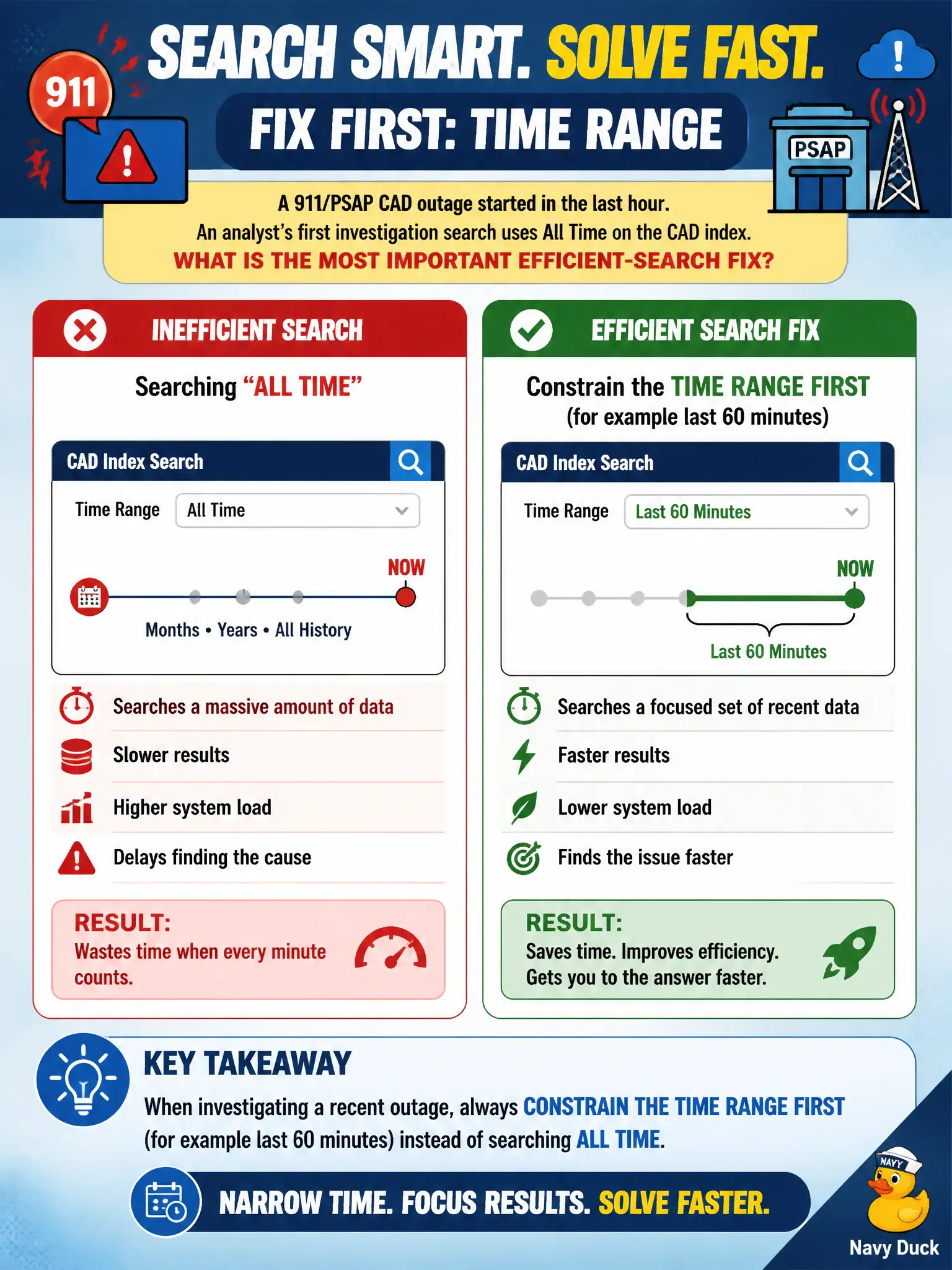
A 911/PSAP CAD outage started in the last hour. An analyst's first investigation search uses All Time on the CAD index. What is the most important efficient-search fix?
Select an answer to reveal the explanation.
Short Explanation
If the outage started in the last hour, do not rummage through years of 911 CAD. Pin the time window first — last 60 minutes — and the rest of the hunt gets cheaper and clearer.
Full Explanation
Splunk efficient-search practice starts by bounding time. A 911/PSAP CAD outage that began in the last hour should be investigated with a tight earliest/latest—such as last 60 minutes—not All Time on the CAD index, so indexers read far fewer buckets before other filters apply. Time-first discipline matters even more on shared civic search heads that also run live monitoring for emergency services. Leading wildcards on CAD incident numbers expand work and fight index efficiency instead of fixing the window. Verbose mode extracts every field and increases cost before the time problem is fixed. Dropping the index name for index=* All Time maximizes the blast radius and is the opposite of an efficient fix for an hour-old outage. Exam caveat: after time is bounded, still add index/sourcetype and precise CAD identifiers—time alone is necessary but not always sufficient on multi-tenant municipal stacks. Operational check: rerun the CAD outage hunt with last 60 minutes or the known outage window, compare job runtime and event counts to the All Time attempt, and make time-bounding the first checklist item on 911 IR runbooks. Document the revised SPL in the civic SOC runbook so the next on-call analyst inherits the efficient pattern rather than the anti-pattern.