
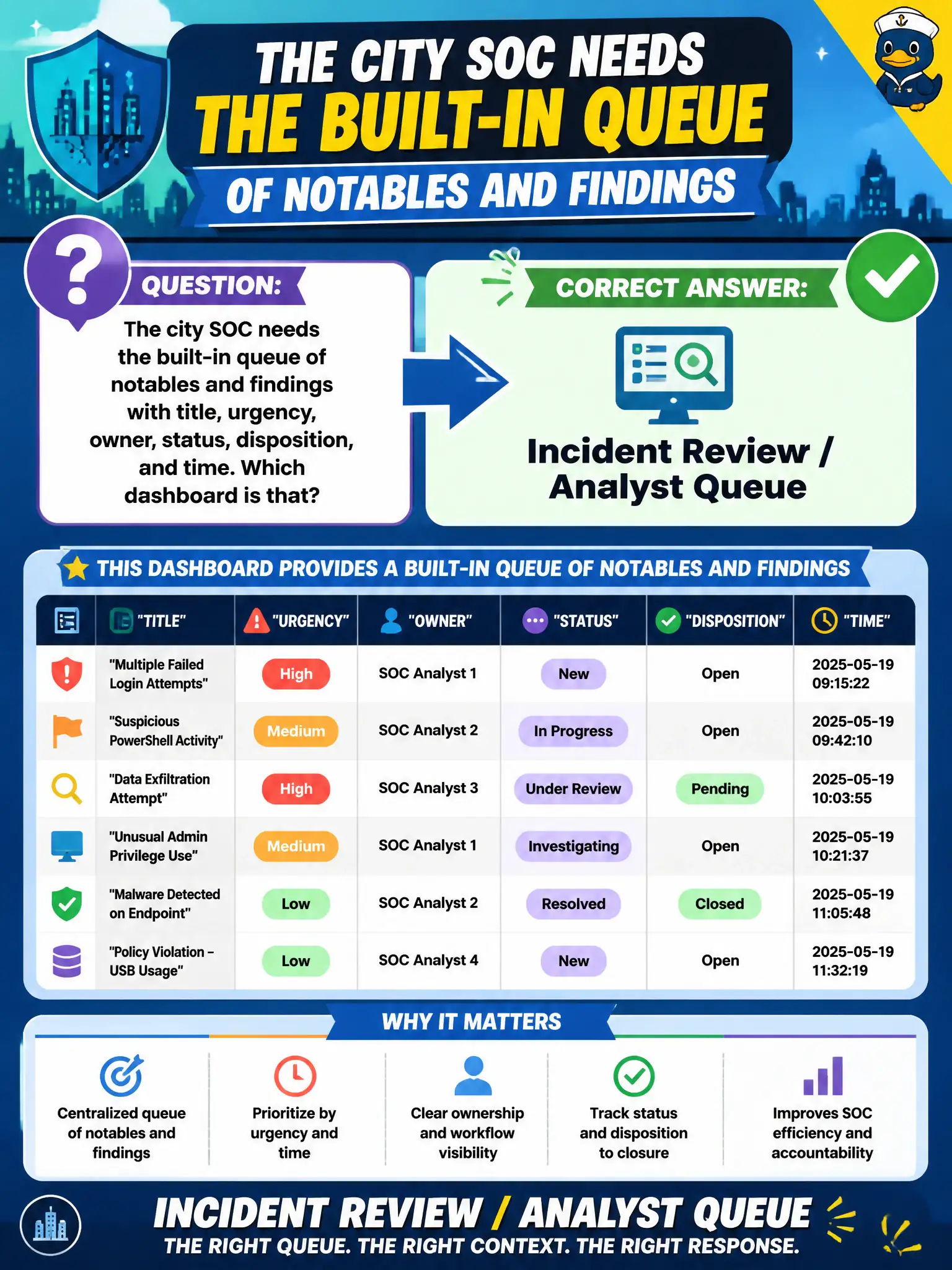
The city SOC needs the built-in queue of notables and findings with title, urgency, owner, status, disposition, and time. Which dashboard is that?
Select an answer to reveal the explanation.
Short Explanation
Analyst Queue is the inbox. Title, urgency, owner, status, disposition, time—that is Incident Review, not protocol decode or license graphs. Triage lives there.
Full Explanation
Incident Review / Analyst Queue is the built-in Enterprise Security working queue of notables and findings, exposing title, urgency, owner, status, disposition, and time so the city SOC can triage civic incidents. That inbox is the system of record for notable workflow. Protocol Intelligence fails by concept as a substitute because it is a protocol and Stream-oriented investigation view for DNS/HTTP-style data, not the notable workflow queue with ownership and disposition. The license usage report fails by concept because it tracks license consumption and indexing volume, not incident triage fields analysts use to close work. The indexer clustering dashboard fails by concept because it shows cluster peer health and replication, not notable ownership, status, or disposition for parks, permitting, or PSAP cases. Exam caveat: SPLK-5001 expects analysts to triage from Incident Review / Analyst Queue rather than substitute operational, license, or protocol dashboards for the queue. Operational check: open Analyst Queue, confirm columns for title, urgency, owner, status, disposition, and time, filter to the city's open notables, assign owners, and work cases from that view as the triage system of record.