
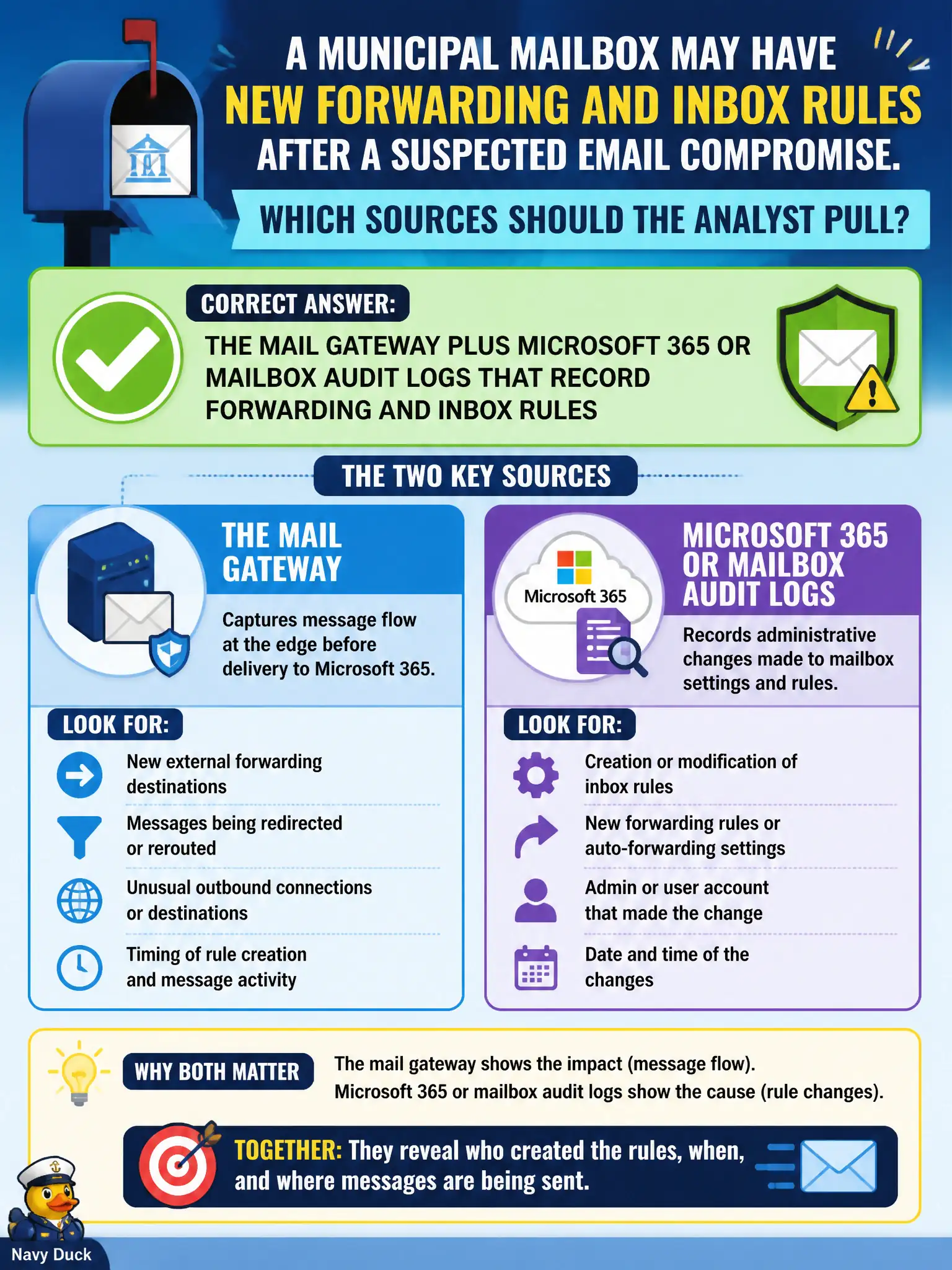
A municipal mailbox may have new forwarding and inbox rules after a suspected email compromise. Which sources should the analyst pull?
Select an answer to reveal the explanation.
Short Explanation
Inbox rules do not live in the pump historian. Pull the mail gateway and the mailbox audit trail—that is where forwarding and hidden rules show up after a civic BEC or account takeover.
Full Explanation
Suspected email compromise with possible new forwarding and inbox rules requires mail-plane audit telemetry. The analyst should pull the mail gateway plus Microsoft 365 or mailbox audit logs that explicitly record forwarding addresses, inbox rules, and related mailbox configuration changes. Those sources answer whether the municipal mailbox was altered and by whom.
The SCADA historian at the water plant fails by domain: OT process values do not explain civic mailbox rule changes. Badge-reader door logs at the council chamber fail by conflating physical presence with cloud or mail configuration—inbox rules do not require a door swipe. Recursive DNS alone fails because mailbox rules are not "newly registered domains"; DNS may later show C2, but it does not inventory inbox rules.
Exam caveat: for mailbox-compromise stems, pick mail gateway and mailbox/Entra audit sources; OT, badge, and DNS distractors are common.
Operational check: query M365/mailbox audit for Set-InboxRule, forwarding SMTP addresses, and unusual client IPs for the account; correlate with mail-gateway accept/reject; treat historian, badge, and DNS as out-of-scope unless a separate OT or malware hypothesis appears.