
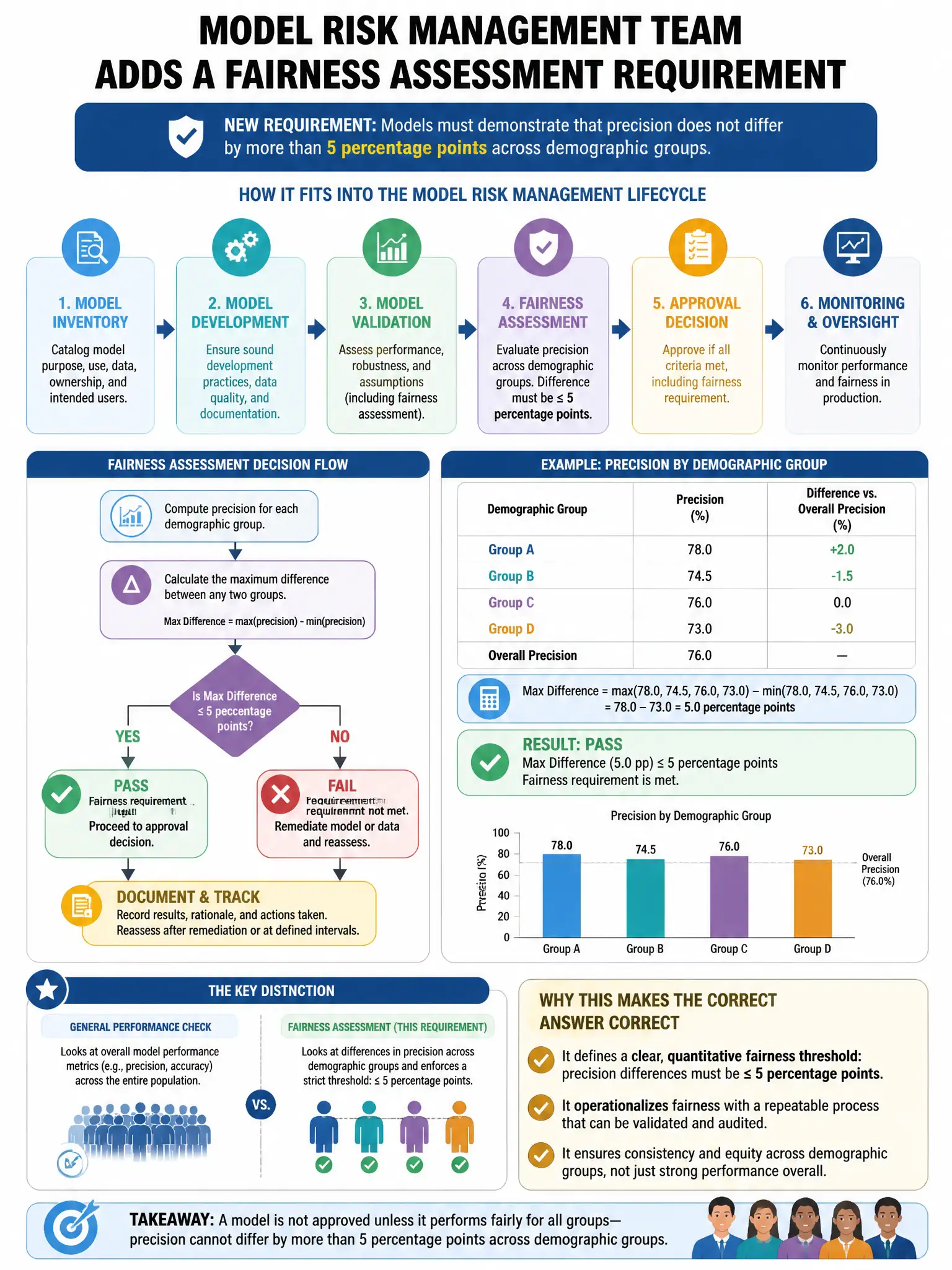
A model risk management team adds a fairness assessment requirement: models must demonstrate that precision does not differ by more than 5 percentage points across demographic groups. Which SAS Model Manager or SAS Viya workflow step supports this group-stratified fairness metric computation?
Select an answer to reveal the explanation.
Short Explanation
Here's the deal — you need to segment the model assessment by demographic group, compute precision for each group, and compare the difference. SAS Model Manager can store those group-level results as custom KPIs or properties. There's no single automatic fairness button that does this for you.
Full Explanation
Running PROC ASSESS or a custom scoring job segmented by demographic group and comparing group-level precision metrics is correct because SAS does not provide a single automatic fairness testing button. The standard workflow is to segment assessment by demographic group, such as with PROC ASSESS BY GROUP= or custom scoring code, compute precision per group, compare the difference, and store findings in the SAS Model Manager model record as custom properties or KPIs. The aggregate model comparison view is wrong because combined metrics hide group differences. The SAS Visual Analytics automatic fairness claim is wrong because tagged model input schema variables do not cause fairness metrics to be computed. The PROC HPFOREST built-in fairness GROUP= claim is wrong because that procedure has no such fairness statement.