
What is the primary purpose of the %SYSFUNC function in SAS macro language?
Select an answer to reveal the explanation.
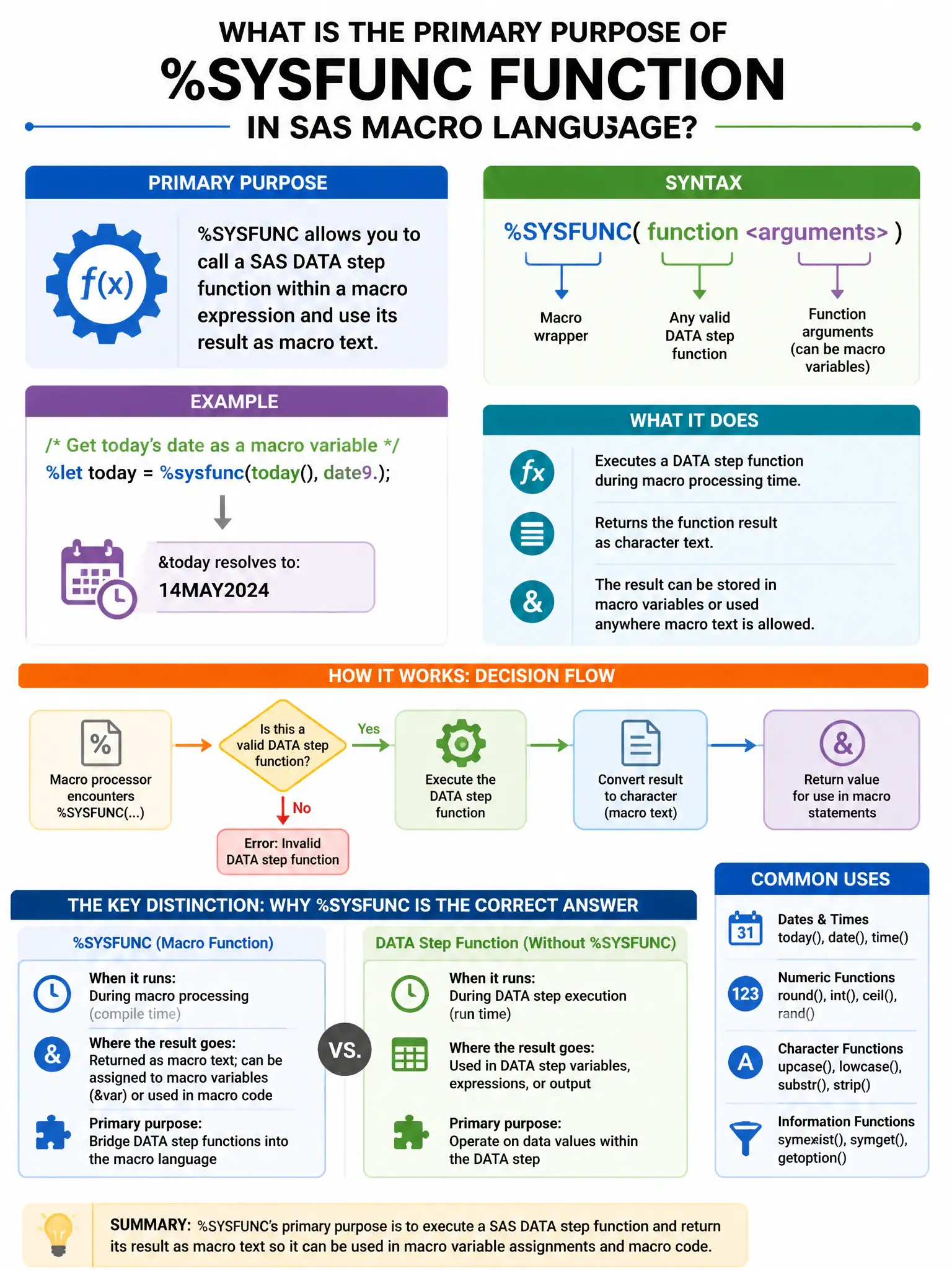
Short Explanation
Here's the deal — %SYSFUNC bridges macro language and DATA step by letting you call DATA step functions like TODAY(), TRIM(), and CATS() at macro execution time. You use it to bring DATA step functions into the macro environment, not to define macros.
Full Explanation
Calling SAS DATA step functions within the macro environment is correct, because %SYSFUNC bridges macro language and DATA step by allowing functions such as TODAY(), TRIM(), and CATS() at macro execution time. Saying it executes a SAS macro defined with %MACRO is wrong; %MACRO defines macros, not %SYSFUNC. Saying it checks whether a SAS system option is enabled is wrong; %SYSFUNC with GETOPTION() can check options, but that is a specific use, not its primary purpose. Saying it retrieves the value of a SAS automatic macro variable is wrong; that describes %SYMGET or direct macro variable resolution.