
HR department EBS volumes were launched unencrypted and must now be encrypted with minimal downtime. Which remediation approach is appropriate?
Select an answer to reveal the explanation.
Short Explanation
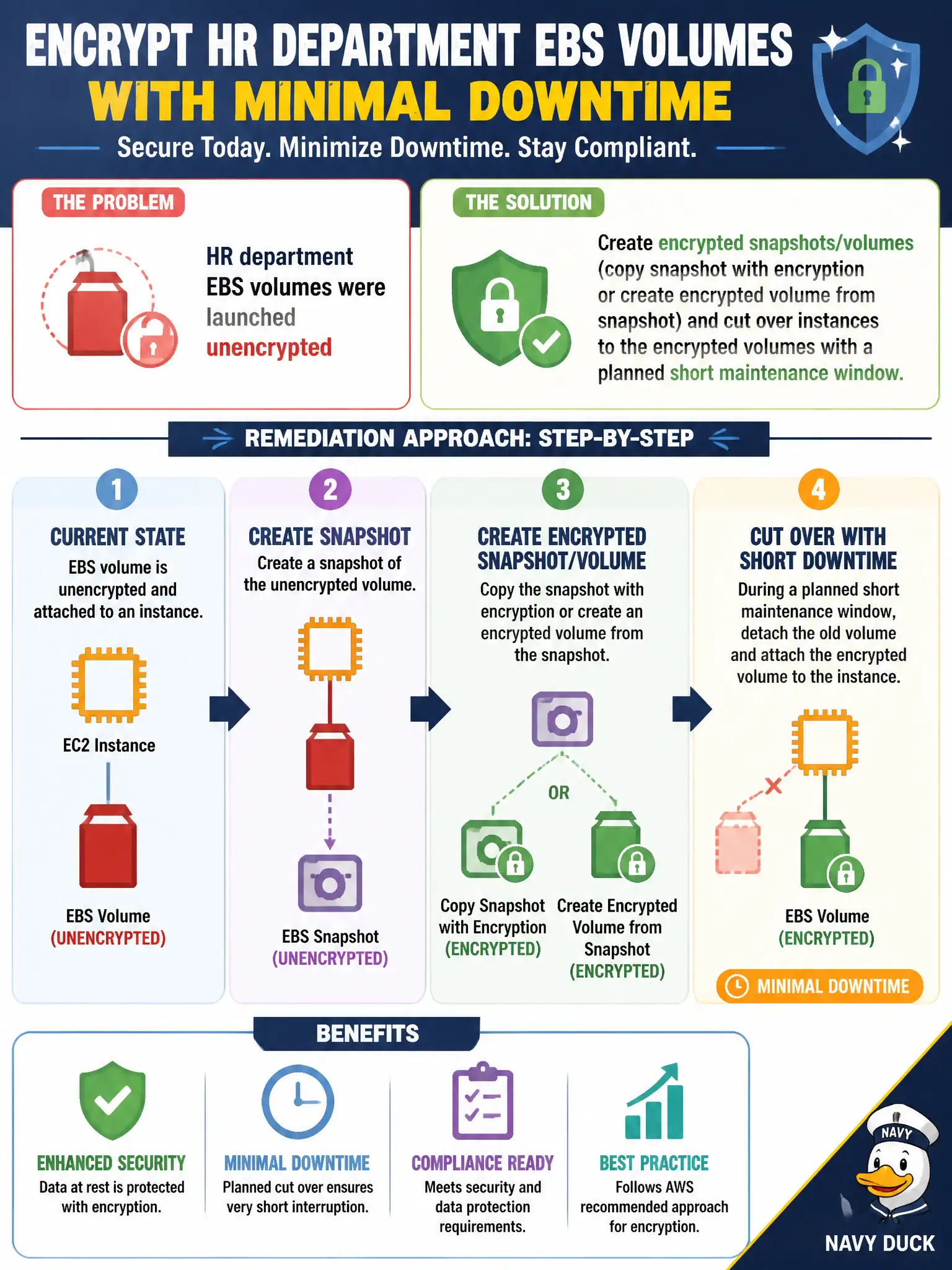
Old unencrypted disks do not magically grow locks when you flip the account default. Snapshot, copy with encryption, attach the new volume, and cut over in a short window. Defaults protect newborns; existing HR drives need a migration lap.
Full Explanation
HR department EBS volumes launched unencrypted must become encrypted with minimal downtime using a migration pattern, not wishful in-place magic. Creating encrypted snapshots or volumes—copying a snapshot with encryption or creating an encrypted volume from a snapshot—and cutting instances over in a short maintenance window is the appropriate remediation. That approach works because existing unencrypted EBS volumes are not silently rewritten by a console toggle; cutover to encrypted volumes is the supported path. Enabling encryption-by-default alone and expecting existing volumes to encrypt overnight without further action fails—default settings affect new volumes, not retroactive encryption of old ones. Stopping encryption efforts because encryption supposedly cannot be applied after creation under any migration pattern fails conceptually: snapshot-and-replace is the standard migration. Moving HR files to a public S3 bucket without encryption to avoid EBS downtime fails confidentiality for HR data entirely. Exam caveat: plan application stop/start, verify KMS key policy for the instance role, and confirm backups/AMI strategy after cutover so future volumes inherit encryption. Operational check: snapshot an HR volume, copy/encrypt with the CMK, create and attach the encrypted volume in a maintenance window, verify app health and encryption state, then decommission the unencrypted volume.