
A referral coordinator's new record-summary template occasionally includes the pet owner's home address in its generated summary, even though the summary is only meant to describe clinical history for a receiving specialist. What is the most appropriate fix, consistent with prompt engineering best practice?
Select an answer to reveal the explanation.
Short Explanation
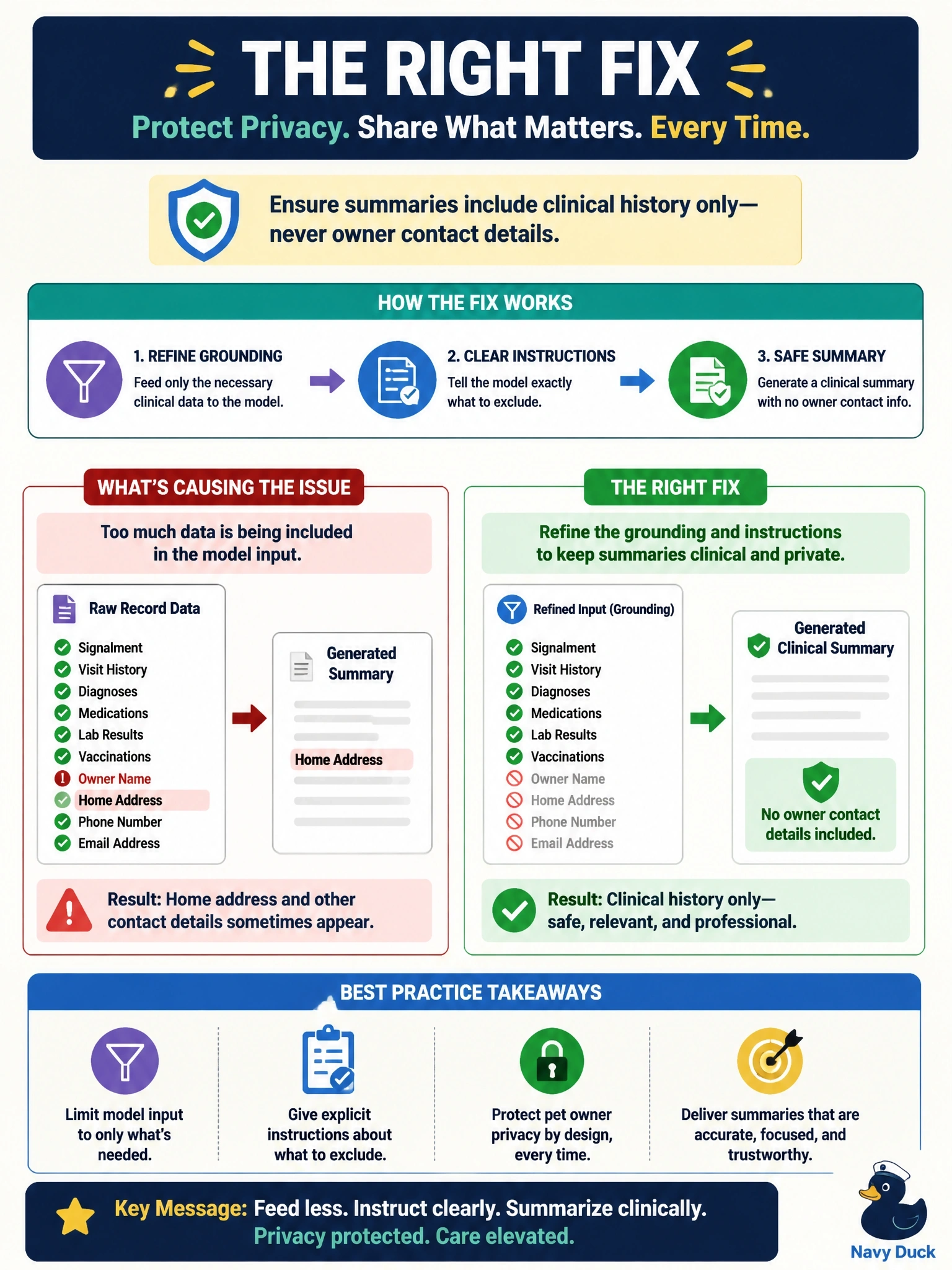
You can prevent this at the source: leave the address field out of the information provided to the model, and clearly instruct it to omit owner contact details. This targeted change keeps the summary focused on clinical history without giving up the template.
Full Explanation
The appropriate fix is to refine both the grounding and the instructions: exclude the address field from the information supplied to the model, and explicitly direct it to omit owner contact details. This addresses the source of the unwanted content and keeps the summary focused on the clinical history the specialist needs. Disabling the template and requiring staff to write every summary manually overreacts to a configuration problem; it discards a useful capability even though a narrower, controllable fix is available. Switching to a sales email template does not solve the issue: that template type is not defined by a guarantee that personal data will be excluded, and the change does not correct the grounding or instructions. Asking the specialist to redact the address afterward leaves the template generating unnecessary personal information and adds a manual cleanup step each time, rather than preventing the problem. One exam caveat: masking through the Trust Layer can additionally protect sensitive values, but the primary fix for this scoping mistake is correcting the grounding and instructions. As a practical check, generate a test summary using a record with a home address and confirm that the address is not supplied to the model and does not appear in the output.