
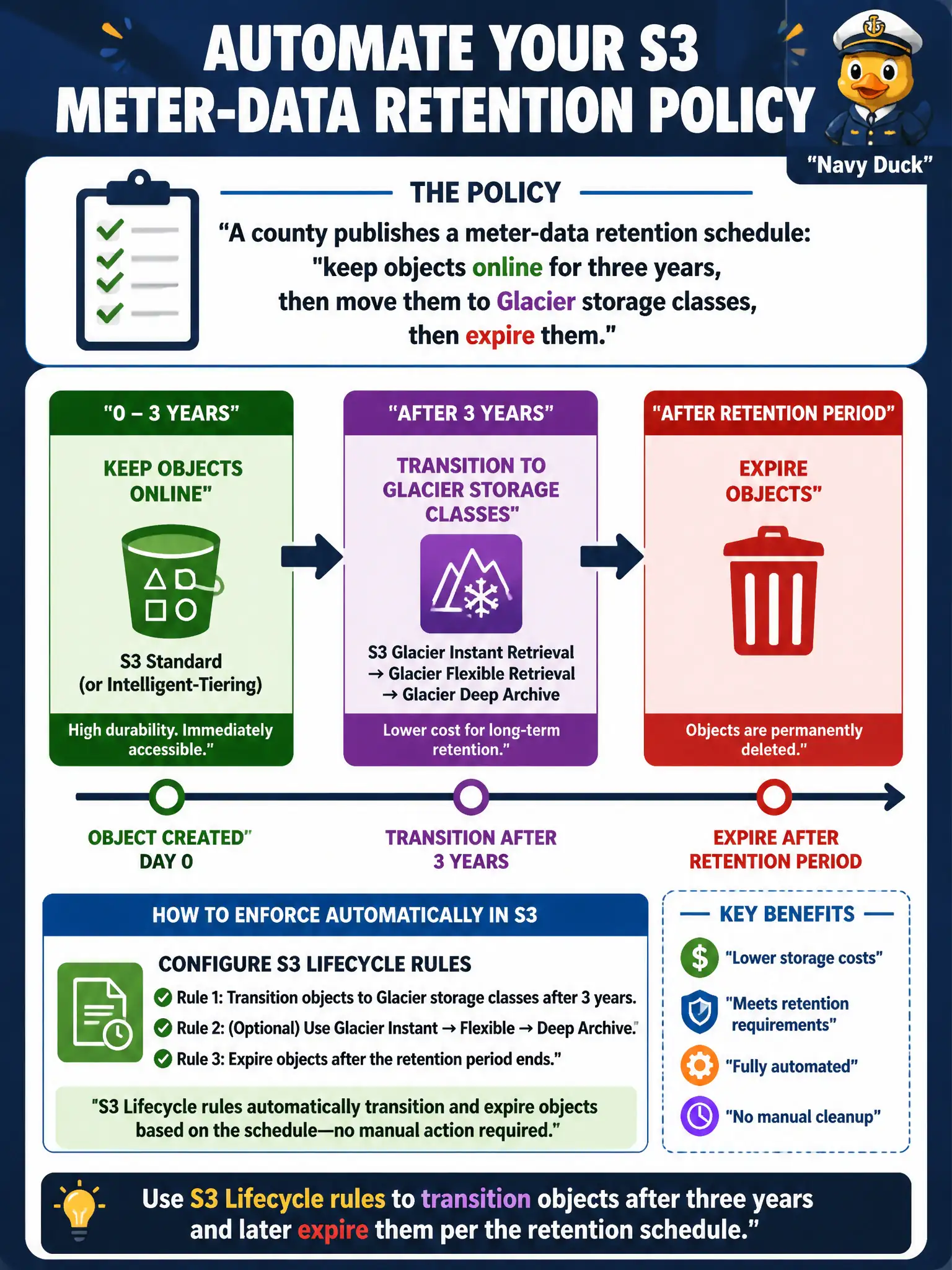
A county publishes a meter-data retention schedule: keep objects online for three years, then move them to Glacier storage classes, then expire them. How should the architect enforce that policy automatically in S3?
Select an answer to reveal the explanation.
Short Explanation
Retention schedules should run on autopilot. S3 Lifecycle rules age meter data from hot storage to Glacier and then expire it—no calendar reminders. Transfer Acceleration speeds uploads; it does not enforce how long you keep files.
Full Explanation
When a county publishes a meter-data retention schedule—keep objects online for three years, then transition to Glacier storage classes, then expire—the durable enforcement mechanism is S3 Lifecycle configuration. Lifecycle rules automatically transition objects after the three-year mark and later expire them per policy, removing dependence on staff calendars. That automation is how municipal records programs keep storage costs and legal retention aligned without monthly manual labor.
Asking staff to manually re-upload objects to Glacier folders each anniversary does not reliably enforce retention and creates human error. CloudWatch Alarms can notify but take no lifecycle actions by themselves. S3 Transfer Acceleration speeds long-distance uploads; it does not implement retention transitions or expirations.
Exam caveat: Lifecycle transitions to Glacier Instant Retrieval, Flexible Retrieval, or Deep Archive are not the same as Glacier Vault Lock / S3 Object Lock immutability—here the stem asks for scheduled transition and expire. Operational check: apply lifecycle rules on a prefix with short test periods in non-production, confirm transition and expiration events in S3 storage metrics/logs, and map rule IDs back to the published retention schedule document.