
A county separates production and nonproduction AWS accounts so developers do not hold production IAM permissions by default. How should production access work when needed?
Select an answer to reveal the explanation.
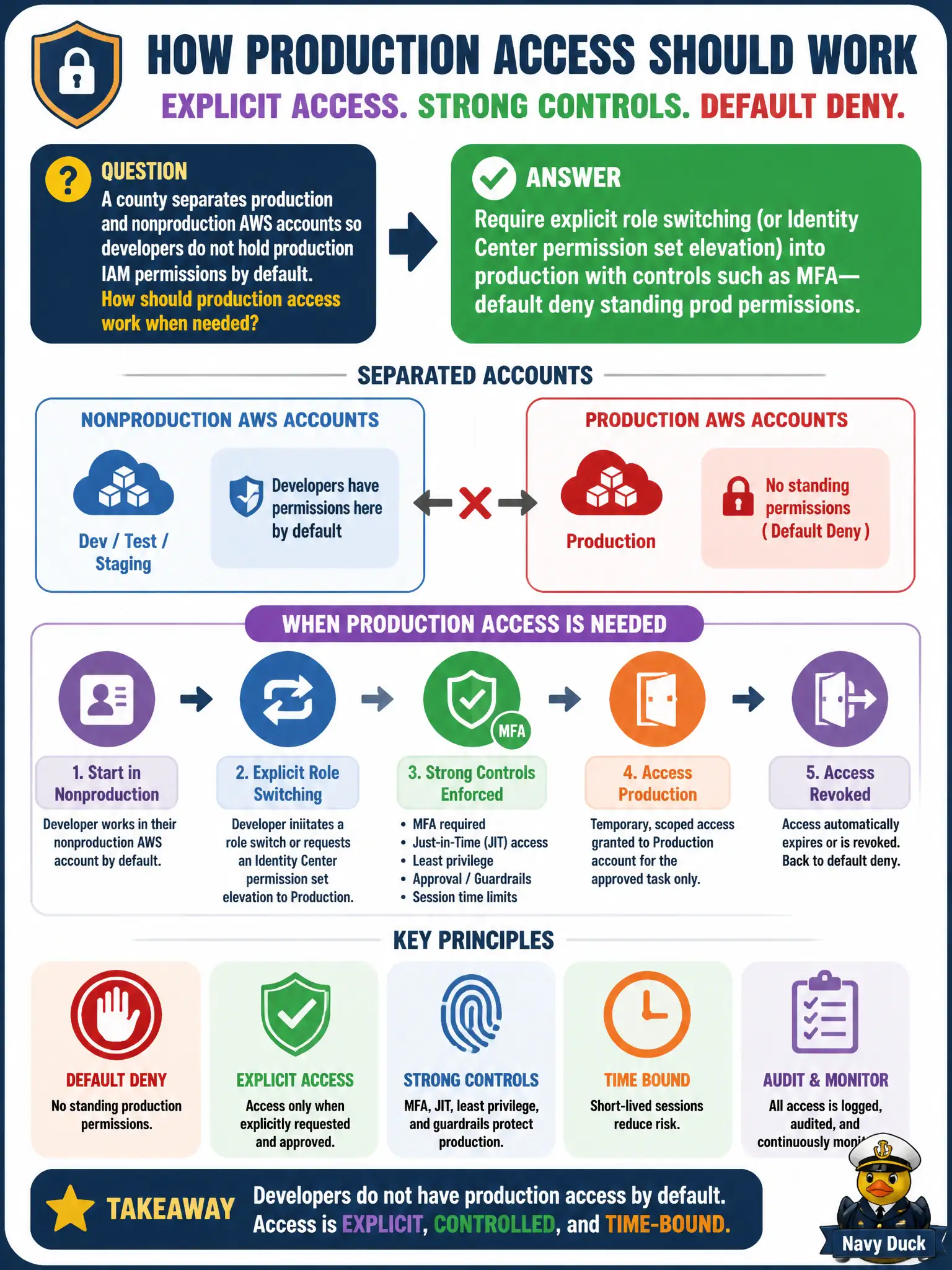
Short Explanation
Nonprod is the practice field; production is the locked stadium. Developers live in nonprod by default and only assume a production role—with MFA and eyes on the logs—when they must. Standing prod admin on every laptop erases the account split.
Full Explanation
When a county separates production and nonproduction AWS accounts so developers lack production IAM permissions by default, production access should require explicit role switching or Identity Center permission-set elevation—with MFA and auditing—rather than standing prod admin rights. Developers live in nonprod accounts for daily builds and tests; when a production change is approved, they assume a production role with scoped permissions for a short session. That preserves the account boundary as a real control instead of a billing label.
Copying production AdministratorAccess IAM users into every developer laptop image recreates standing prod privilege on endpoints. Attaching production full-admin policies to all nonprod roles automatically erases the separation. Using the production root user as the standard developer login is the most severe anti-pattern available.
Exam caveat: SCPs can deny broad IAM in prod while still allowing an approved operations role; break-glass should be separate from routine deploy roles. CI/CD should deploy via cross-account roles rather than human standing access. Operational check: sign in as a developer and confirm no prod permission sets appear by default; request elevation, complete MFA, perform a limited change, and verify CloudTrail; attempt prod API calls from the nonprod role and confirm AccessDenied.