
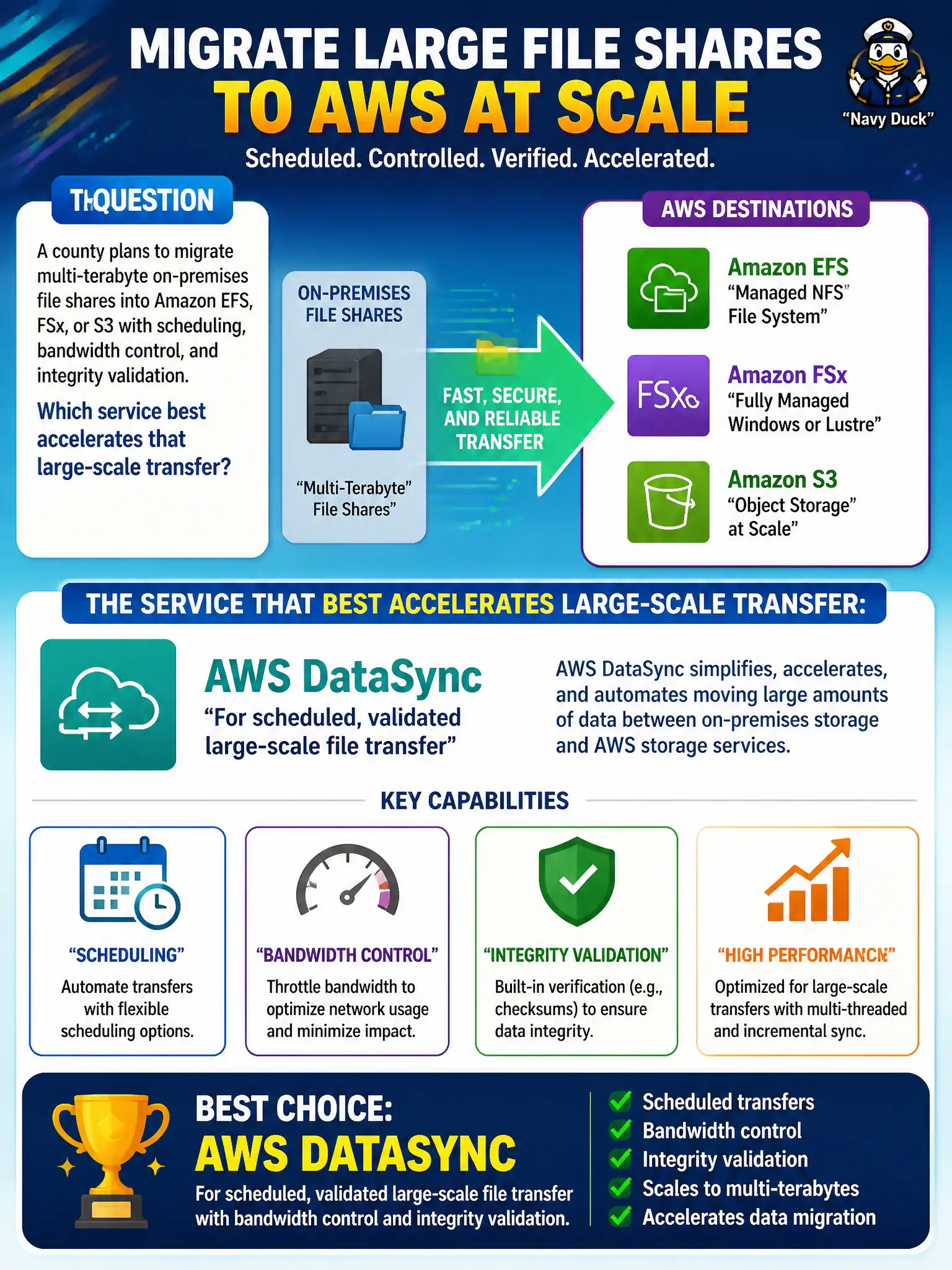
A county plans to migrate multi-terabyte on-premises file shares into Amazon EFS, FSx, or S3 with scheduling, bandwidth control, and integrity validation. Which service best accelerates that large-scale transfer?
Select an answer to reveal the explanation.
Short Explanation
Moving multi-TB file shares isn’t a weekend of scp and hope. DataSync is the managed mover that schedules transfers, can throttle bandwidth, and validates what landed in EFS, FSx, or S3. Macie finds sensitive data, SQS isn’t a file truck, and unaudited bastion copies don’t give you that operational control.
Full Explanation
Migrating multi-terabyte on-premises file shares into Amazon EFS, FSx, or S3 requires more than ad-hoc copy tools: counties need scheduling, bandwidth control, monitoring, and integrity validation. AWS DataSync is the managed transfer service built for that large-scale online migration pattern, accelerating and operationalizing movement into those AWS storage targets. Choosing DataSync therefore matches Task 3.1 guidance for efficient, validated municipal dataset transfers rather than unsupported DIY scripts. Manual recursive scp from a single bastion with no validation fails because it lacks managed scheduling, throttling, scale, and integrity verification—exactly the controls a multi-TB county migration needs. Using Amazon Macie classification jobs as the primary copy engine fails conceptually because Macie discovers and classifies sensitive data; it is not a bulk file-transfer orchestrator into EFS, FSx, or S3. Carrying each file as an Amazon SQS FIFO message body fails because SQS is a messaging service with message-size limits, not a high-volume file truck for terabyte share migration. Exam caveat: DataSync still needs network connectivity, agent or endpoint placement, IAM permissions, and cutover planning; it accelerates transfer but does not replace change-management for who owns the new AWS share. Operational check: define DataSync tasks per share, set bandwidth limits for business hours, enable verification, run a pilot directory with checksum comparison, then schedule the remaining multi-TB waves with CloudWatch monitoring.