
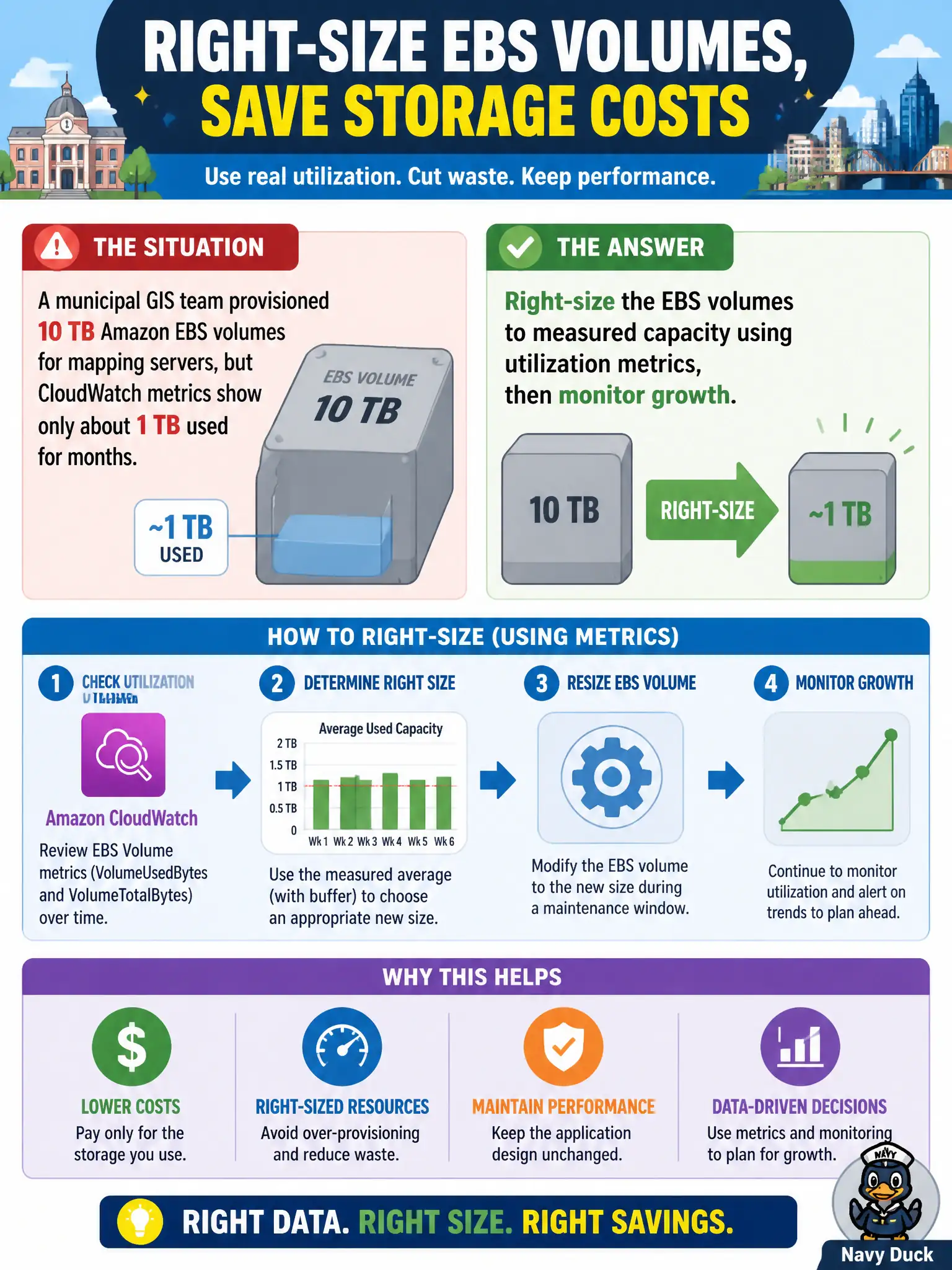
A municipal GIS team provisioned 10 TB Amazon EBS volumes for mapping servers, but CloudWatch metrics show only about 1 TB used for months. What should the city architect do to cut storage cost without changing the application design?
Select an answer to reveal the explanation.
Short Explanation
Paying for empty disk is like renting a warehouse and filling one shelf. Metrics already show ~1 TB used, so shrink the EBS to what you need and keep watching growth—don't fund 10 TB of air.
Full Explanation
Right-sizing Amazon EBS volumes to measured utilization is the correct cost move for the municipal GIS mapping servers because block storage is billed for provisioned capacity, not for how full the volume feels to operators. CloudWatch and related capacity metrics already show roughly 1 TB used against 10 TB provisioned for months, so the city is paying for empty gigabytes. Shrinking (or migrating to a smaller volume and attaching it) without redesigning the application preserves the existing block-device model while cutting waste, then continued monitoring catches legitimate growth before the next budget cycle. Leaving the 10 TB volumes and buying Reserved Instances for the EC2 hosts only fails conceptually because Reserved Instances discount compute commitment; they do not erase charges for unused EBS capacity still attached to those hosts. Migrating every map file immediately to S3 Glacier Deep Archive fails because Glacier Deep Archive is an object-archive class with restore latency unsuitable as a drop-in replacement for active EBS-backed application disks without an application redesign the question forbids. Enabling EFS Intelligent-Tiering on existing EBS volumes fails because Intelligent-Tiering is not an EBS volume feature—EFS and S3 offer that class of automatic tiering, and toggling a nonexistent control on EBS does not resize block volumes. Exam caveat: prefer measured rightsizing of EBS over compute reservations, archive migrations, or misapplied file/object tiering when utilization metrics already prove over-provisioning. Operational check: confirm free space and peak used capacity from CloudWatch/OS metrics; plan a change window to create a smaller volume, migrate data, cut over, and delete the oversized volume; set utilization alarms and a quarterly capacity review so GIS growth is funded intentionally rather than by permanent overbuild.