
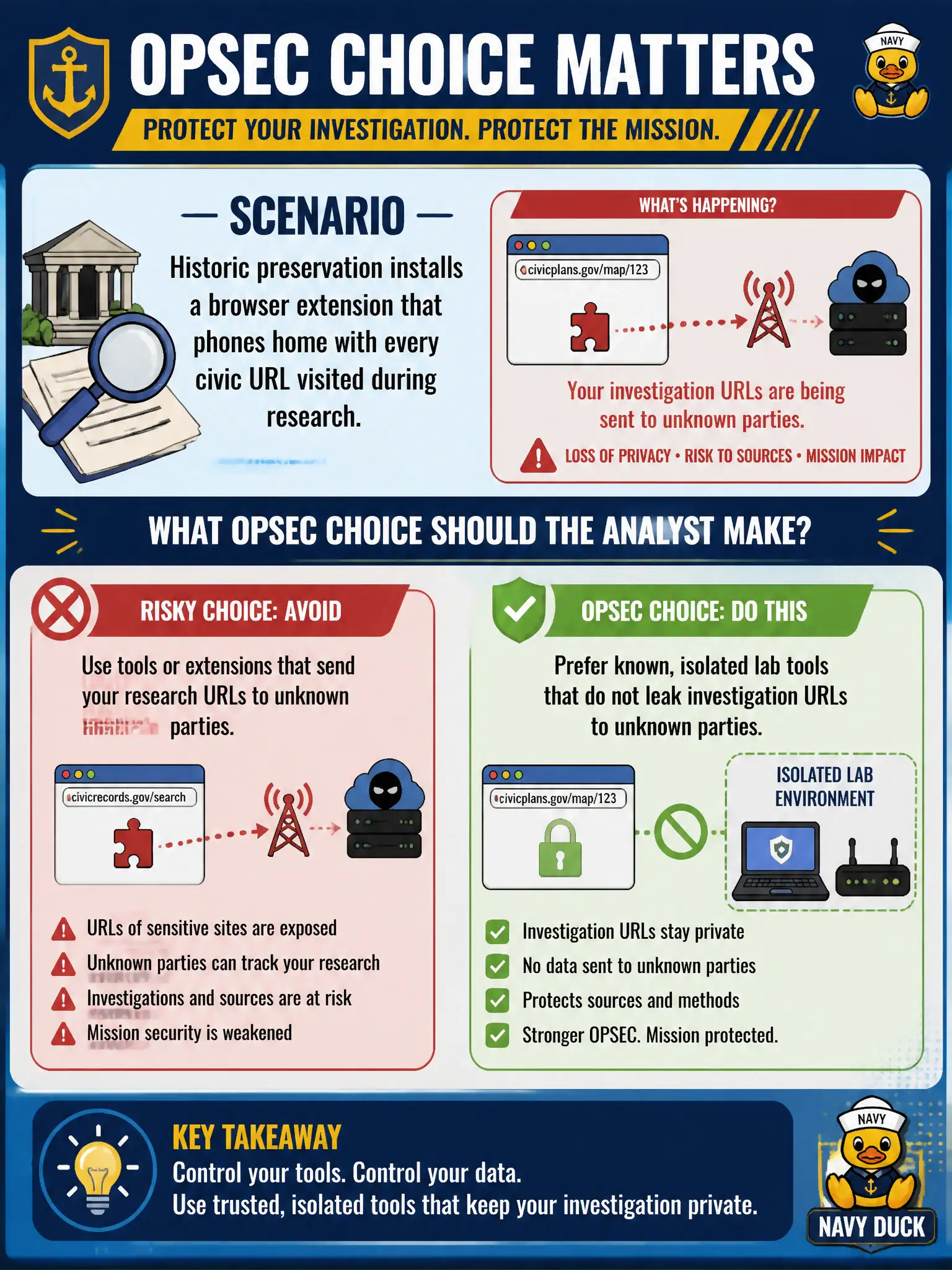
Historic preservation installs a browser extension that phones home with every civic URL visited during research. What OPSEC choice should the analyst make?
Select an answer to reveal the explanation.
Short Explanation
A helper that tattles every URL is a leak, not a shortcut. Research tools can advertise the investigation. Use known lab tools in an isolated profile instead of mystery extensions.
Full Explanation
Tool OPSEC includes whether a helper transmits the investigation's targets. When historic preservation installs a browser extension that phones home with every civic URL visited during research, the analyst should prefer known, isolated lab tools that do not leak investigation URLs to unknown parties. Extensions can disclose civic targets, timing, and researcher identity to a third party even when marketed as research helpers.
Keeping the extension because any store listing is trustworthy by default outsources trust to marketing. Pasting every visited URL to a public paste site so teammates can watch live broadcasts the case. Moving the investigation onto a personal phone browser with the same extension widens the leak onto a non-lab device.
Exam caveat: even 'helpful' extensions may phone home for telemetry; evaluate data flow, not just feature claims, before installing on research browsers.
Operational check: remove the phoning-home extension, use documented tools in an isolated research profile/VM, avoid personal devices and public pastes for live target lists, and log tool choices in the case notes. In municipal practice, keep the wording tied to public artifacts, retrieval dates, and the authorized civic question so peers can re-perform the work without guessing intent.