
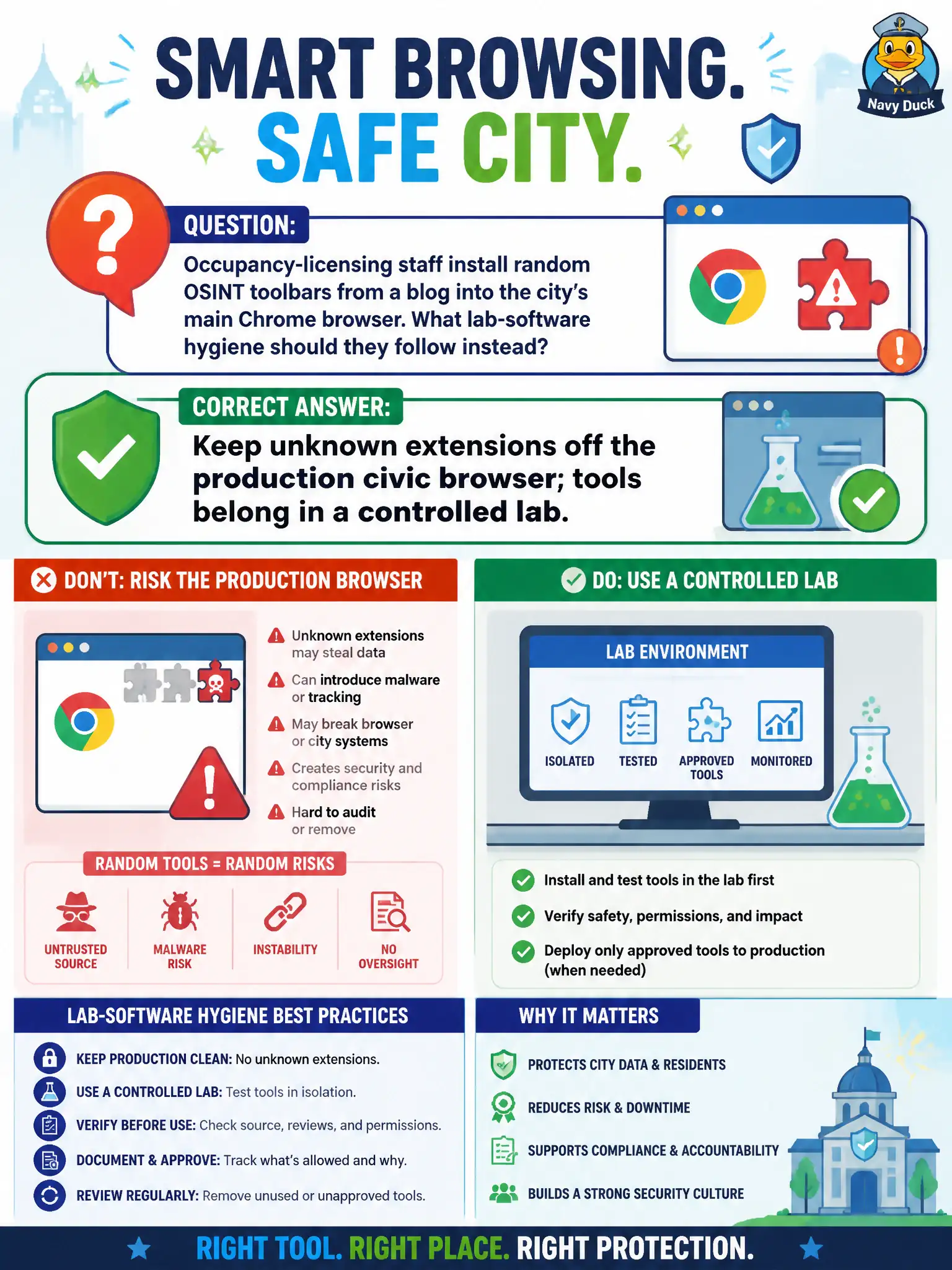
Occupancy-licensing staff install random OSINT toolbars from a blog into the city's main Chrome browser. What lab-software hygiene should they follow instead?
Select an answer to reveal the explanation.
Short Explanation
Mystery toolbars in the city's real Chrome are strangers with keys to the production cookie jar. A blog is not a software-vetting process. OSINT add-ons live in a controlled lab browser, not on the licensing desktop everyone uses for official work.
Full Explanation
Unknown extensions and random OSINT toolbars from blogs should stay off the city's main production Chrome browser; tools belong in a controlled lab where licensing staff can evaluate them without risking the enterprise profile. Installing every advertised toolbar into production Chrome so staff share one powerful profile expands malware and data-exfiltration risk across occupancy-licensing work. Allowing unsigned extensions merely because a blog includes a screenshot is not a trust decision. Loading the same toolbars on the permitting database workstation to save a second install contaminates a higher-value system. Exam caveat: centrally approved enterprise extensions may be allowed after security review; the failure mode is ad-hoc blog installs into production. Operational check: before adding any research tool, confirm it is approved for the lab image and that the production civic browser remains free of unvetted extensions. Keep the civic purpose, method limits, and exhibit labels aligned so reviewers can see what was public-source work versus other authorities. Document residual uncertainty explicitly rather than implying completeness. Prefer reversible public methods and preserve exhibits that a second analyst can reopen without guessing.