
The historic-preservation office stores sock-puppet passwords in the same shared spreadsheet as the public website CMS credentials. What credential-hygiene change is required?
Select an answer to reveal the explanation.
Short Explanation
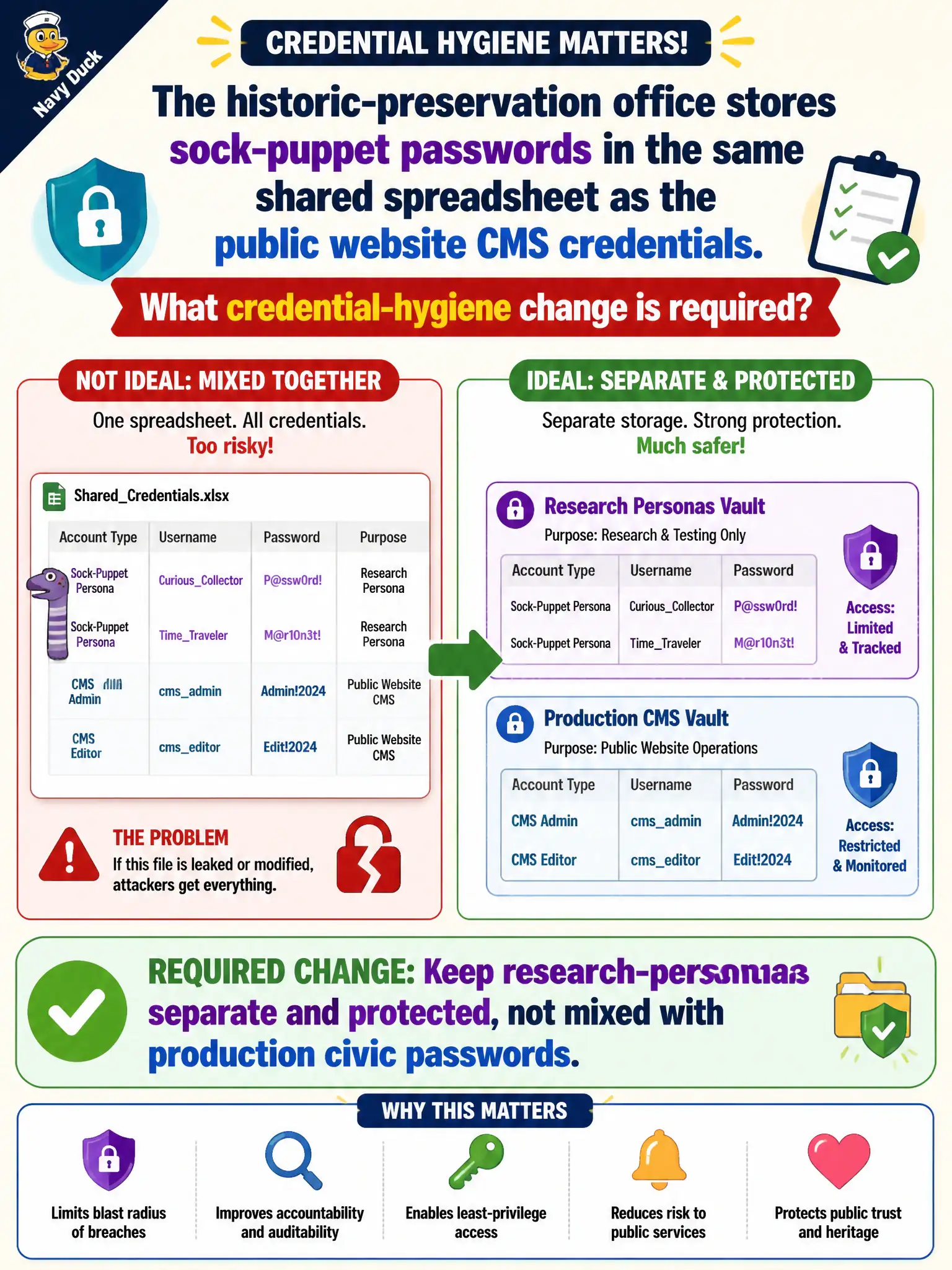
Sock-puppet passwords living next to the public-site CMS password is two keys on one sticky note. Lose the sheet, and both the research personas and the production website are gone. Research credentials need their own protected store, away from civic production logins.
Full Explanation
Research-persona credentials must be kept separate and protected, not mixed with production civic passwords such as public website CMS credentials in one shared spreadsheet. Combining sock-puppet secrets with CMS logins expands blast radius: a leak of the research sheet can compromise the live historic-preservation site, and CMS access holders may not need persona secrets. Reusing the CMS password on every research persona maximizes credential reuse risk. Publishing the spreadsheet on the intranet home page for after-hours access advertises secrets. Emailing the combined sheet to a personal account as offsite backup creates an uncontrolled copy. Exam caveat: password managers and role-based vaults are preferred over spreadsheets for both classes of secrets. Operational check: move sock-puppet credentials into a dedicated vault with least privilege, rotate anything previously co-stored with CMS passwords, and confirm production CMS secrets no longer appear in research docs. Keep the civic purpose, method limits, and exhibit labels aligned so reviewers can see what was public-source work versus other authorities. Document residual uncertainty explicitly rather than implying completeness.