
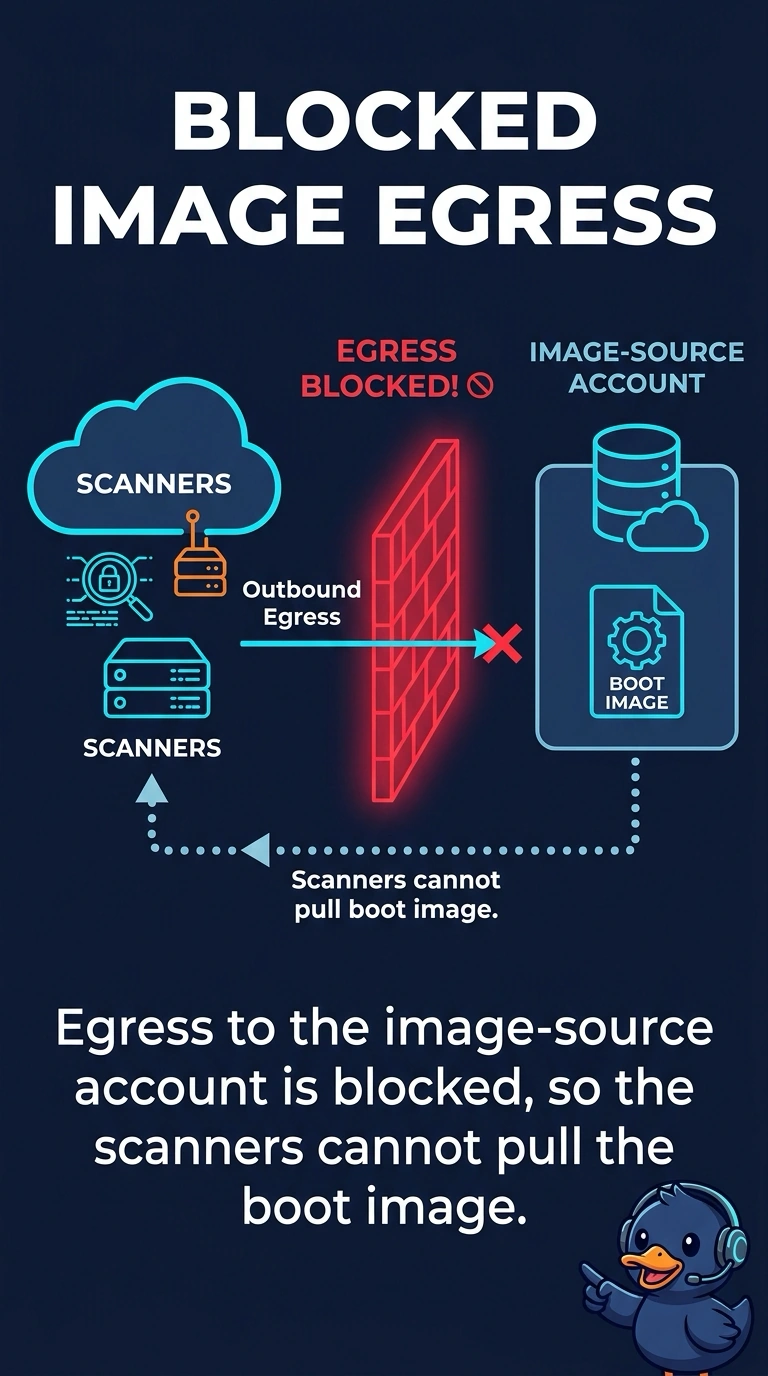
Scanner virtual machines in a new AWS outpost never begin their scans. The security group allows an analyst browser to the tenant UI and blocks egress to the Cortex-owned image account. What is the fault?
Select an answer to reveal the explanation.
Short Explanation
Think of the scanner as a machine that has to pick up its own toolbox before it can work. You opened the door to the tenant UI and locked the door to the image account, so the toolbox never arrives. The tenant is not down just because a browser can still see it.
Full Explanation
Outpost scanner virtual machines boot from a Cortex-owned image and need egress to the image-source account, or scanning never starts. A security group that blocks that egress is the fault. Allowing an analyst browser to reach the tenant UI proves the console path, and it does not give the private scanners the image they boot from. The tenant is not down because that browser path was left open. The UI allow does not diagnose the image pull. Reinstalling the Broker VM in the application account confuses the broker with the outpost. The broker is not a scanner image and is not what these virtual machines boot from. Agents losing heartbeat to the regional Cortex hosts is an endpoint path problem on TCP 443 toward the heartbeat and upload names. These scanners are not those agents, and their symptom is a boot image they cannot pull. Exam caveat: commercial AWS, GovCloud, Azure, and GCP each publish a different image-source account or project, so the allow has to match this cloud. Operational check: from the scanner subnet, confirm egress to the image-source account for this outpost, then verify a scanner virtual machine can pull the Cortex-owned image.