
A municipal water utility's Cortex Cloud CloudFormation stack rolls back on the first failed resource during AWS organization onboarding. The failed resource event reports AccessDenied for a named API action. What should the engineer inspect before launching the organization stack again?
Select an answer to reveal the explanation.
Short Explanation
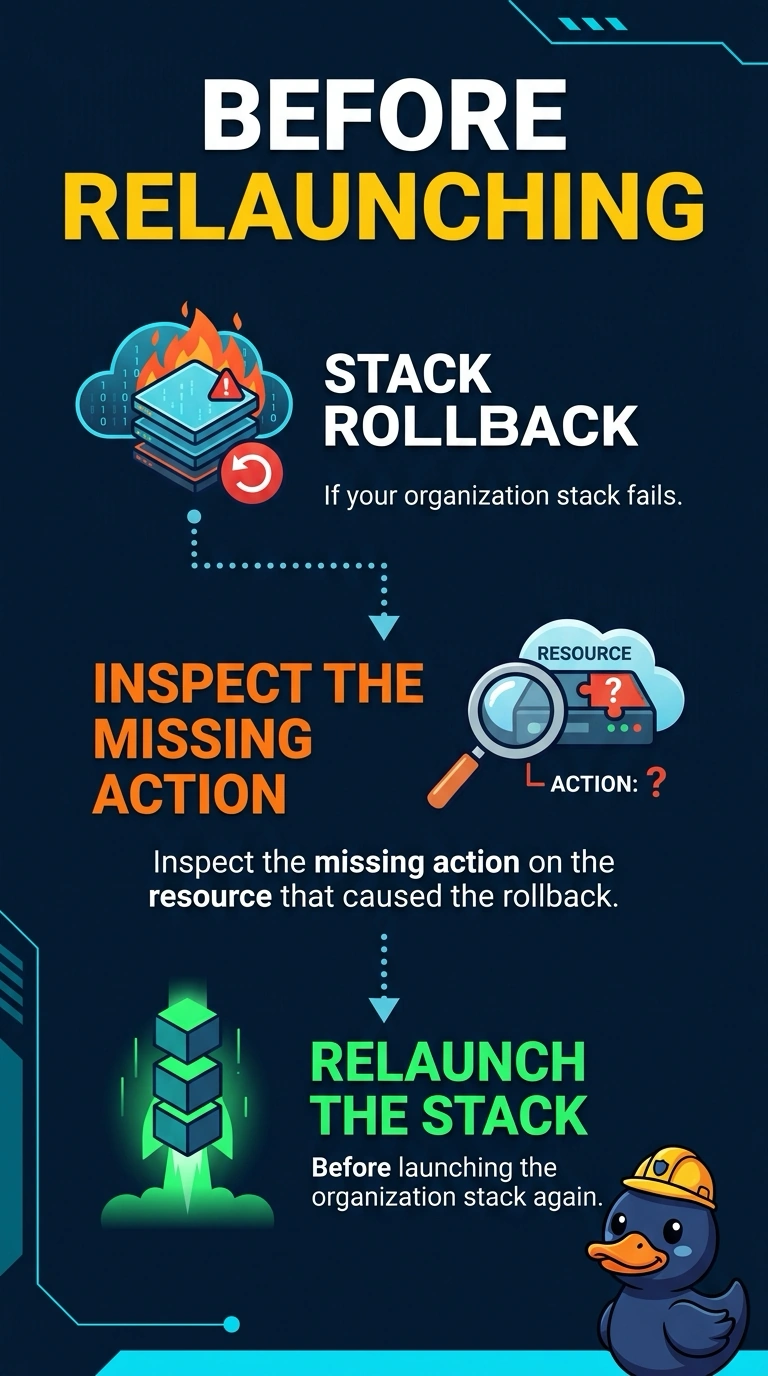
You have a clear clue: the AccessDenied event names the API action that stopped the stack. Inspect the failed resource and its missing action, then correct the relevant IAM or SCP controls before retrying. Rerunning the template without fixing the denial will not make it disappear.
Full Explanation
Inspect the failed resource event and its status reason before launching the organization stack again. The AccessDenied message names the API action that was denied, so checking that missing action shows which effective IAM permission or SCP allowance must be corrected. Changing the Cortex tenant region does not grant the missing permission; the region parameter is unrelated to an AccessDenied status reason. Launching the whole organization template again from its first resource without fixing the effective controls is likely to repeat the same denial when CloudFormation makes the same API call. Creating a new reader role in a member account whose stack already finished does not repair the failed organization resource, and a single-account reader role is the wrong scope for this organization onboarding failure. Exam caveat: if an organization guardrail denies the action, adding permission to the stack role alone will not override that guardrail. Practical check: open the failed stack events, record the resource and named action, correct the permission or conflicting control, and only then rerun the stack.