
A retailer disables the email pattern inside the PII profile and expects national identifiers and the profile's other patterns to stop matching too. What actually changes?
Select an answer to reveal the explanation.
Short Explanation
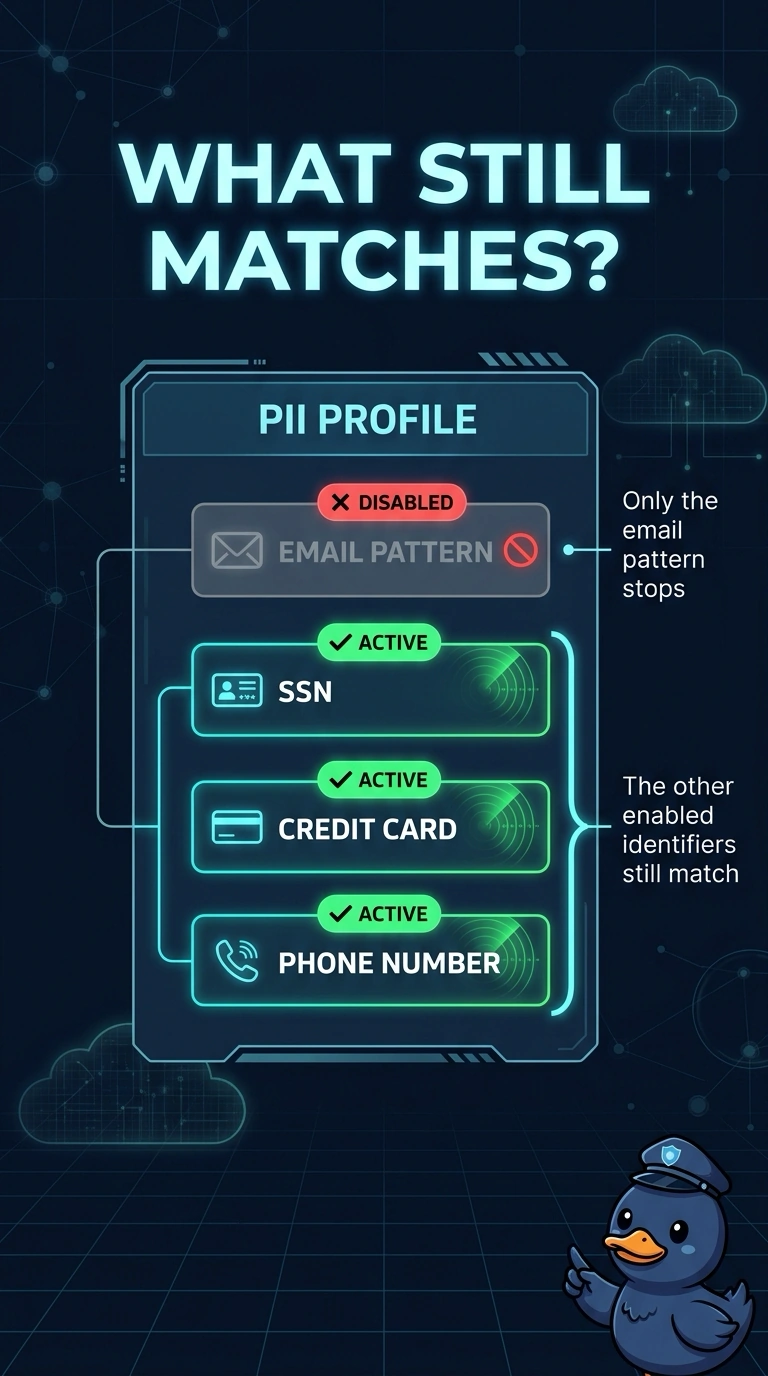
You can think of each pattern as its own alarm: disabling email does not shut down the whole panel. The other enabled identifiers in the PII profile, including national identifiers, still match; only the email pattern stops matching. OCR and PCI card-number matching are separate, so that email change does not turn them off.
Full Explanation
Patterns such as email and national identifiers can be enabled or disabled individually. Disabling the email pattern stops email matches, but it does not disable the rest of the PII profile; its other enabled identifiers continue to match. Removing the entire PII profile would stop matching for identifiers in that profile, but disabling one pattern does not remove the profile. OCR is a separate global control, on by default: turning it off skips text inside images across every module. Disabling the email pattern does not change OCR. Card-number patterns belong to PCI classification, not to the email pattern in PII, so they continue matching; an email-pattern change does not make them stop on the same day. Exam caveat: Existing API sensitive-data fields show matches for the remaining enabled patterns; profile enablement controls findings, not whether a new column exists. Practical check: After disabling email, scan an object containing both an email address and a national identifier and confirm that only the email match disappears.