
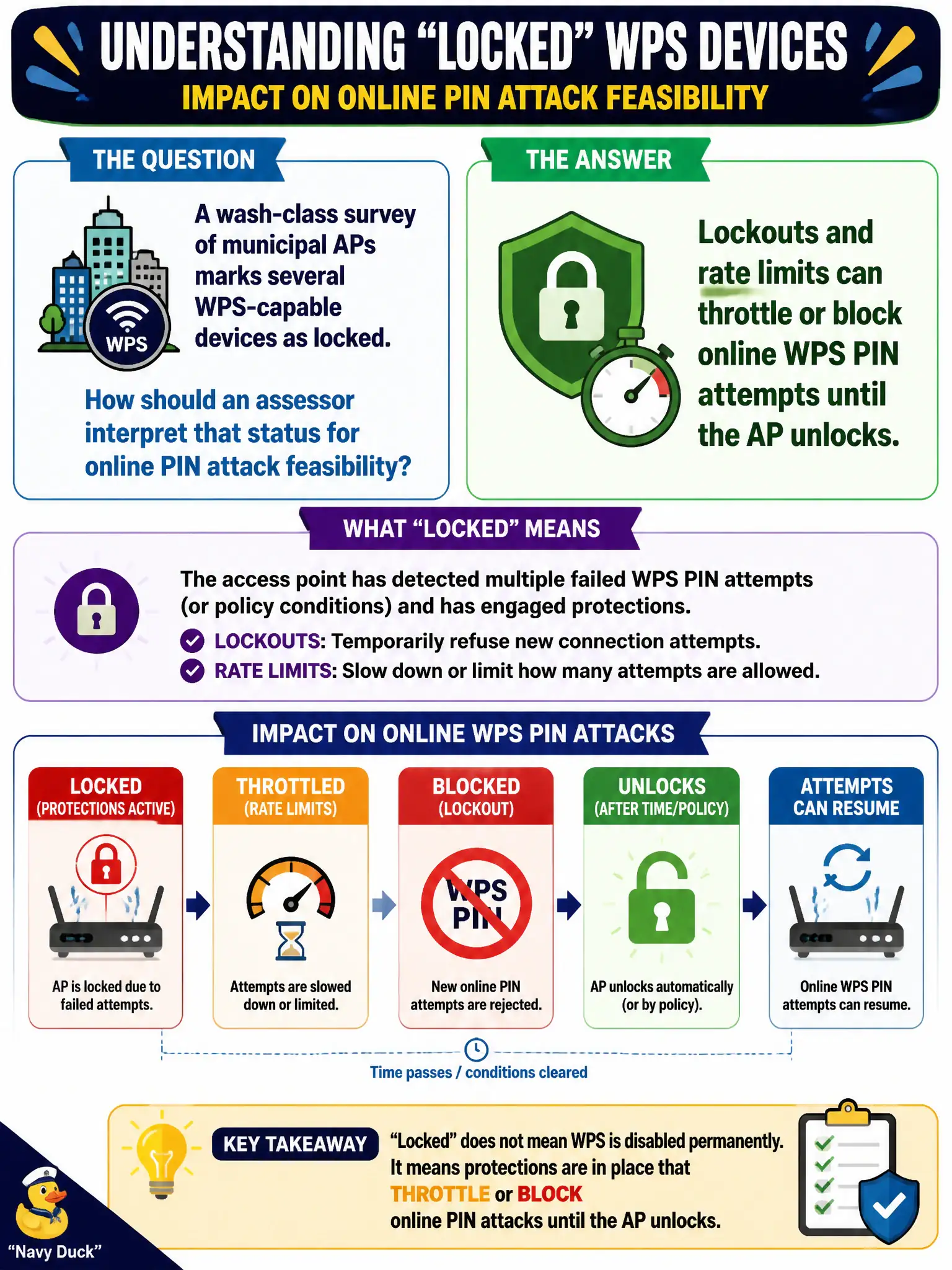
A wash-class survey of municipal APs marks several WPS-capable devices as locked. How should an assessor interpret that status for online PIN attack feasibility?
Select an answer to reveal the explanation.
Short Explanation
Locked is the AP saying 'slow down'—online PIN pounding may be stalled for a while. It is not a promise the password is in the cloud or that offline magic is instant. Note it and adjust feasibility.
Full Explanation
When a wash-class survey marks several municipal WPS-capable devices as locked, assessors should interpret that status as evidence that lockouts and rate limits can throttle or block online WPS PIN attempts until the AP unlocks. Locked is an operational obstacle to online PIN classes, not a universal statement about permanent removal, cloud PSK leakage, or guaranteed offline pixie success. Civic reports should describe lock behavior accurately.
'Locked always means WPS is permanently removed and can never be re-enabled' fails because locked does not always mean WPS is permanently removed and can never be re-enabled. 'Lock status guarantees the PSK is already public in the vendor cloud' fails because lock status does not guarantee the PSK is already public in the vendor cloud. 'A locked flag proves offline pixie-class recovery will succeed within seconds' fails because a locked flag does not prove offline pixie-class recovery will succeed within seconds.
Exam caveat: lockouts buy time—they are not a complete WPS disablement control. Operational check: record lock state per municipal AP, avoid hammering locked devices against RoE, prefer disable-WPS remediation, and retest after unlock windows only if still authorized. Note lock timing in the evidence log. In municipal wireless operations, record the rationale in the engagement notes so future assessors know which control or technique class was chosen and which failure modes the rejected options would create for city services.