
An assessor documents required client trust-store settings for municipal Enterprise laptops. What hardening guidance belongs in that note?
Select an answer to reveal the explanation.
Short Explanation
Hardening means laptops only trust the real RADIUS cert—or a pinned issuer—and reject strangers. 'Trust anyone for speed' is how evil twins win.
Full Explanation
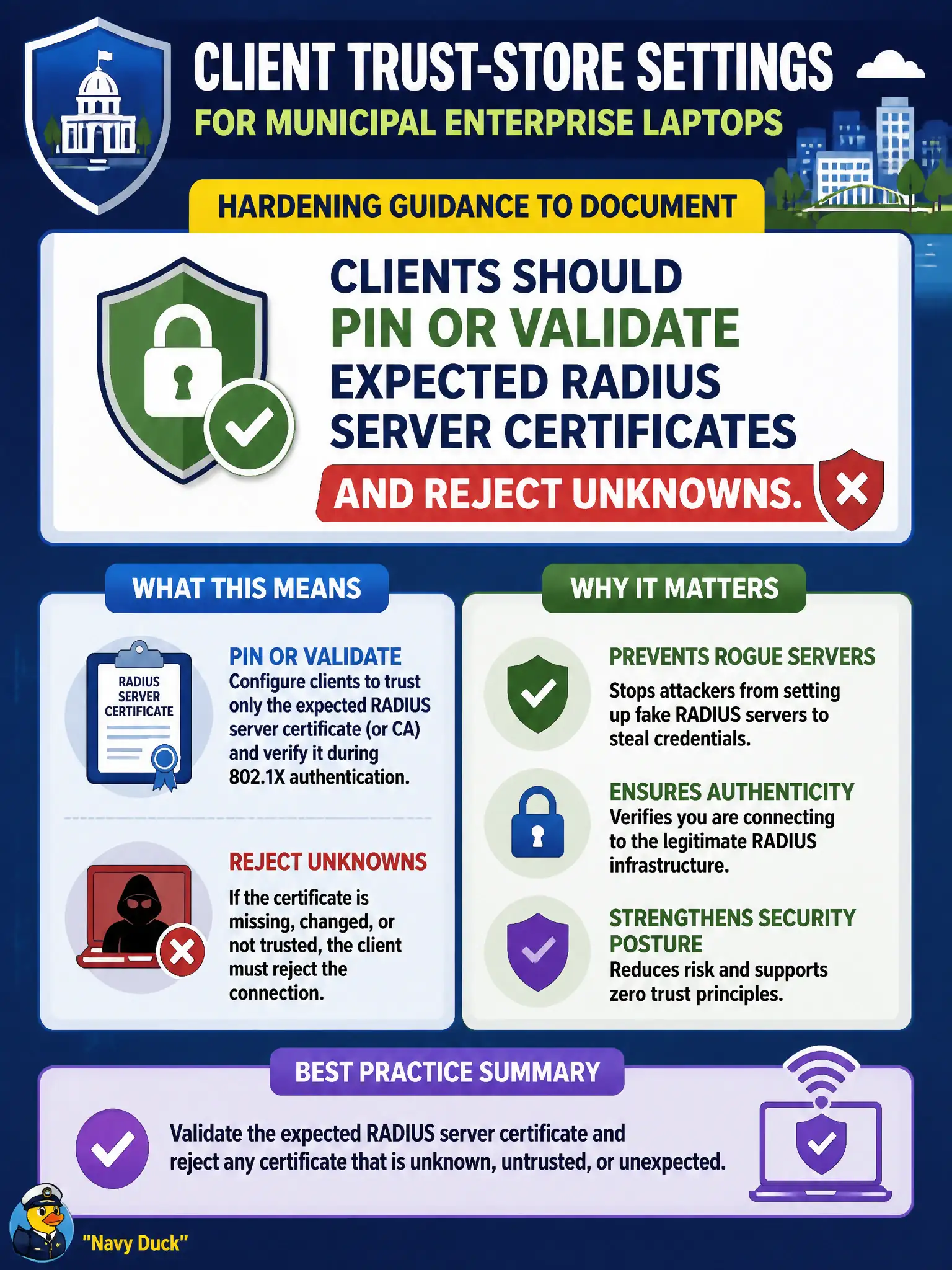
Required client trust-store settings for municipal Enterprise laptops should pin or validate expected RADIUS server certificates and reject unknowns. Clients should not trust any certificate presented on the corporate SSID merely to maximize roaming speed. Clients should not disable certificate checks whenever PEAP is selected for simpler help-desk resets. Clients should not store the RADIUS shared secret in the Wi-Fi profile GUI for user visibility; that secret belongs on authenticator-to-AAA links, not end-user screens. Exam caveat: MDM-enforced validation beats optional checkboxes users can clear. Operational check: inspect civic Wi-Fi profiles for validate-certificate flags and expected CA or server names, attempt an authorized twin with a wrong cert, and confirm association fails without user override. For municipal and campus engagements, keep the finding language tied to authorized scope, name the building or SSID class affected, and state the residual risk to residents or staff if the rejected option had been chosen. Re-validate after the next change window that the selected control still matches inventory, monitoring, and RoE abort criteria used by the city wireless program.