
City employees routinely click through Wi-Fi server certificate warnings on their staff SSID. How does that behavior affect Enterprise evil-twin risk?
Select an answer to reveal the explanation.
Short Explanation
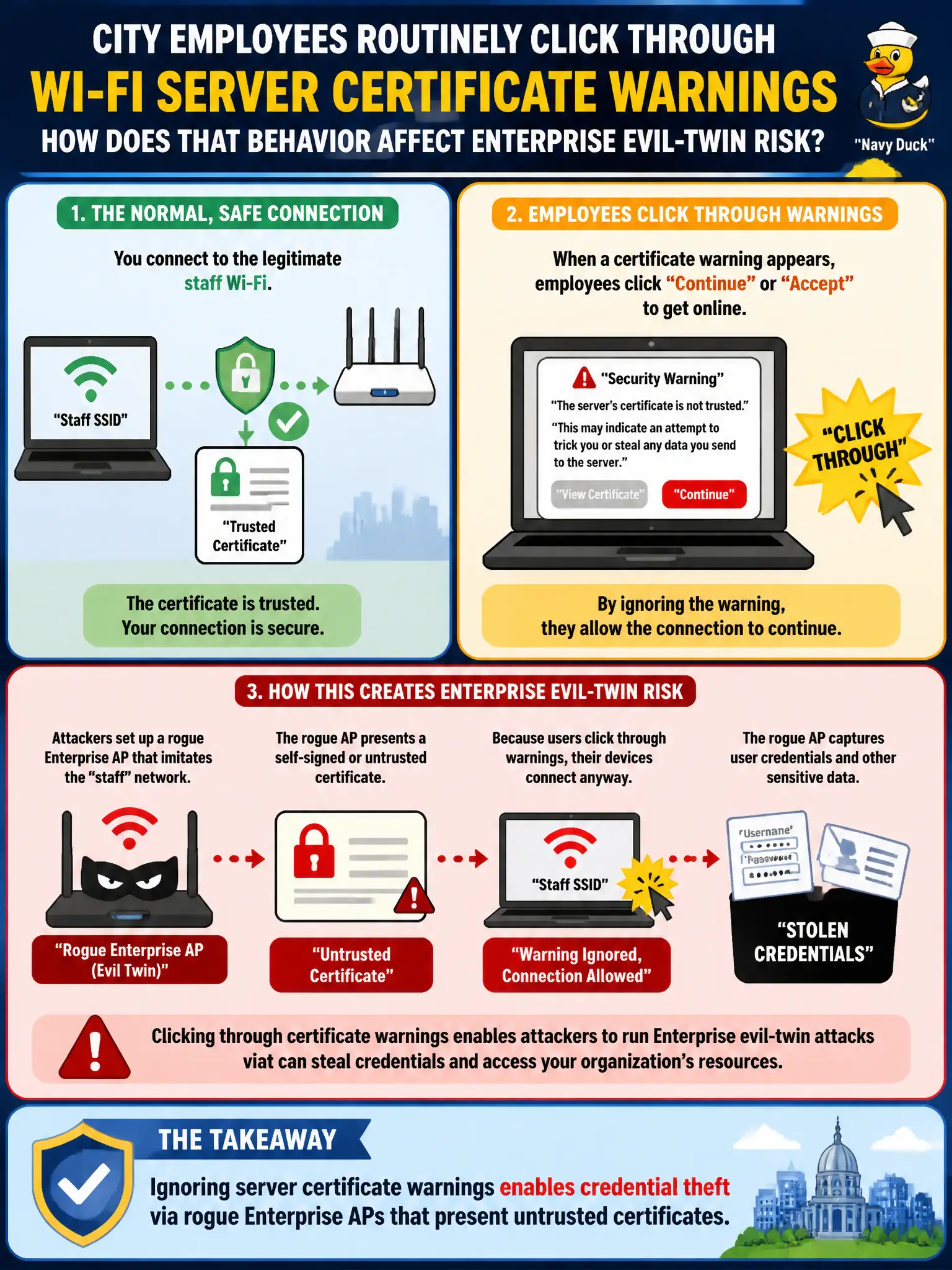
That scary cert popup is the laptop saying the Wi-Fi "bank" looks fake. Clicking through hands your PEAP password chat to whoever hung the lookalike sign. Train thumbs to stop, not to tap Continue.
Full Explanation
When city employees routinely click through Wi-Fi server certificate warnings on their staff SSID, they undermine the primary client-side control that binds EAP sessions to the legitimate municipal AAA presenter. Ignoring those warnings enables credential theft via rogue Enterprise APs that present untrusted certificates, because the TLS tunnel for PEAP-style methods may be established to the wrong party. Certificate warnings are not cosmetic and can relate directly to credential exposure. Clicking through does not upgrade the session to EAP-TLS hardware tokens. Warnings can and do appear on 802.1X SSIDs; they are not limited to open guest networks. Exam caveat: user behavior and MDM-enforced validation are part of Enterprise wireless security, not optional etiquette. Operational check: review civic endpoint profiles for mandatory server certificate validation, sample help-desk tickets for click-continue advice, and run an authorized evil-twin assurance test to see whether staff devices still join. For municipal and campus engagements, keep the finding language tied to authorized scope, name the building or SSID class affected, and state the residual risk to residents or staff if the rejected option had been chosen. Re-validate after the next change window that the selected control still matches inventory, monitoring, and RoE abort criteria used by the city wireless program.