
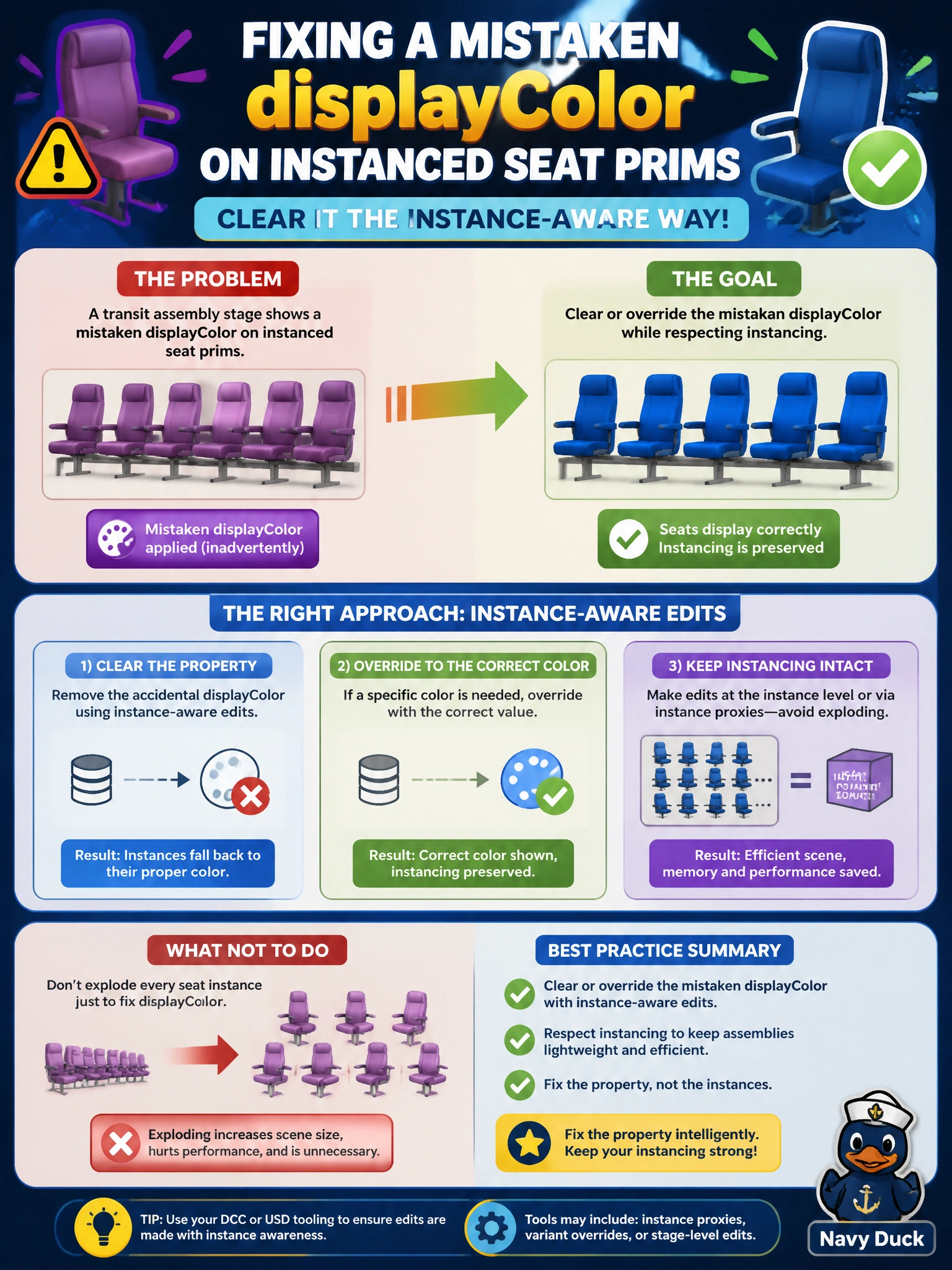
A transit assembly stage shows a mistaken displayColor on instanced seat prims. How should authors clear that property while respecting instancing?
Select an answer to reveal the explanation.
Short Explanation
One wrong seat color doesn’t mean you melt down every instance into unique meshes. Fix the mistaken displayColor with careful instance-aware overrides—or deinstance only what must change. Keep the rest of the car’s seating as tidy shared instances.
Full Explanation
A mistaken displayColor on instanced seat prims in a transit assembly should be cleared or overridden with instance-aware edits appropriate to the assembly, rather than exploding every seat into unique non-instance prims. Preserve shared prototypes for seats that remain correct; override or carefully deinstance only what must change. That approach respects instancing constraints while fixing the visible color error on the composed stage.
Always duplicating each seat mesh into unique prims before any color fix is unnecessary cost and identity churn. Muting the root LayerStack so colors disappear citywide is destructive and unrelated to a seat displayColor fix. Changing LIVERPS order in the USDA header to delete displayColor globally is not how LIVERPS works—authors do not reorder the mnemonic to delete properties, and a global header trick is not a valid fix.
Exam caveat: if the wrong color is authored on the shared prototype, fixing the prototype corrects all seats that should share it; if only some seats are wrong, use instance-scoped overrides instead of prototype edits. Operational check: determine whether the mistaken displayColor is prototype-authored or instance-specific; apply the narrowest clear/override; confirm remaining seats stay instanced and correctly colored. Avoid “deinstance everything” unless divergence is truly required for every seat.